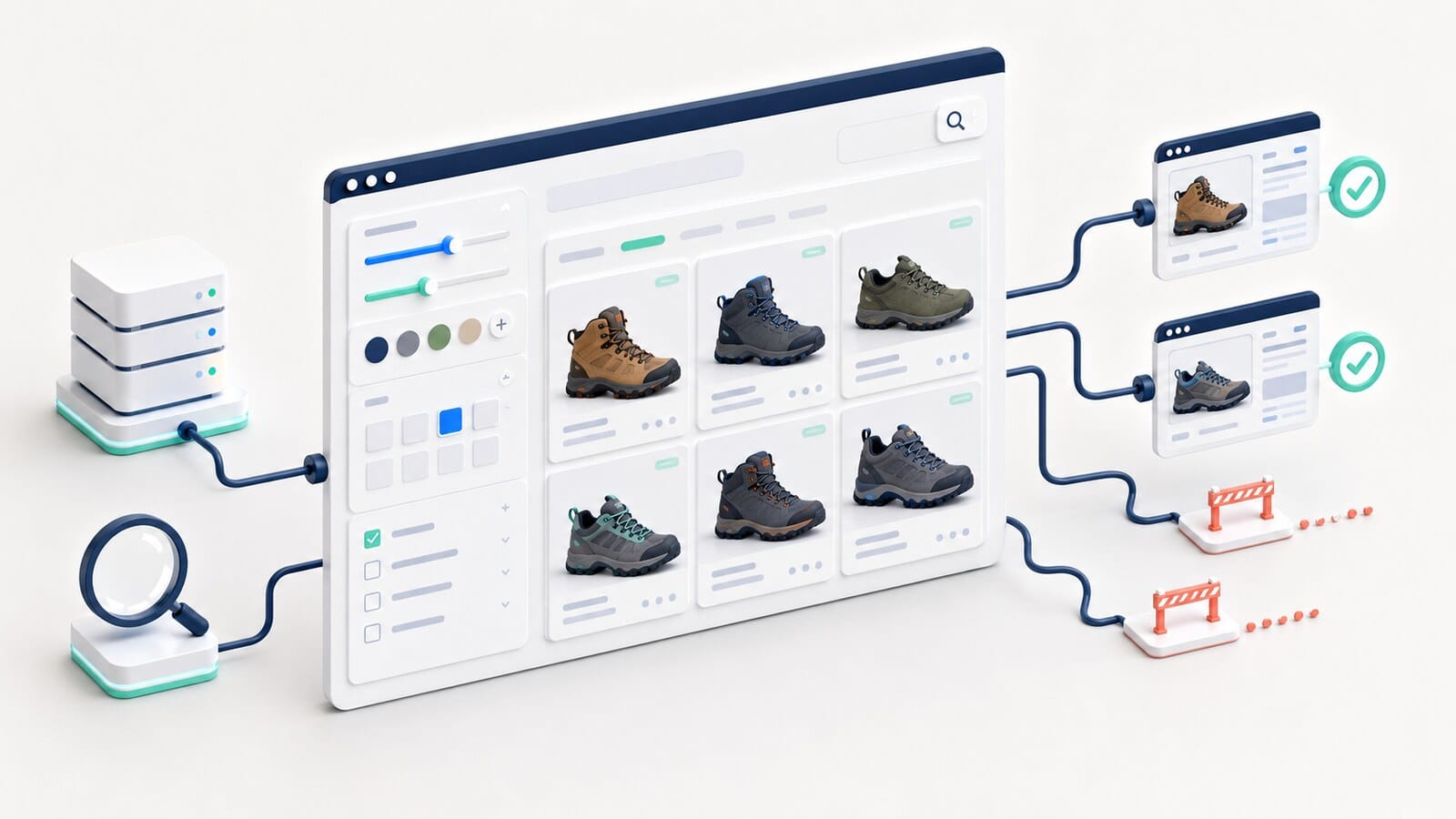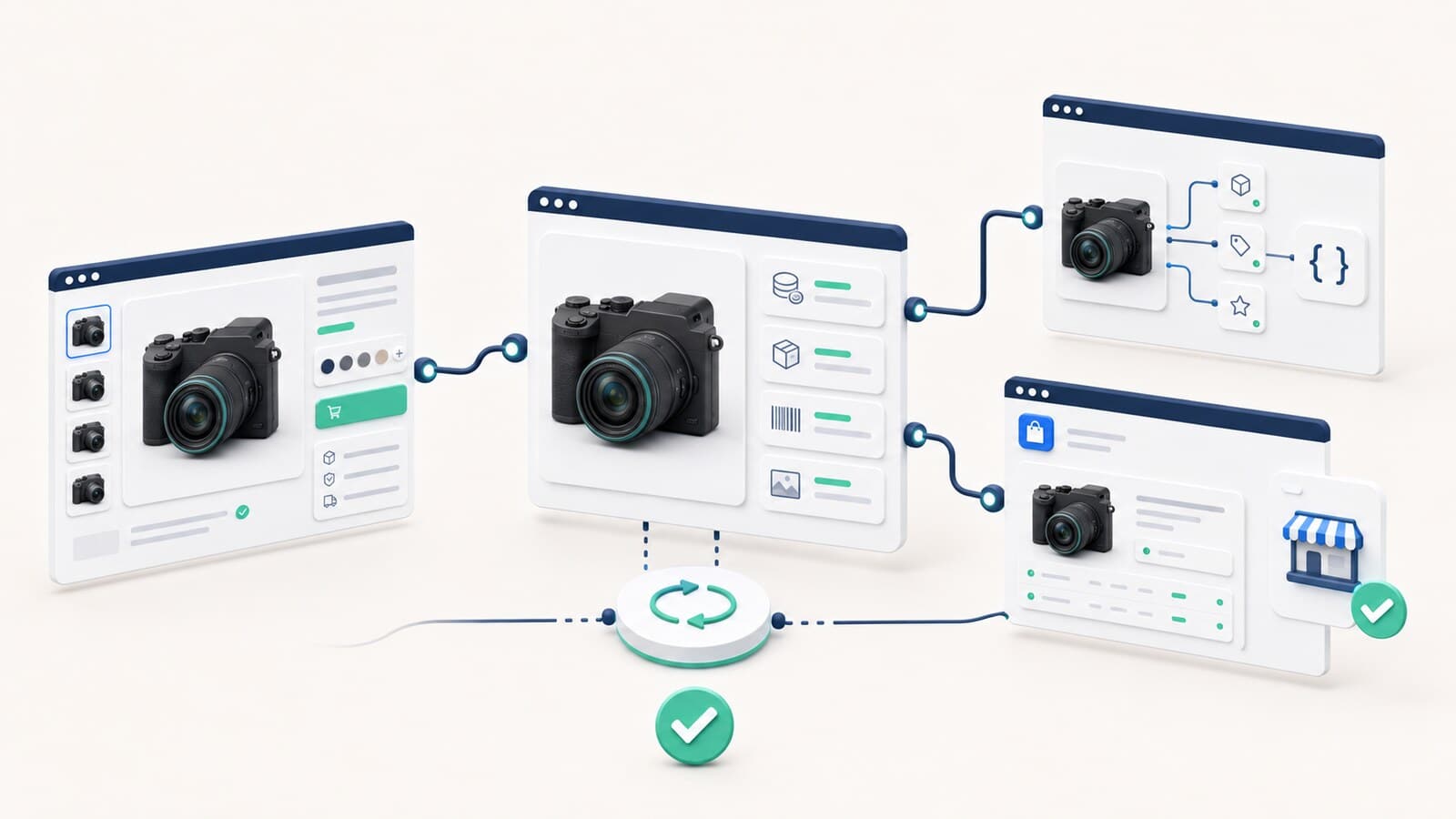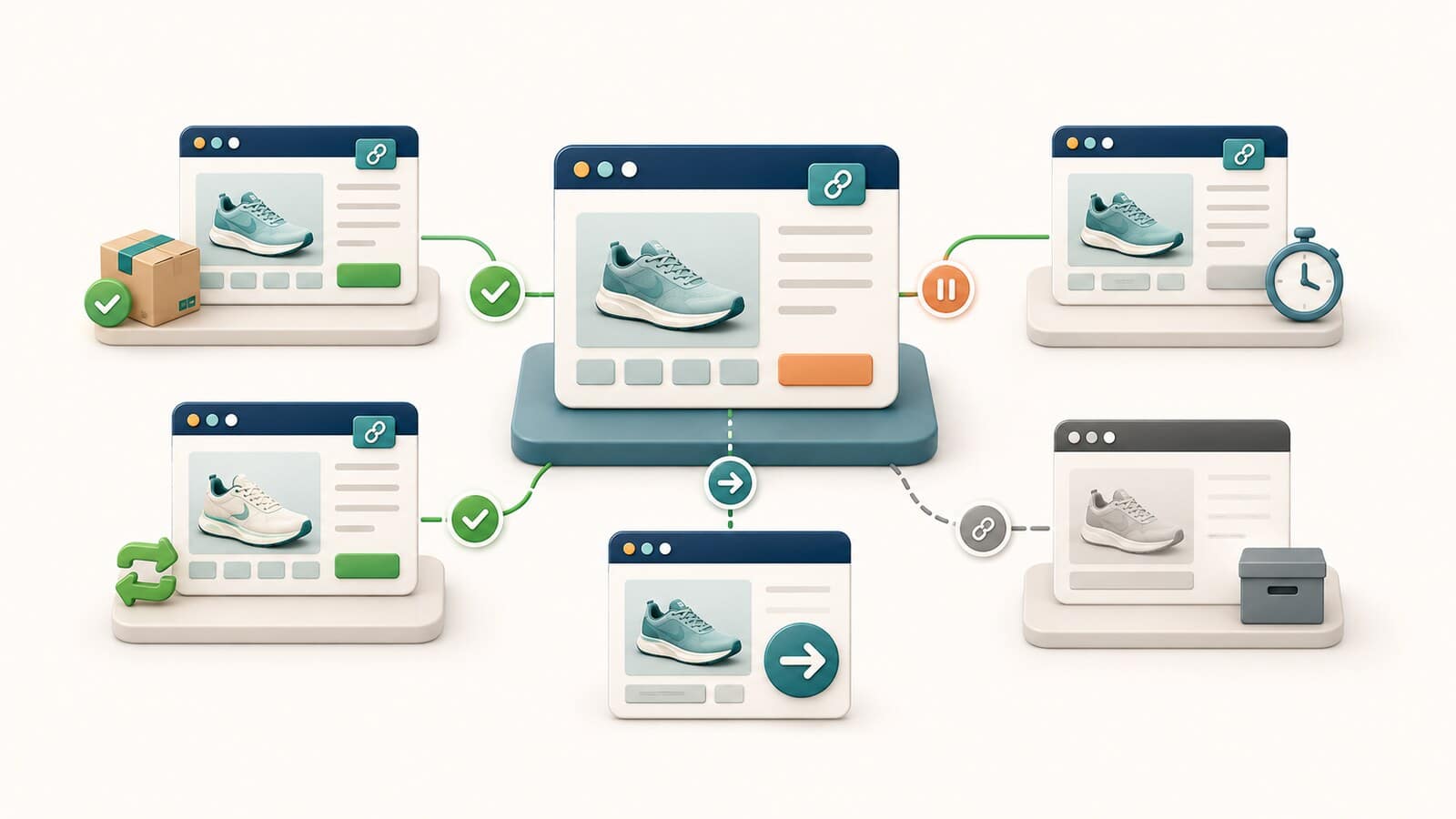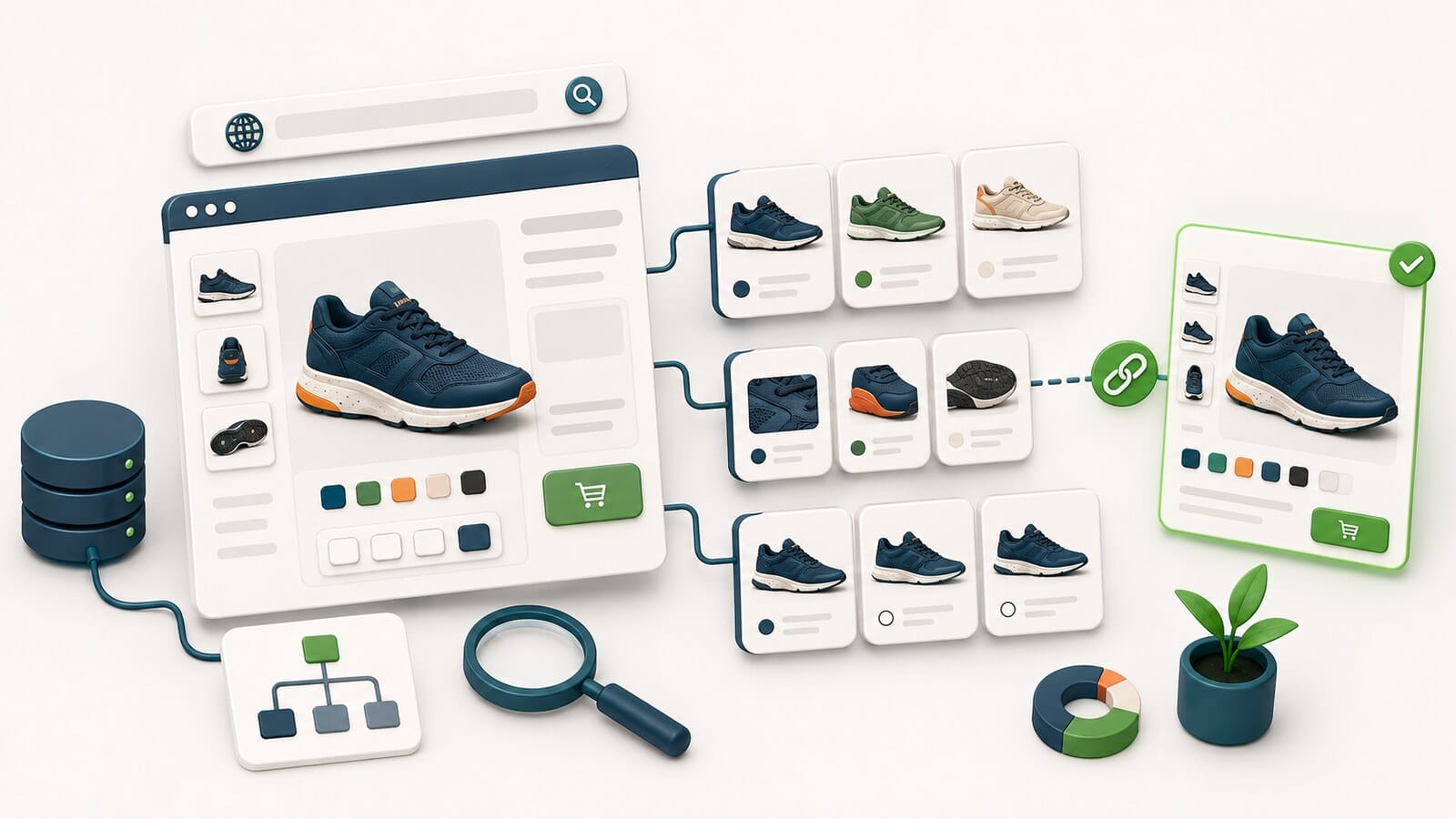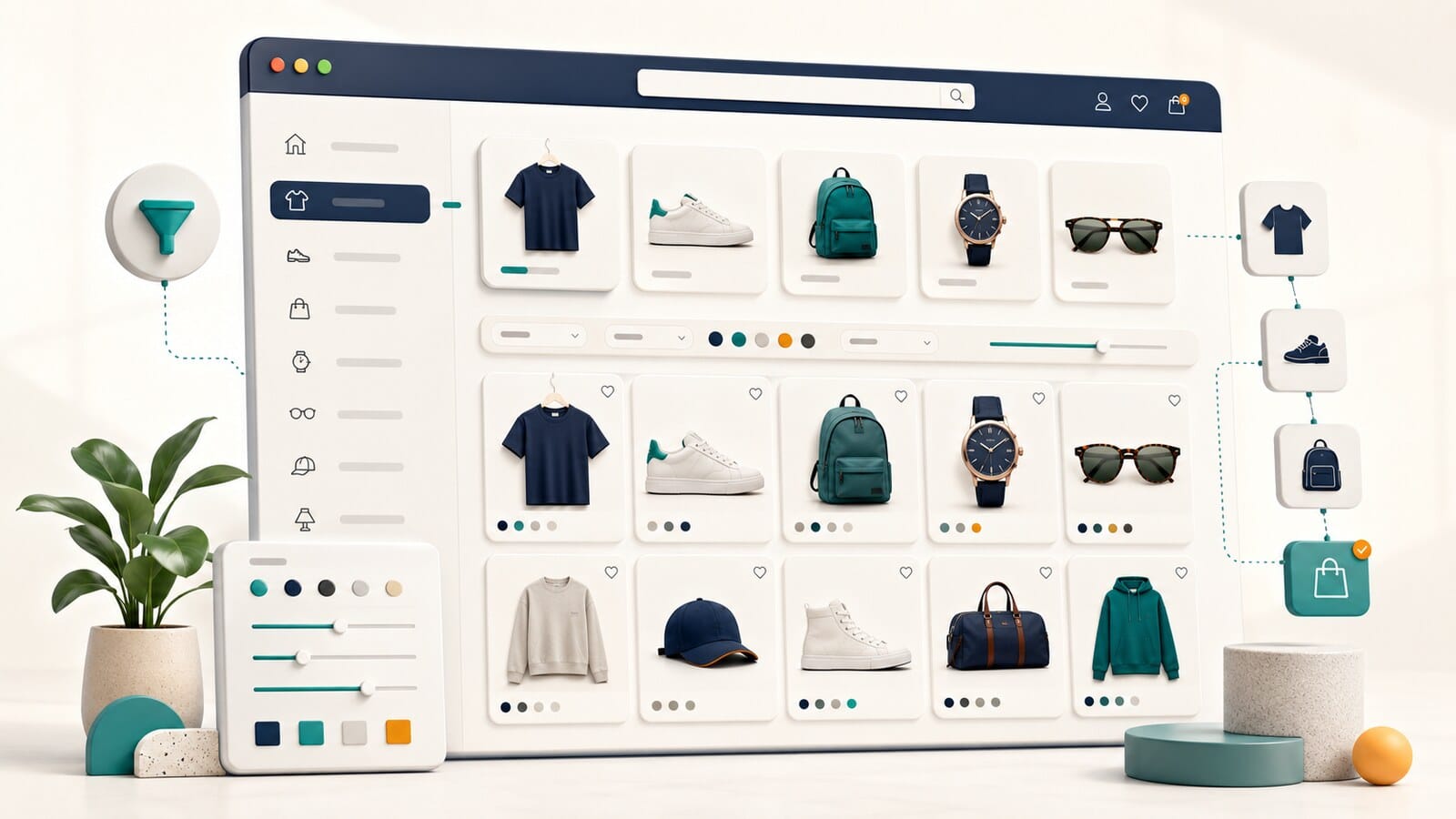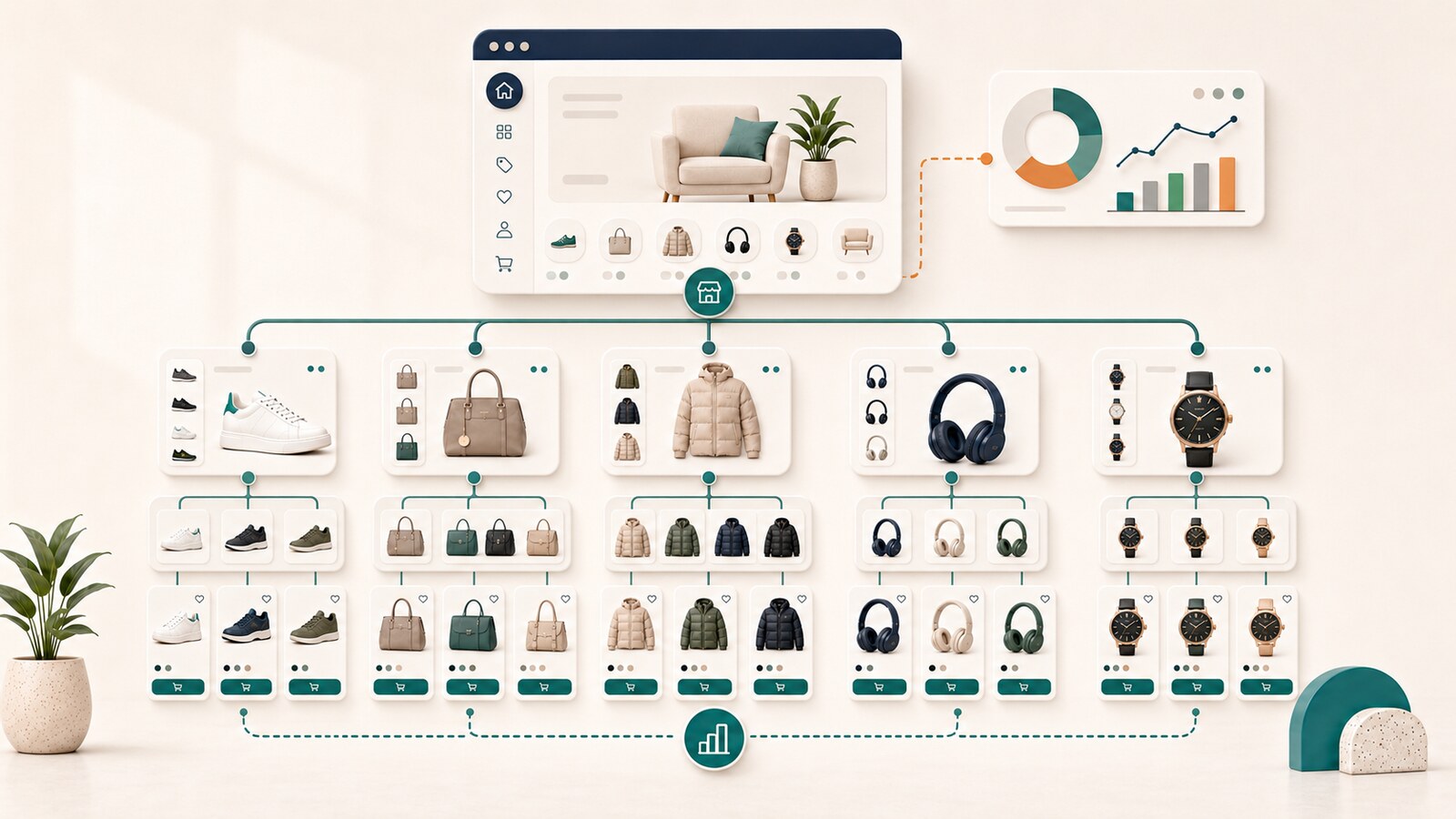
When customers cannot find products through a natural browsing path, the problem is not always the design, advertising, or product descriptions. The cause is often more fundamental: the catalog has no clear structure.
One product appears in several nearly identical categories. Another important group is hidden four levels deep. The menu follows the company's internal terminology instead of the way customers shop. New collections are added without rules, while seasonal pages remain active long after the campaign ends.
The store gradually accumulates structural debt. Customers depend on search, the team does not know where new products belong, and organic visibility is distributed across pages with unclear or repetitive roles.
An SEO-friendly e-commerce structure addresses this problem. It defines which product groups deserve permanent categories, when a subcategory is useful, when a filter is more appropriate, and how every important product can be reached through normal navigation.
E-commerce site structure is the model that connects the homepage, categories, subcategories, product pages, and supporting landing pages into one understandable catalog.
It should help three audiences at the same time:
Google analyzes links between pages to understand a website's structure and importance. A logical path from the menu to a category, from a category to a subcategory, and from there to products matters more than mechanically reproducing every hierarchy level in the URL.
Structure is not the same as optimizing an individual category. Structure determines where the page belongs and what role it has. The category's content, headings, merchandising, and conversion elements are separate tasks.
Structural problems rarely appear as one clear error message. They are more often visible through repeated business symptoms:
None of these signals alone proves that a full restructuring is required. When several appear together, however, the catalog map itself should be reviewed, not only the content.
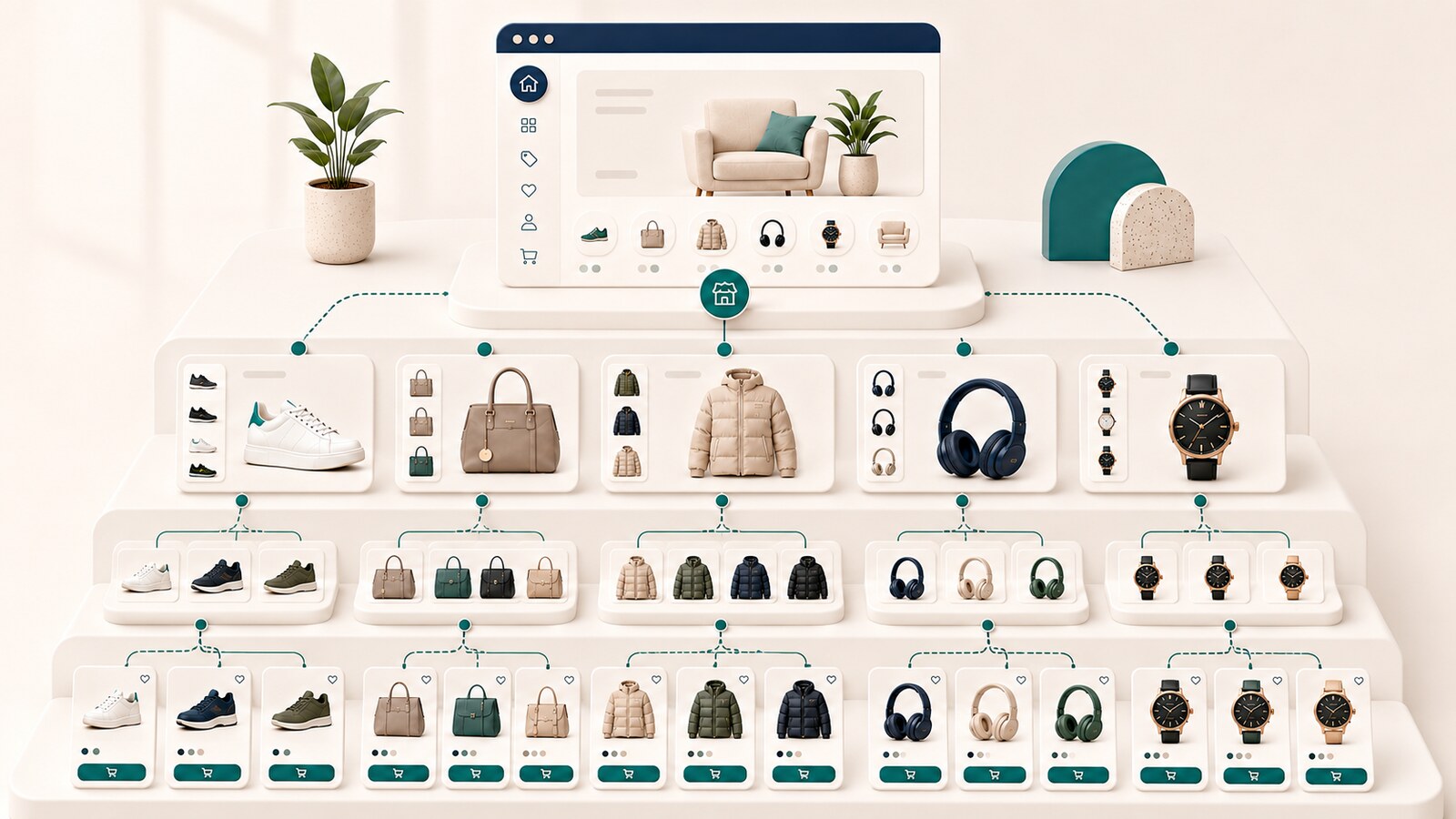
Most online stores use four principal page types.
The homepage presents the store as a whole and points to the most important product areas. It should not try to display every category and product.
A category represents a recognizable product group with independent value for customers. It should support choice and comparison, not merely collect a few loosely related items. The guide to ecommerce category pages covers the content and controls that help shoppers make that choice.
A subcategory divides an overly broad category into useful and durable groups. It is justified when it shortens the route to the right choice and contains enough products to maintain a distinct role.
A product page represents one specific item or a clearly defined variation. It should not compensate for a missing browse path by being accessible only through search or filters.
These levels are not a mandatory formula for every store. A small catalog may work perfectly without subcategories. A very large catalog may need more than one intermediate level, but every additional level should solve a real user problem.
A common mistake is to build the structure directly from a keyword list. Every phrase then appears to justify a new page, even when the products, intent, and user task overlap.
A more reliable sequence is:
This prevents the creation of categories that look reasonable in a spreadsheet but do not help customers and cannot be maintained by the business.
A catalog map is a working model of page types and relationships. It should be created before changing the menu, URLs, or taxonomy settings.
Start with an inventory of all active product and category pages. For each page, record:
Then map the path from the homepage to main categories, subcategories, and products. The objective is not the flattest possible structure. It is the smallest number of levels that allows customers to understand their choices.
This is one of the most common structural decisions in a growing store.
| Option | Appropriate when | Primary risk |
|---|---|---|
| Category | The group is a primary and durable way to shop and contains enough products | Duplication with another category |
| Subcategory | The parent category is too broad and the group has a distinct role | Unnecessary hierarchy depth |
| Curated landing page | There is a specific scenario, campaign, or audience, but products come from several categories | A temporary page remains without maintenance |
| Filter | The attribute helps narrow choices inside an existing category | Too many URL combinations are created |
The decision should not be based on search volume alone. Also evaluate longevity, catalog size, product overlap, navigation role, and maintenance cost.
Before creating a category, answer six questions:
When the answers are unclear, the new category is probably not justified yet.
An excessively broad category combines products that are difficult to compare. It often contains too many items, unclear subgroups, and dependence on numerous filters.
An excessively narrow category contains few products, has a short lifespan, or serves almost the same purpose as an adjacent page. It adds a level without adding value.
The practical balance depends on the market and catalog. There is no universal minimum or maximum number of products. What matters is whether the page provides a real choice, a clear role, and sustainable content.
Evaluate:
Yes, when this reflects several natural ways to discover the product. One item may belong to a product type, use case, and collection at the same time.
The problem is not multiple category membership. Problems arise when the platform creates different product URLs for each path or when the categories do not have distinct roles.
Maintain one stable product URL and use categories as browse paths. Detailed canonical and variation decisions belong to separate technical topics, but the structural principle is straightforward: a product can be discoverable through several logical paths without becoming several product pages.
Not every useful product group needs to become a permanent category in the primary hierarchy.
A brand page is appropriate when customers genuinely shop by brand, there are enough products, and the page can be maintained. Not every brand needs to appear in the primary menu.
Collections can be useful when they represent a recognizable set with a durable lifespan. A one-time campaign may be better served by a temporary landing page with a planned end state.
Groups such as "for beginners," "for small apartments," or "for professional use" can support product selection, but they often combine products from different categories. They deserve independent pages only when the task is significant and the content provides real guidance.
A seasonal page should have a lifecycle decision when it is created. After the period ends, it may remain useful, become temporarily inactive, or be removed depending on whether the event repeats and whether the page retains value. Do not leave empty pages simply because they once appeared in the menu.
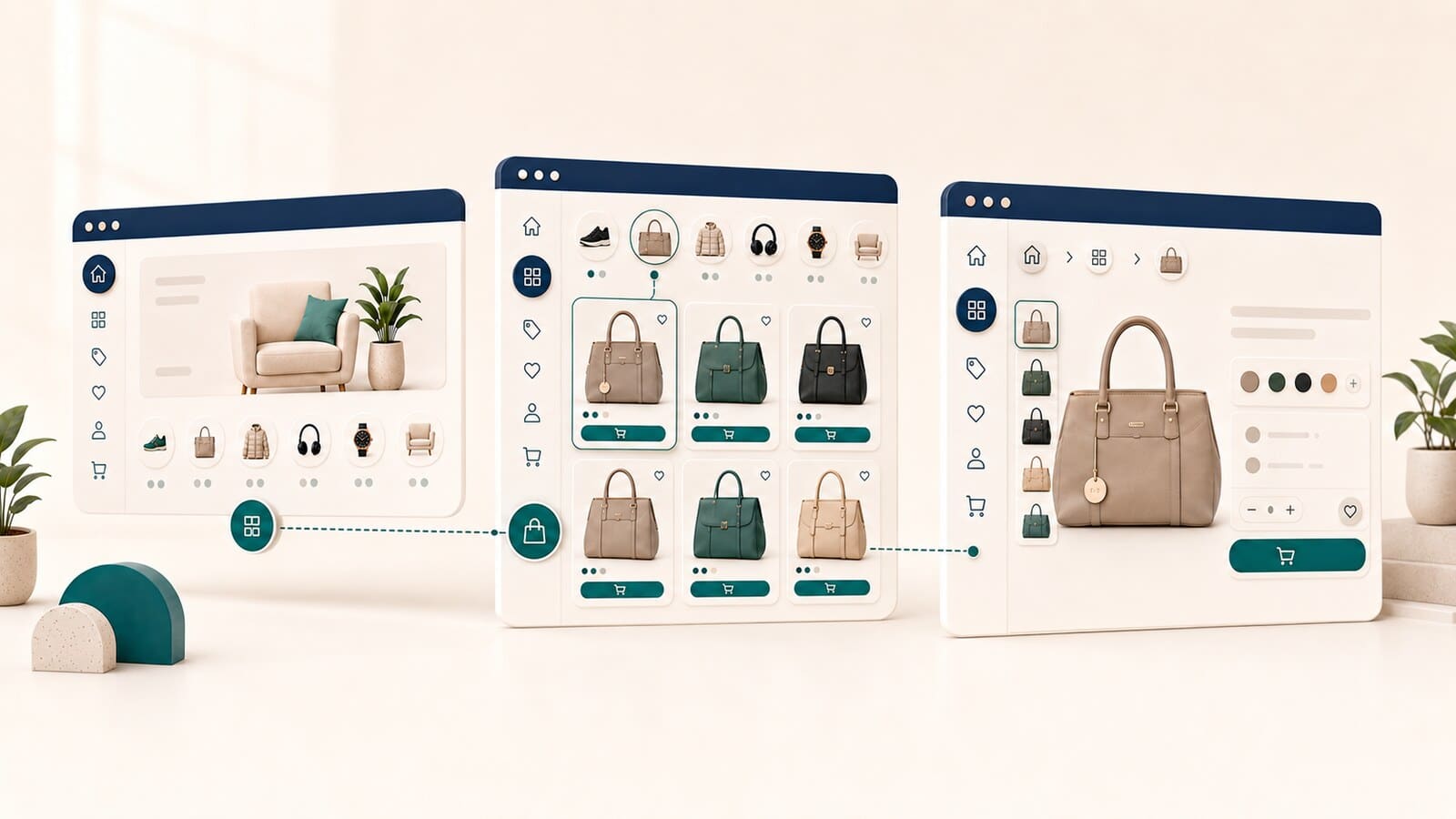
Primary navigation should present the main ways to shop, not the complete internal taxonomy. When every attribute becomes a menu item, customers receive more choices but less clarity.
Use the main menu for leading product areas. Category hub pages can introduce subgroups, popular choices, and useful routes into deeper levels.
Breadcrumbs show where a page belongs in the hierarchy and provide a convenient route back. They reinforce the structure but do not replace normal navigation and direct crawlable links.
Google recommends making important product pages reachable through navigation links. Products available only through the store's internal search may not be discovered reliably through crawling. Primary browse paths should therefore use standard HTML links.
Hierarchy and URL structure are related, but they are not the same thing. Google primarily uses page relationships and links to understand structure, not the number of directories in the address.
A product URL does not need to include every parent level. An excessively long path can make future changes difficult when a product moves to a different category.
More important rules are:
Do not change working URLs only to make them look more organized. On an existing store, the expected benefit must be greater than the migration risk.
A small catalog often needs only a few clear categories and direct product links. Avoid subcategories created only for visual symmetry.
A medium catalog normally needs durable primary categories, a limited number of subcategories, and clear rules for brands, use cases, and seasonal pages.
A large catalog requires formal catalog governance. Define who can create a category owner, how overlap is evaluated, how filters are managed, and how structural debt is monitored.
The larger the store, the more expensive improvisation becomes. One unclear taxonomy change may affect thousands of products and internal links.
A stable structure does not mean that the catalog never changes. It means new products are added according to agreed rules.
For every expansion, check:
A periodic catalog review is less expensive than a major restructuring after years without control.
Do not begin by changing URLs. Begin by proving the problem.
Changing taxonomy, navigation, breadcrumbs, and URLs at the same time increases risk and makes the cause of any decline difficult to identify.
Not every defect has the same business effect.
| Priority | Problem | Reason |
|---|---|---|
| Critical | Main product groups or products cannot be reached through normal navigation | Limited discoverability for customers and crawlers |
| High | Two categories serve the same task | Confusion, fragmented visibility, and difficult maintenance |
| High | Important categories are hidden behind unnecessary levels | A longer and less understandable purchase path |
| Medium | Categories are too narrow or temporarily empty | Thin experience and structural noise |
| Medium | Brands, collections, and campaigns have no lifecycle rules | Accumulating catalog debt |
| Low | URLs do not look ideal but remain stable and functional | A cosmetic change does not justify migration risk |
Prioritize problems that affect large product groups, revenue, and discoverability.
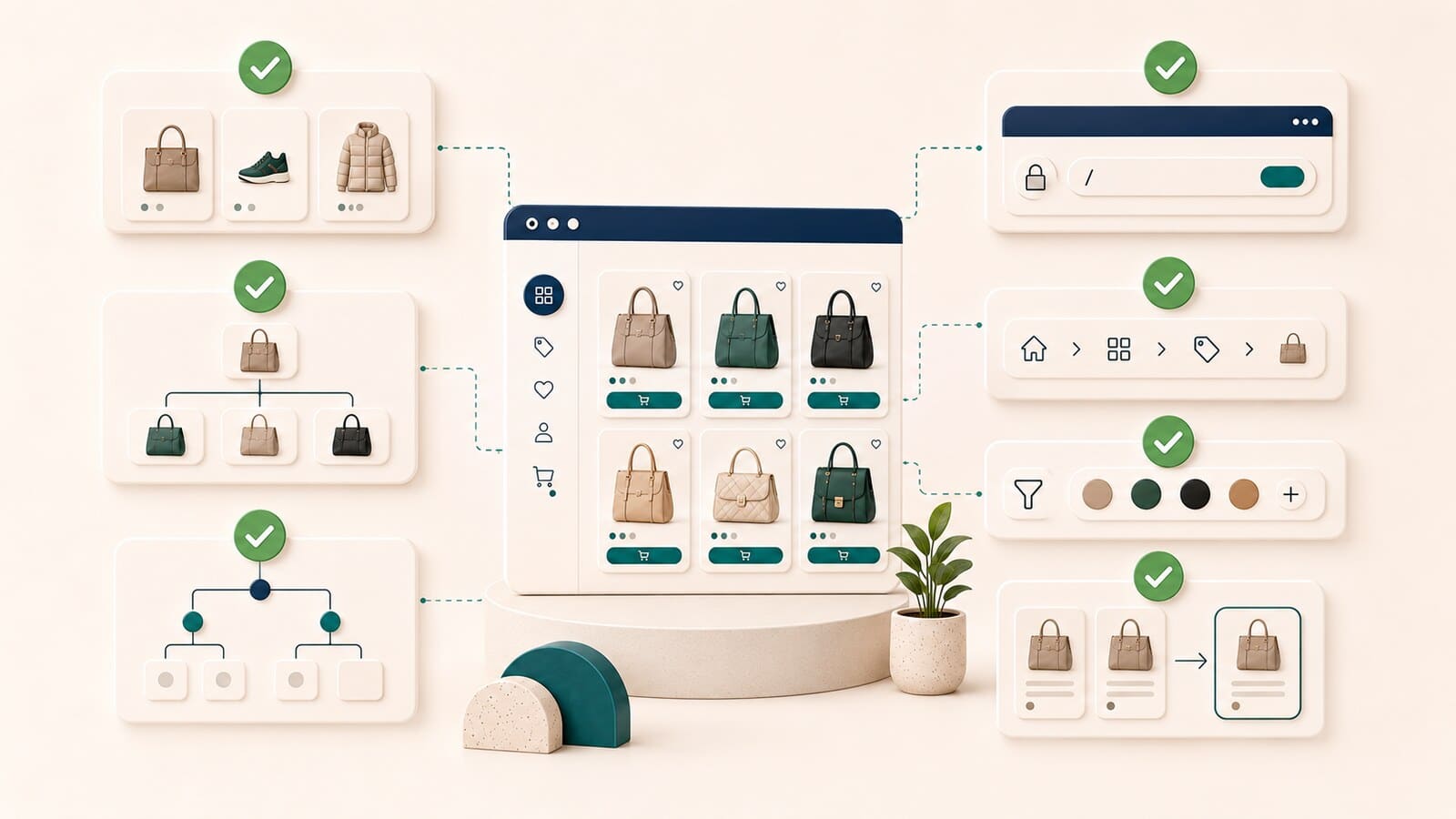
Before considering the structure complete, confirm that:
A self-contained catalog review is possible for a small store with a limited number of categories. On a large store, or one with accumulated structural debt, decisions affect navigation, taxonomy, internal links, crawl paths, and often URL migration.
Our e-commerce SEO service is appropriate when the existing structure must be analyzed, correct owner pages need to be defined, and changes must be implemented and measured as part of ongoing SEO work.
When the store is still being built and the catalog needs to be implemented correctly from the beginning, see our e-commerce website design service.
There is no universal correct number. Use the smallest number of levels that allows customers to understand the choice and reach products without overload.
No. The category first needs a clear role and a useful product selection. Content should support customers, not compensate for an unnecessary or duplicate page.
No. Some filters exist only to narrow choices. Decisions about which combinations should be indexable belong to a separate faceted-navigation strategy.
Yes, when those categories represent different natural browse paths and the product retains one stable preferred URL.
Not necessarily. Stability, consistency, and clear internal links are more important. Including the complete hierarchy in the URL can make future moves more difficult.
When they serve the same task, show heavily overlapping product sets, and cannot be differentiated in a useful way for customers.
Often, yes. Navigation, category hubs, breadcrumbs, and internal links can be improved without changing every URL. A URL migration should occur only when there is a separate, proven reason.