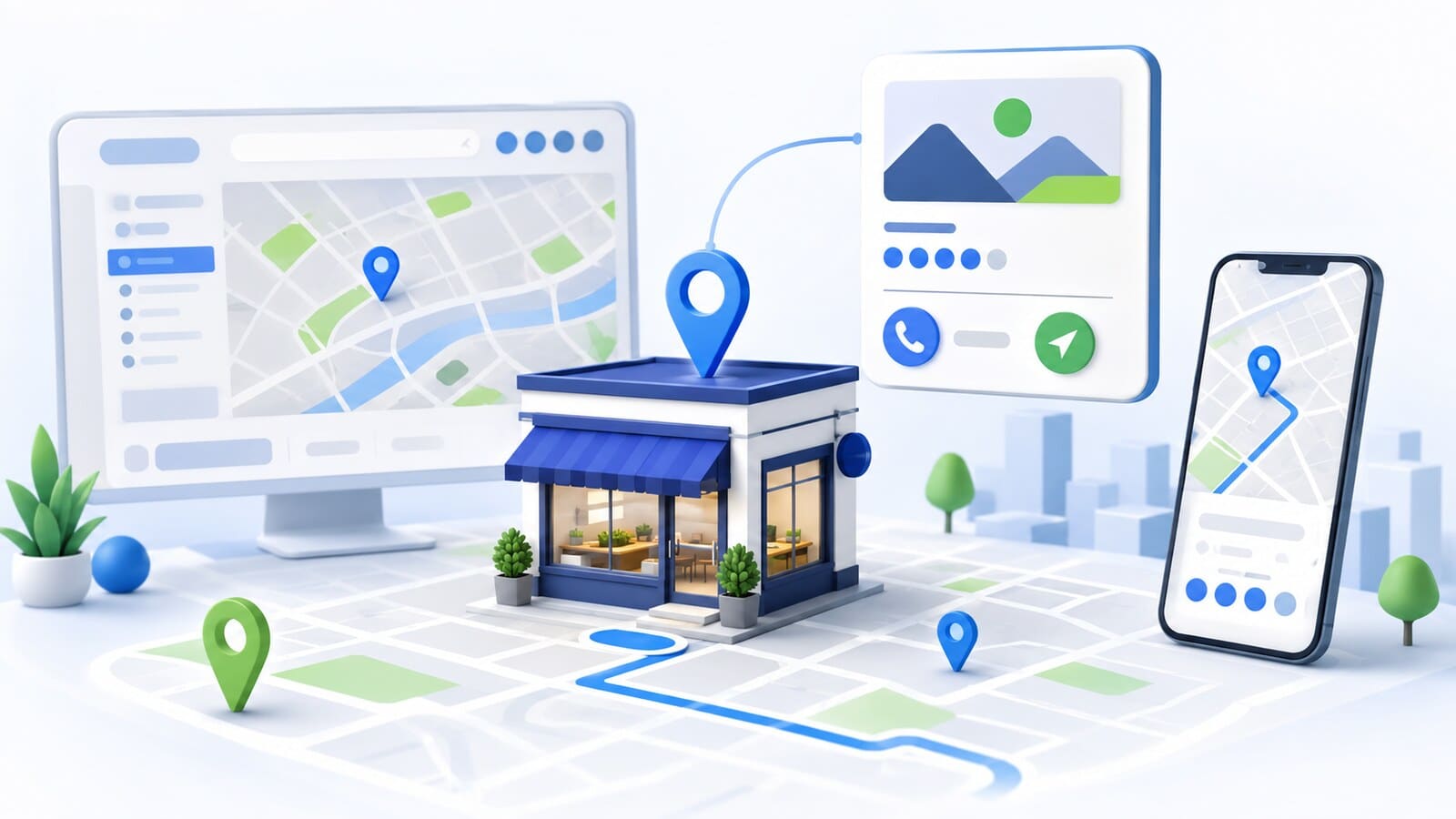
When someone searches for a restaurant, repair shop, clinic, or another local business, the decision often begins in Google Search or Google Maps. They see a name, address, opening hours, phone number, photos, directions, and other information before they even visit the website.
This information is managed mainly through Google Business Profile. A properly configured profile helps Google understand what the business is, where it serves customers, and which local searches it may be relevant to. It also makes it easier for a potential customer to call, visit the location, open the website, or request directions.
Creating a profile alone, however, does not guarantee a leading position. The result depends on the accuracy of the information, compliance with the guidelines, the searcher's location, the relevance of the business, and its wider presence across the web.
This guide explains how to create, verify, complete, and audit a Google Business Profile without risky practices or promises of guaranteed rankings.
Google Business Profile is a free profile for eligible businesses and organizations that allows them to manage the information shown about them in Google Search, Google Maps, and other Google services.
The profile can include:
Google Business Profile does not replace a company website. The profile provides a quick answer to a local query, while the website can explain the services, terms, team, locations, and reasons to choose the business in detail. When the information in the profile and on the website conflicts, users become confused and Google receives inconsistent signals.
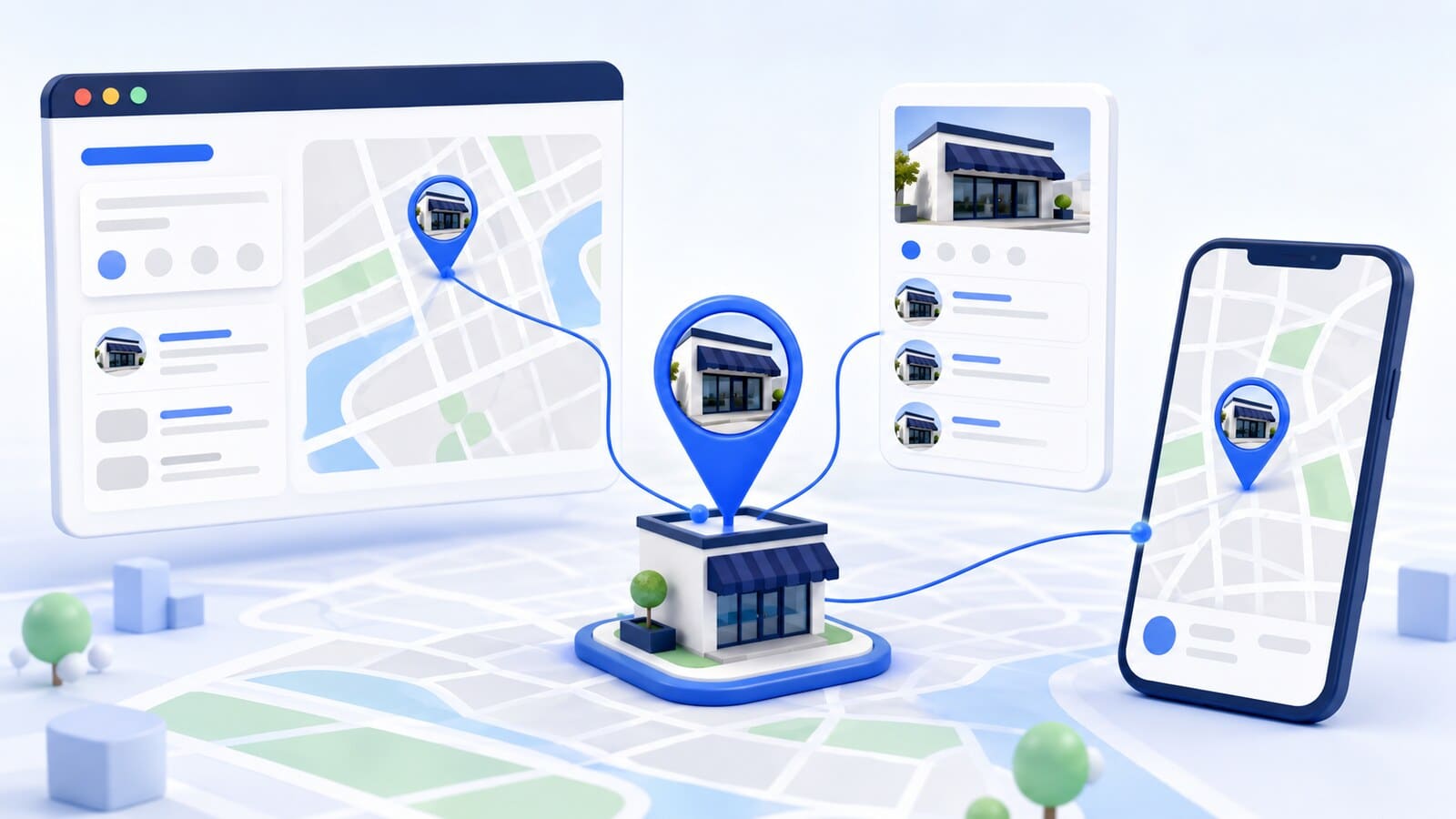
The same profile may be visible in several different places.
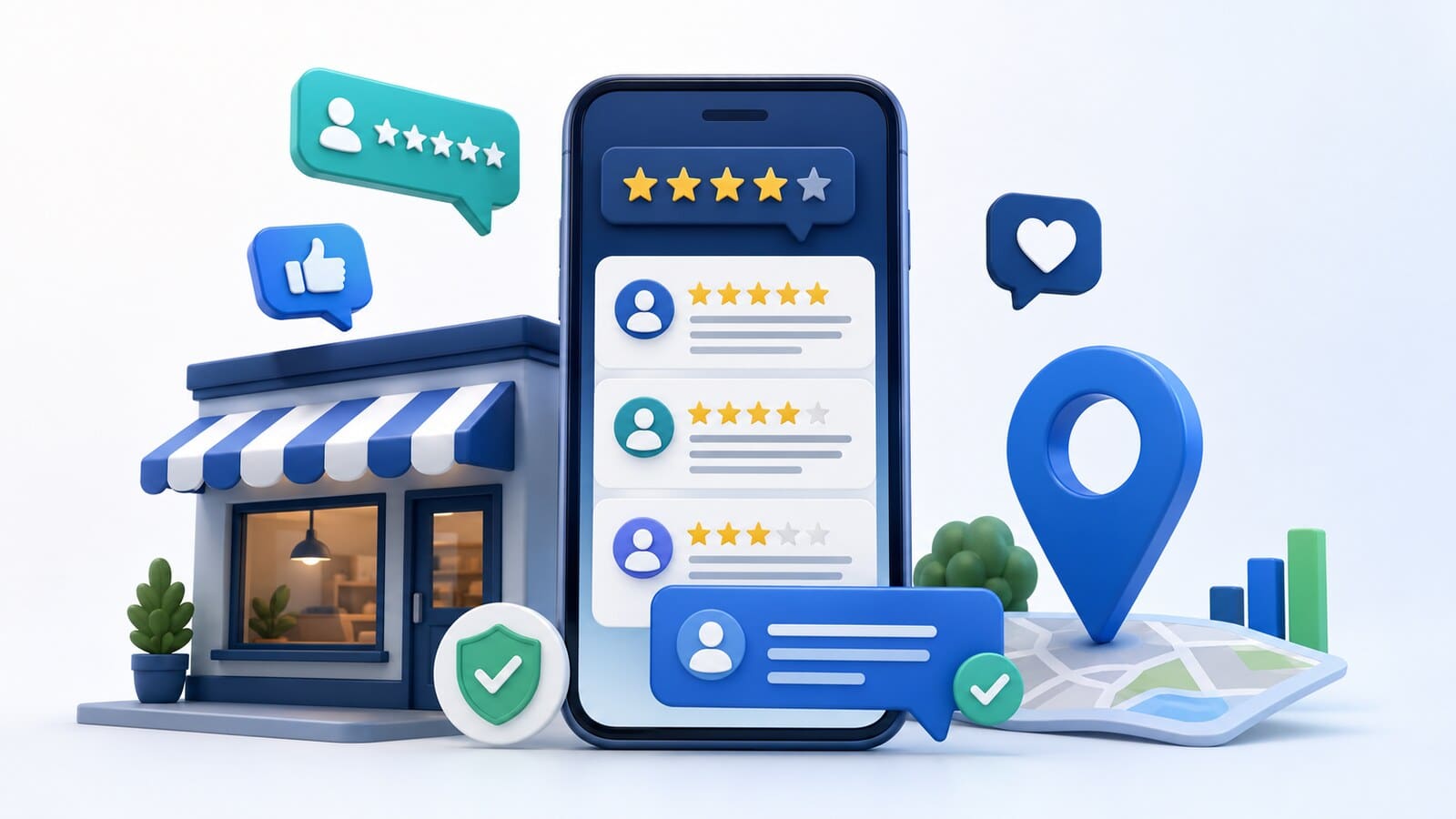
In Google Search, a business may appear as a separate panel when someone searches for its name or as part of a local group of results. This group is often called the Local Pack and usually contains a map and selected businesses related to the query.
In Google Maps, the profile appears as a listing on the map and in the results list. Positions may change according to the specific query, the user's location, and the businesses available in the area.
This means that "ranking in Google Maps" is not one permanent position. A business may be highly visible for a specific service near its physical address and much less visible for another service or from a more distant location.
Google Business Profile is the source of the business information you manage, Google Maps is one of the places where that information appears, and the Local Pack is a format for local search results. A business does not need three separate profiles or three different strategies for the same location.
According to Google's eligibility guidelines, a profile is intended for businesses that make in-person contact with customers during their stated opening hours.
Typical eligible models include:
An online-only business without in-person contact with customers is generally not eligible simply because it serves a particular city. A virtual office, post office box, or address where the business does not actually operate and serve customers should not be used as a location either.
For a business that works at the customer's location and does not receive visitors at its own address, the home or business address should be hidden and the profile should use a service area. The area describes where the business operates, but it does not turn every city or town into a separate physical location.
Before creating a profile, check whether one already exists. Google or another user may already have added the business. In that case, the correct step is to claim ownership rather than create a duplicate.
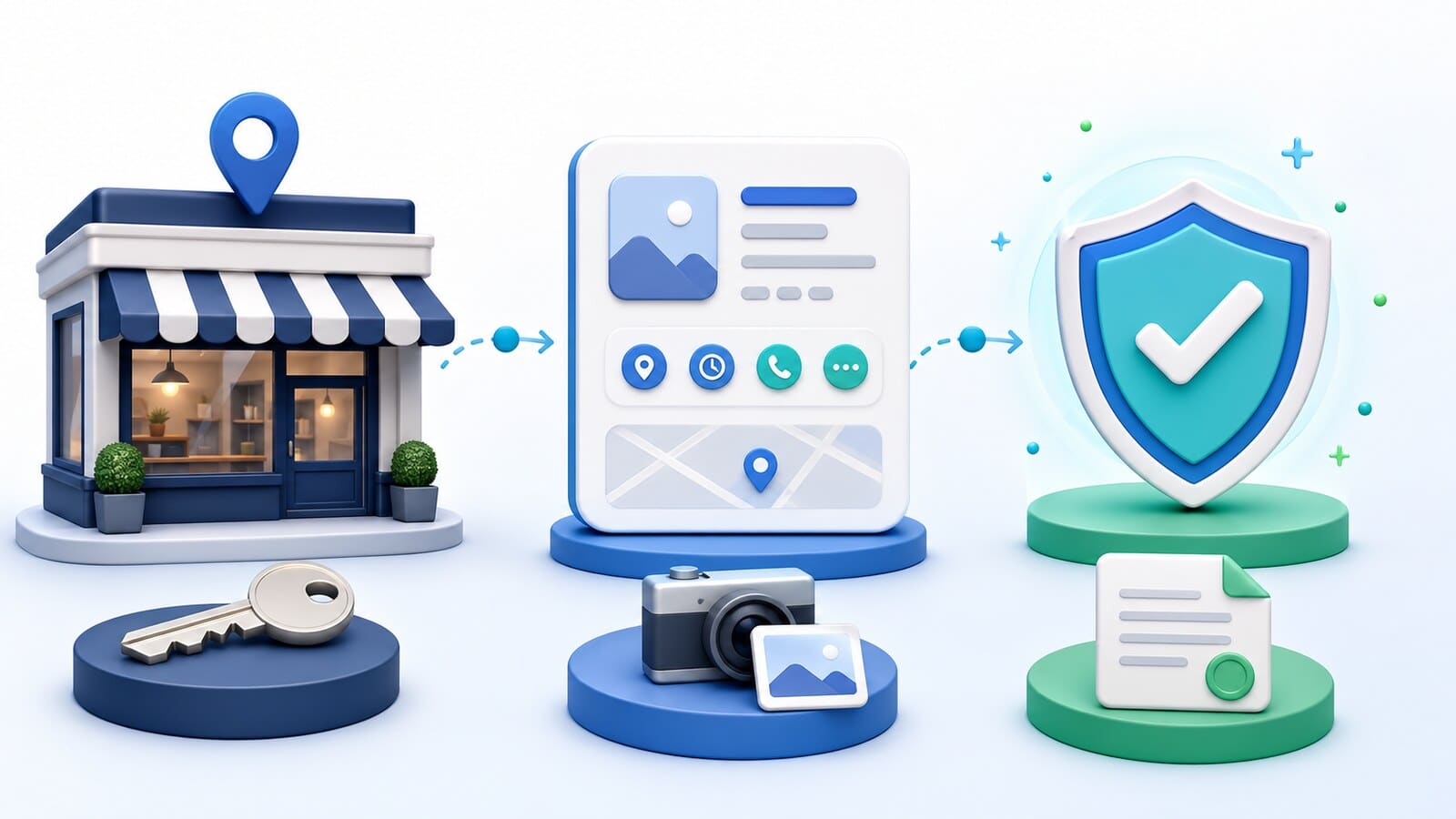
Start by searching for the exact business name and address in Google Search and Google Maps. If you find an existing profile, use the claim process or request ownership. If no profile exists, follow the official steps to add or claim a Business Profile.
Prepare the following information in advance:
After the profile is added, Google requires verification. Google determines which method is available for the specific profile. It may include video, phone, text message, email, mail, or another offered option. Not every business is offered every method. Follow the exact steps shown in the profile and in the verification process.
Video verification may require you to show the location, equipment, signage, and proof that you manage the business. Prepare one continuous recording that demonstrates the real operation without including sensitive personal information.
Do not create multiple profiles or repeatedly change the name, address, or category if the first attempt fails. This can create duplicates and additional checks. Identify the exact reason first and correct only the information that does not comply.
A complete profile does not mean filling every field with keywords. It means that the information is accurate, specific, and useful.
Use the real name by which the business presents itself at the location, on the website, in documents, and to customers. Do not add cities, services, promotions, or a phone number unless they are part of the actual business name.
The physical address should lead to a real location where the business can be found during its stated hours. Position the map marker accurately. If you do not receive customers at the address, hide it and configure the service areas.
Do not create a profile for every city you serve. A separate profile is justified only for a separate eligible location with a genuine presence.
Provide a number that allows customers to contact the business directly. The link should lead to the official website or the most relevant page for the specific location, not to an unrelated intermediary.
Enter the actual hours during which customers can receive service. Add special hours for holidays and temporary changes. An incorrect "Open" message can lead to a wasted trip and loss of trust.
Describe the real services in clear language. Use your own up-to-date photos of the location, team, equipment, and working environment. The photos should help customers recognize the business and understand what to expect, not create a misleading impression.
The category describes what the business is rather than listing everything it offers. The primary category should represent the main activity as accurately as possible. Additional categories should be added only for genuine and important areas of the business.
For example, a hotel with a restaurant may have different eligible functions depending on the guidelines and how the locations operate. A company should not add unrelated categories simply because it wants to appear for more queries.
A practical selection process has three steps:
You do not need to repeat the category in the profile name. If the primary activity changes, the category should be updated, but frequent experiments without a business reason can make the profile inconsistent.
Safe optimization begins with reality rather than an attempt to simulate signals.
Maintain:
Avoid:
Follow the guidelines for representing your business, because visibility has little value if the profile is restricted or suspended due to inaccurate information.
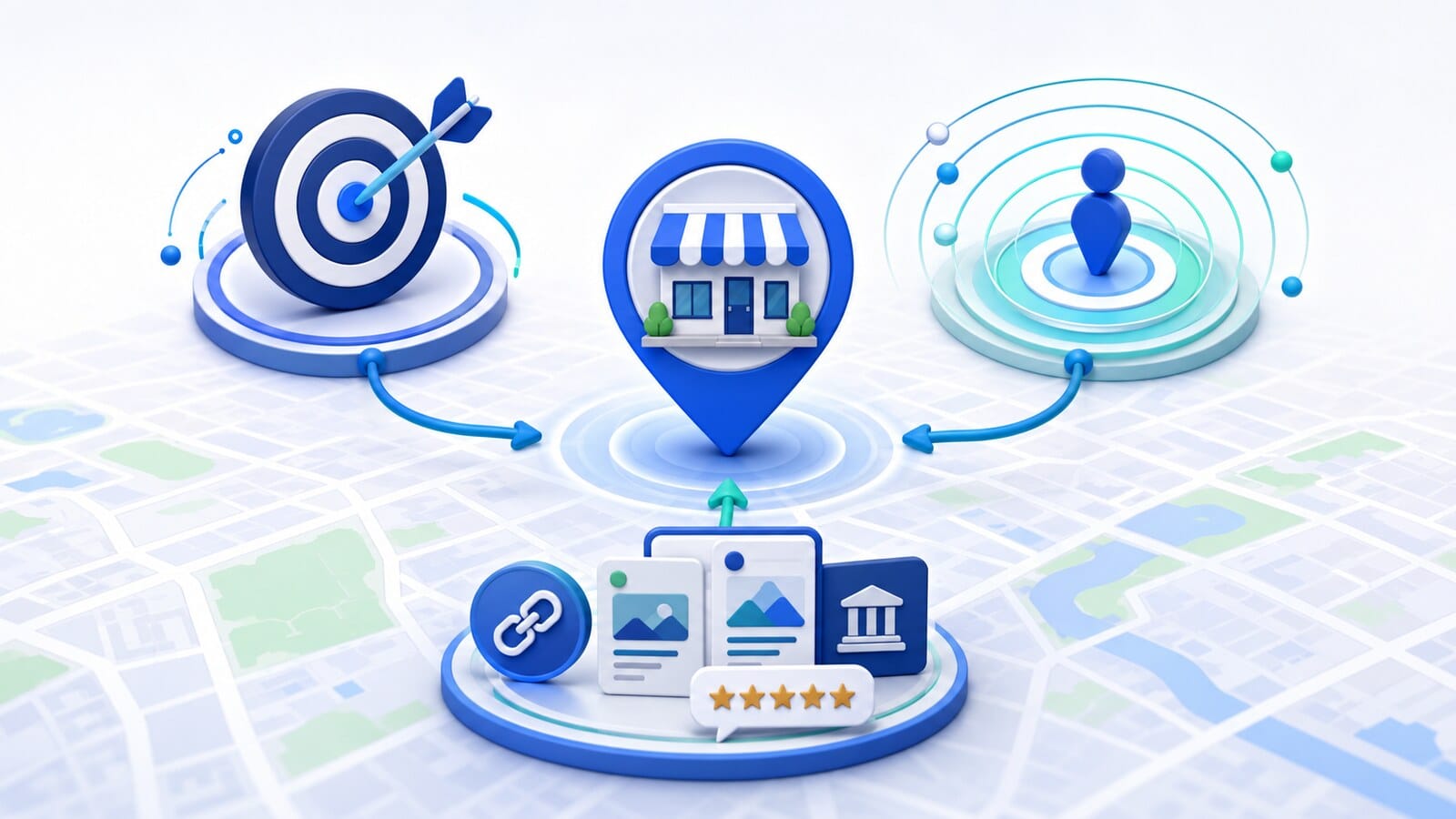
Google identifies three main groups of factors for local results: relevance, distance, and prominence. The official explanation is available in the guidelines for improving local rankings.
Relevance describes how closely the profile matches what someone is searching for. The correct category, clear services, complete information, and website content help Google understand the business.
Distance is the distance between a potential result and the location used in the search. If someone does not specify a place, Google estimates their location from the available signals. A business cannot optimize its physical address to become close to every user.
Prominence reflects how well known and recognizable the business is. Google connects this with information about the business across the web, links, articles, directories, the website's positions in organic results, and reviews.
Reviews are an important topic in their own right. For this guide, it is enough to understand that they are part of broader prominence rather than a button for guaranteed rankings. Practices for requesting and responding to reviews, as well as dealing with negative and fake reviews, are covered in the separate guide to Google reviews and Local SEO.
Google explicitly states that there is no way to request or pay for a better local ranking. The focus should therefore remain on an accurate profile, a useful website, a genuine reputation, and a consistent local presence.
Check whether it has been verified, whether it is restricted, whether the information is public, and whether you are searching for the exact name. Failure to appear for a broad competitive query does not necessarily mean that the profile is missing.
Do not immediately create a new listing. Use the ownership request process and document your relationship with the business.
Compare the name, address, category, phone number, and ownership. Follow the official process for duplicate profiles and ownership issues instead of editing all listings at the same time.
Configure the profile as a service-area business and hide the address. Do not use a home address as a public local office if customers cannot receive service there.
Google may show suggested edits or information from other sources. Check the profile regularly and compare the critical fields with the website and the real business operation.
Do not create a duplicate. Review the notice, compare all information with the guidelines, gather evidence, and use the official appeal process.
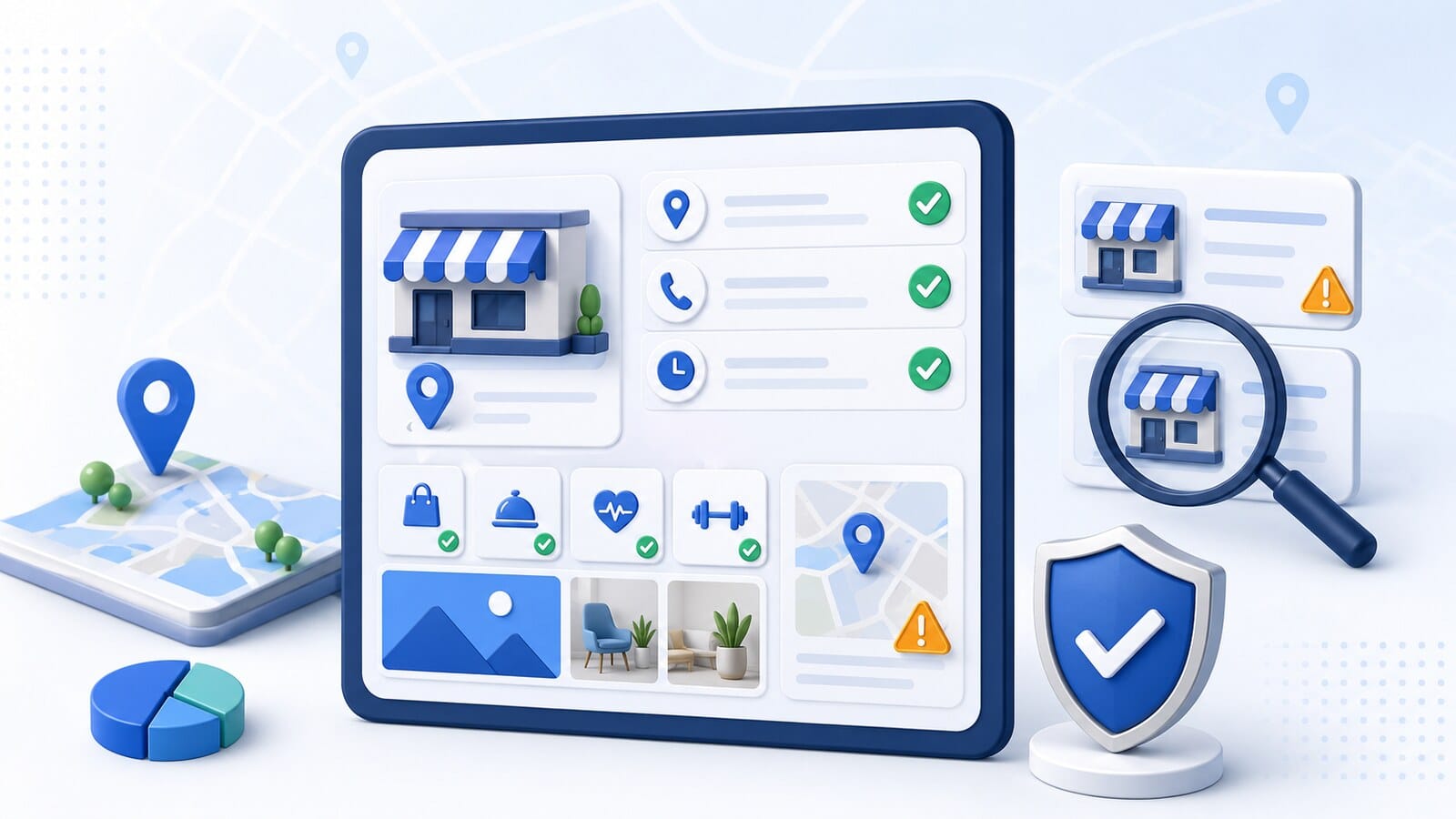
Audit the profile in this order:
Record the problems you find and prioritize them by risk. Address an ineligible location, incorrect ownership, suspension, a duplicate, or a false name first. Categories, contact details, opening hours, services, and photos come next.
Google Business Profile is an important part of a local presence, but it is not the entire Local SEO system. If the profile is accurate and the business still has poor visibility for important services, review the wider context:
This is where a complete Local SEO service is needed. The profile, website, local pages, technical condition, and external signals are evaluated as one system.
Start with accurate business information and Google's guidelines. Then measure visibility for specific services and locations instead of looking for one universal position in Google Maps. This turns the profile from a one-time listing into a maintained asset that helps real customers find and choose the business.