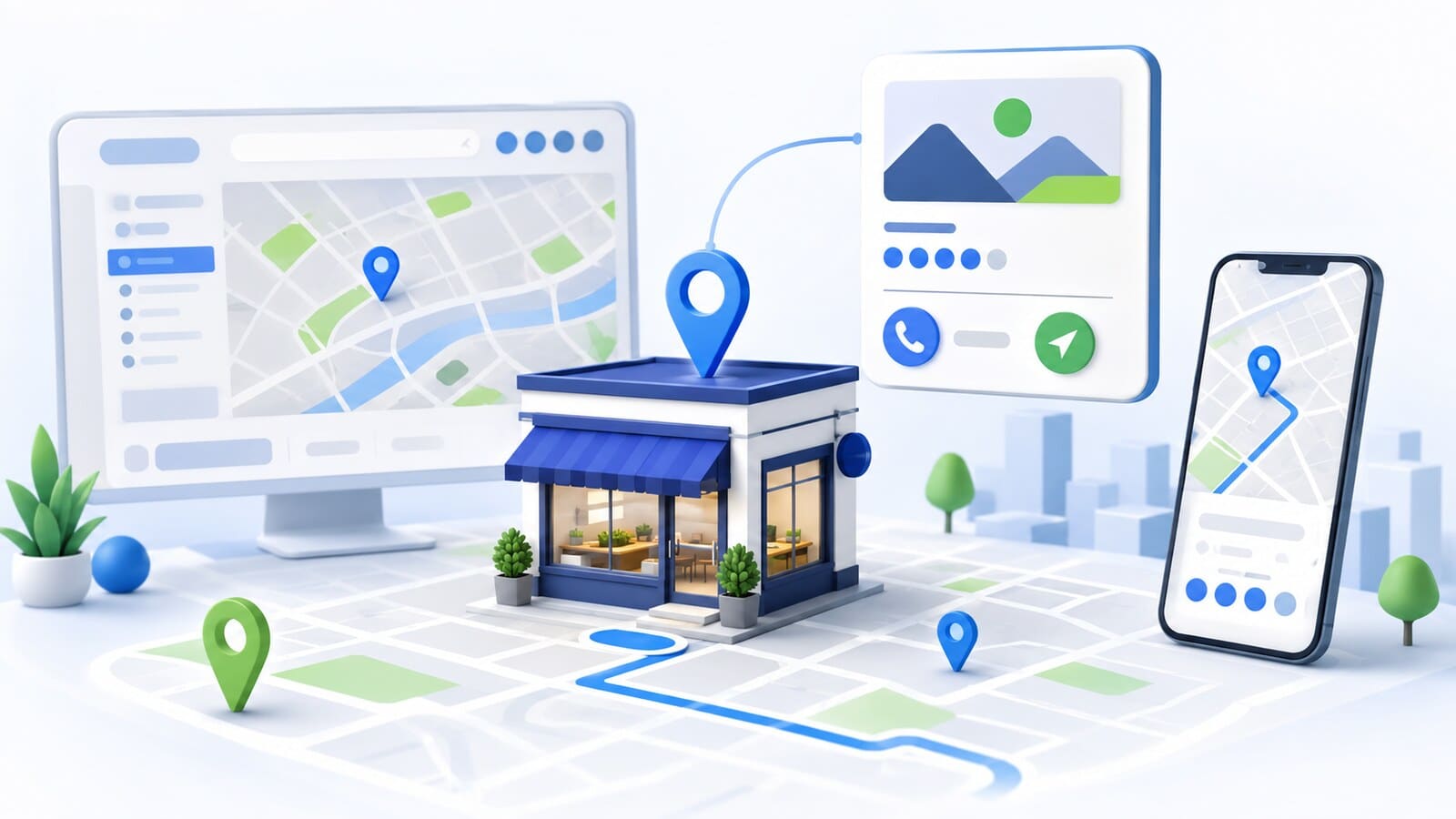
When someone chooses a restaurant, repair shop, clinic, store, or another local service, they often see its rating and latest Google reviews before opening its website. A few specific comments can show what to expect, whether the business responds when something goes wrong, and whether the information in its profile appears trustworthy.
This creates two separate tasks for the business. The first is to make it easy for real customers to share honest feedback. The second is to respond professionally, including when the feedback is negative or appears to be fake.
A sustainable approach does not begin with buying reviews, offering a discount, or asking only the happiest customers. It begins with genuine service, a clear point at which to request feedback, a direct link, and a responsible person who monitors and handles new reviews.
This guide explains how to build that process without fake ratings, filtering out inconvenient feedback, or promising that a certain number of five-star reviews will guarantee a position in Google Maps.
A rating is easy to compare, but the number alone does not tell the whole story. A potential customer usually considers several factors at once:
A business with many old reviews and no responses may appear less active than a competitor with regular, balanced feedback. Likewise, generic responses copied under every review do not demonstrate genuine attention.
Google states that reviews provide useful information to potential customers and can help a business stand out. Their practical value, however, extends beyond the visible rating. Reviews reveal how people describe the service in their own words, which expectations were met, and where the process creates friction.
Reviews should therefore also be treated as a source of business insight. If several customers independently mention confusing appointment scheduling, difficult access, delays, or excellent service at a particular stage, that is a signal the business can use to make real improvements.
Google explains local results through three main groups of factors: relevance, distance, and prominence. For prominence, Google considers information about the business from across the web, including links and reviews. Its official local ranking guidance states that more reviews and positive ratings can help a business's local ranking.
This does not mean reviews are a button that produces a first-place ranking. A business may have an excellent rating and still be less visible for a specific search because of the user's location, an unsuitable category, incomplete information, a weak service page, or a more relevant competitor.
There is no universal number of required reviews. Markets, cities, and types of services have different levels of competition. It is more useful to monitor whether:
Reviews are one part of Local SEO and customer trust. They do not replace an accurate Google Business Profile, a useful website, appropriate service and location pages, or consistent business information.
The basic rule is simple: a review should reflect a genuine experience with the business. The person should have actually used the service, visited the location, or had another relevant interaction.
You may remind customers that they can leave feedback. You should not tell them what rating to give or what to write.
According to Google's guidance on getting more reviews, offering free or discounted goods or services in exchange for posting, changing, or removing a review is considered fake and misleading content.
Risky practices include:
Review gating occurs when a business first asks whether the customer is satisfied and sends only customers with a positive response to Google. Dissatisfied customers are directed only to an internal form or customer service.
Google prohibits discouraging negative reviews and selectively requesting positive feedback in its Google Maps content policies.
You may conduct an internal customer satisfaction survey, but the invitation to leave a public Google review should not depend on the score a customer gives. If you want representative and reliable feedback, use the same process for all real customers who meet a neutral criterion, such as a completed service or fulfilled order.
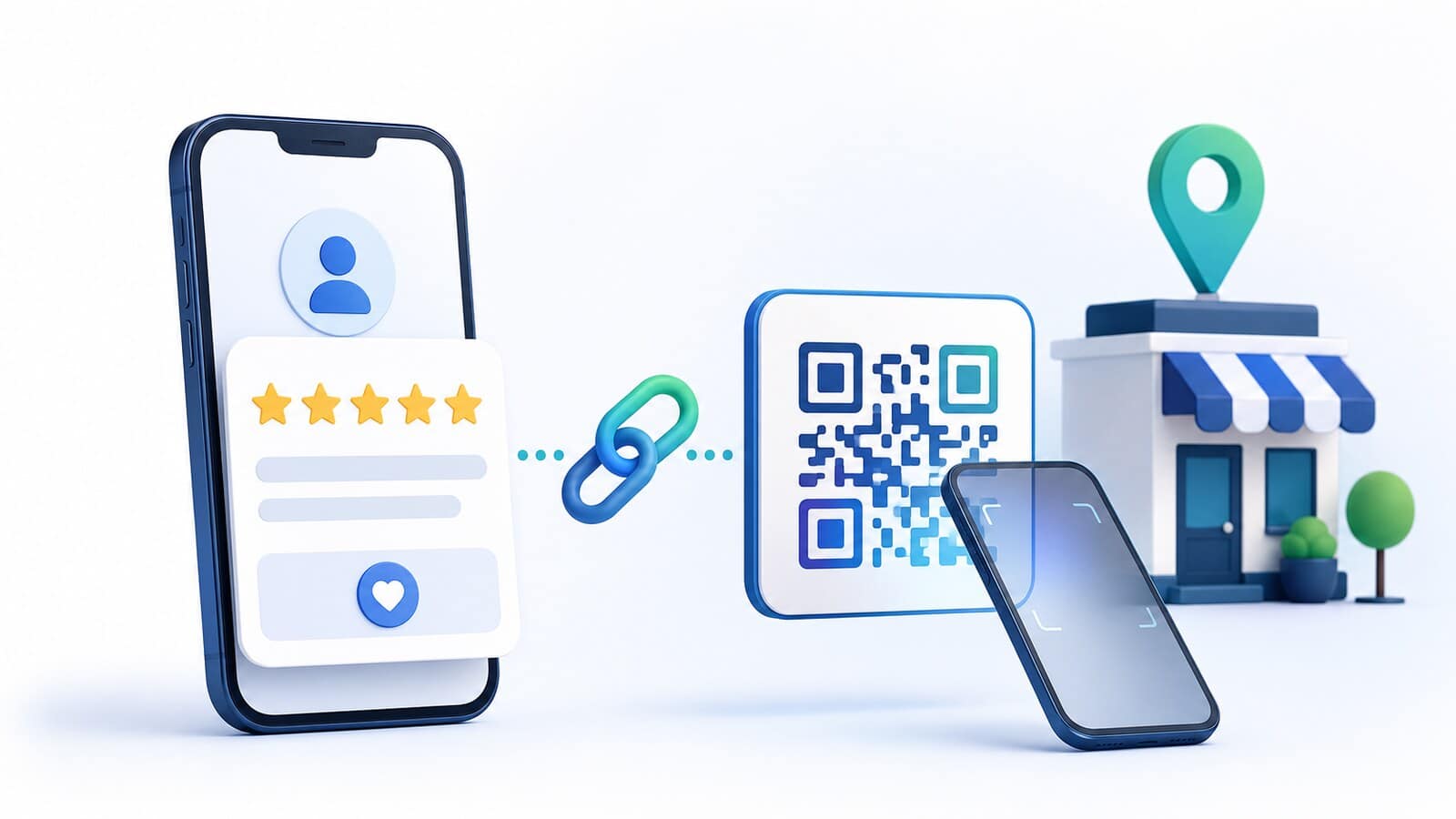
The more steps customers have to complete, the more likely they are to postpone the task and forget it. Instead of asking them to search for your business name on Google, use the official direct link to the review form.
According to Google's current review link and QR code instructions, the steps are:
Before using the link widely:
The customer must sign in to a Google Account to leave a review. The address does not have to be a Gmail address because a Google Account can also be created with another email address.
A QR code can be useful at a physical location, reception desk, checkout, on a service document, or on a small card handed over after the service is complete. It should not be placed in a way that makes the customer feel watched or pressured to submit a rating in front of an employee.
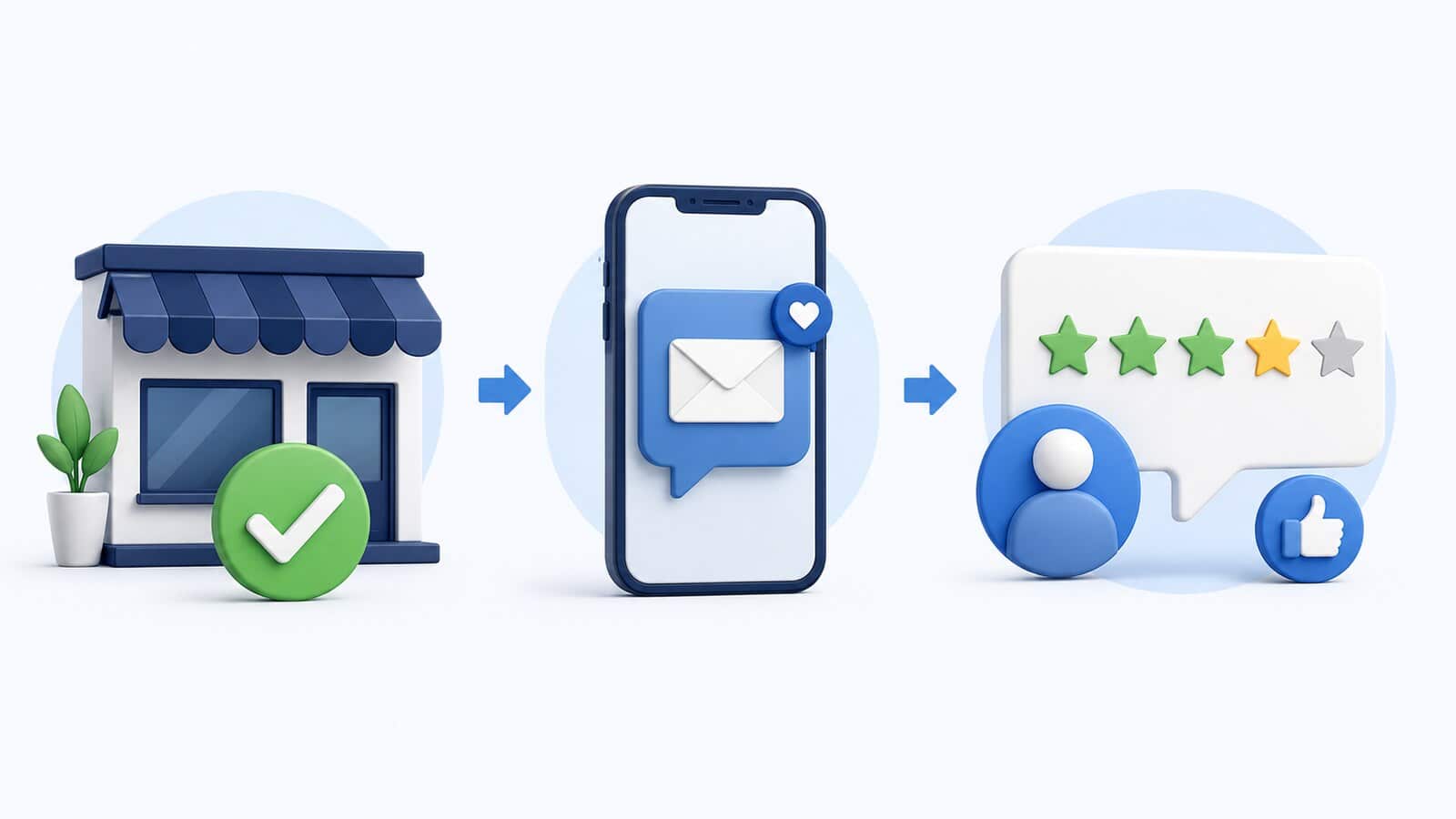
The best time is after a genuine, completed part of the customer experience. This may be:
You do not have to wait for the customer to remember on their own. A polite reminder is acceptable when it does not include pressure or a condition that the rating must be positive.
A good invitation contains four elements:
Do not request a review before the customer has real experience with the business. Do not ask them to write it in front of an employee. Do not send repeated messages every day. If you use automation, choose a reasonable time and limit the number of reminders.
For a business with many customers, it is useful to define a neutral rule. For example, the invitation may be sent automatically to all customers two days after an order is completed, unless they have opted out of communication. This prevents an individual employee from deciding who appears satisfied enough to receive the request.
Each template should be adapted to the actual interaction and the business's tone. Do not ask for a specific number of stars.
Thank you for choosing [business name]. Your feedback helps us improve our work and provide clearer information to future customers. If you have a moment, please share your honest review here: [Google review link]
Thank you for trusting us. If you would like, you can share your experience through this short Google link: [Google review link]
If you would like to share feedback about your visit, you can scan this QR code. We appreciate your honest comments.
The project has been delivered, and we appreciate the opportunity to work with you. Your experience may also help other companies considering this service. You can leave a Google review here: [Google review link]
Avoid phrases such as "Give us five stars," "Help us raise our rating," or "You will receive a discount if you leave a review." The goal is authentic feedback, not a controlled score.
A response shows that the business monitors feedback and appreciates the customer's time. Not every response needs to be long.
A useful response:
Example:
Thank you for sharing your experience. We are glad the scheduling process and clear explanation were helpful. We will pass your feedback along to the team.
Do not publicly confirm sensitive details. This is especially important for medical, legal, financial, and other services where even confirming that the person was a customer may reveal information that should not be published.
Google recommends that responses be brief, professional, relevant, and conversational rather than promotional. The full guidance is available in its documentation on managing customer reviews.

A negative review should not automatically be treated as an attack. First, check the facts and determine whether you can identify the case.
A practical process:
Example when the case can be identified:
We are sorry that your visit did not meet your expectations. We are reviewing the delay you described and would like to clarify what happened. Please contact us at [phone or email] and include the date of your visit so we can assist you directly.
Example when the case cannot be found:
We have not been able to match the experience described with an order or visit in our records. We would like to investigate, so please contact us at [phone or email] and provide additional information.
Do not accuse the reviewer of lying simply because you do not recognize the case. Do not publish contracts, phone numbers, medical information, addresses, communication records, or other evidence containing personal information. The public response will be read not only by the reviewer but also by future customers.
Google notifies the reviewer when the business responds. The reviewer may later change the review, but that must be their decision. Do not make compensation or resolution conditional on deleting the review first.
A business cannot delete someone else's review. It can report the review if the content violates Google's policies.
It is important to distinguish among:
Google explicitly states that it does not remove a review simply because a business disagrees with it. Negative comments may remain when they do not violate a policy.
When a violation is likely:
The official process and possible statuses are described in Google's instructions for reporting inappropriate reviews.
Do not submit random reports for every critical review. Do not organize other people to report it. If there is a sudden series of negative ratings followed by a request for money or another benefit, save the reviews, messages, dates, and all supporting evidence, then use Google's separate process for reporting review extortion.
While waiting for a decision, you may publish a brief professional response if doing so will not interfere with the specific case. Do not enter into a public argument or reveal the evidence you have collected.
Not every submitted review appears immediately. Google checks content for compliance with its policies, and this can sometimes take several days.
According to Google's official information about missing or delayed reviews, possible causes include:
Do not ask the customer to post the same text repeatedly. This can look like spam and does not resolve the underlying cause. First, wait a reasonable period and confirm that the customer actually completed the submission. If many valid reviews disappear after a profile is reinstated or changed, use official support channels.
Do not promise a customer that their review will definitely appear. The decision is made by Google's systems and policies, not by the business.

A one-time campaign may produce several new reviews, but sustainable results require a process.
Choose an objective event, such as a completed service, delivered order, or finished visit. It should apply to all real customers of that type, not only to people selected in advance because they appear satisfied.
Store the official review link for the correct location. If you have several locations, each one should use its own profile and link.
Email is suitable for more detailed services and projects. A text message works well for a quick service. A QR code is useful at a physical location. Use a channel through which you have a valid basis for communicating with the customer.
The responsible person should monitor new reviews, route problems to the appropriate team, and know when to escalate a policy violation report.
A standard does not mean identical wording. It defines the tone, response time, personal data rules, when to offer direct contact, and who approves responses in sensitive cases.
Each month, summarize the most common positive and negative signals. The goal is not just a higher rating but better service.
A practical internal report may include:
Do not turn the number of reviews into a quota employees must meet at any cost. This can easily lead to pressure, incentives, and unnatural patterns.
This creates a gated process and conflicts with the principle of honest feedback.
Even if you do not require five stars, a discount or gift in exchange for posting is an incentive and is prohibited.
Copied text shows a formal presence but does not demonstrate that the feedback was actually read.
An emotional response may cause more damage than the original review. Future customers evaluate how a business handles problems.
Do not use the public response as an evidence file. Move the details to a secure channel.
Disagreement is not a policy violation. A report is appropriate only when you can identify a specific rule that the review violates.
If you have not had a process until now, do not organize a sudden mass campaign with ready-made text. Introduce a consistent invitation after genuine customer service.
Reviews can support prominence and customer choice, but they do not guarantee a position in the Local Pack or Google Maps.
A standalone review process may be enough when the Business Profile is correctly configured, its information is accurate, and the business simply lacks a consistent way to request and handle feedback.
A broader review is needed when:
In these cases, reviews should be treated as part of a complete Local SEO strategy, not as an isolated tactic.
Start with a simple process: a verified link, a neutral invitation after genuine service, a professional response, and a monthly review of recurring themes. This turns Google reviews into a sustainable source of trust and feedback without exposing the business to the risks of fake ratings or prohibited incentives.