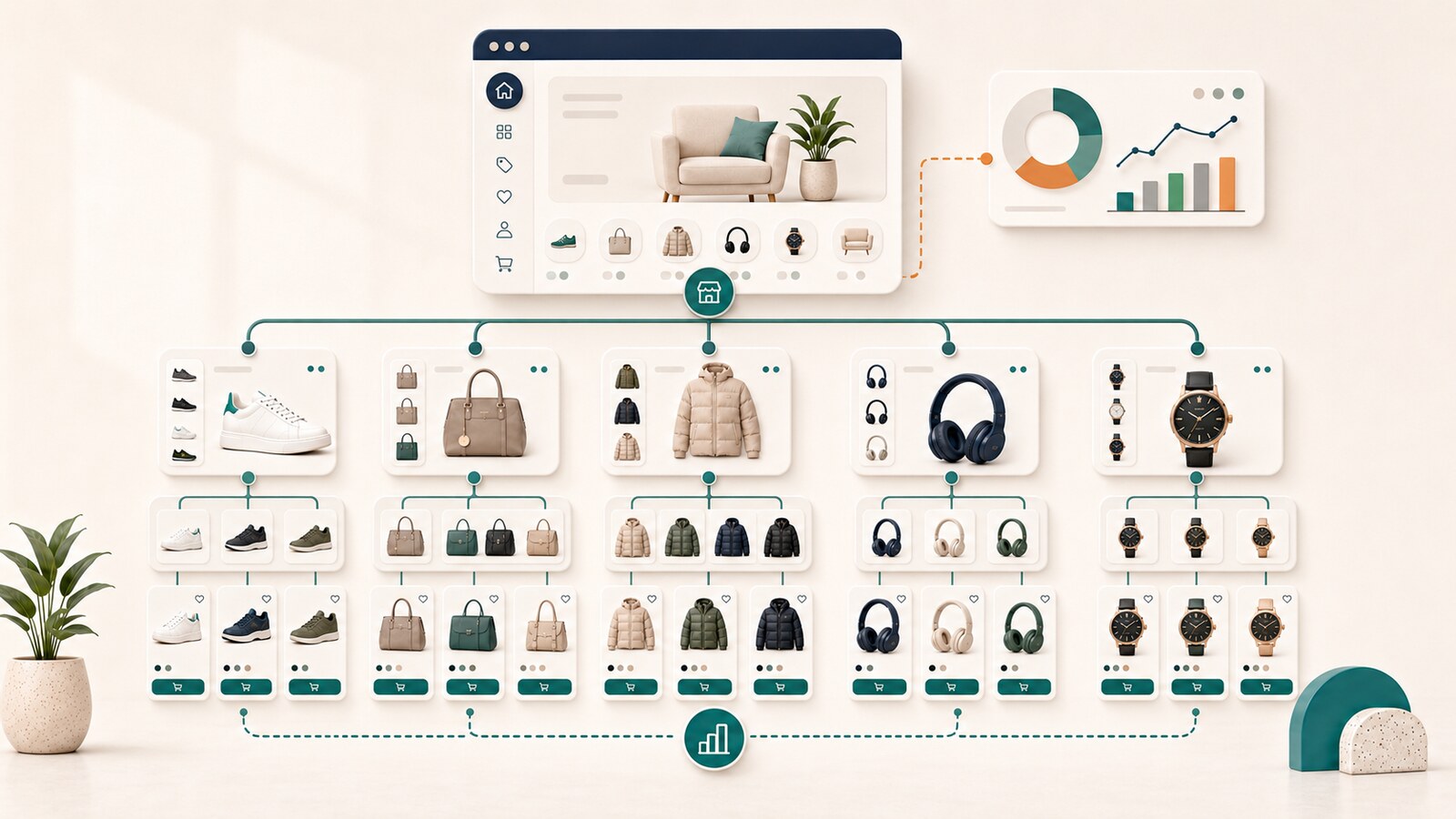
A product sells out, a supplier discontinues a model, or a manufacturer replaces it with a newer version. For the merchandising team, this is a change in availability. For the website, however, it creates a larger question: what should happen to the product page and its URL?
One automatic rule rarely works well. Deleting every unavailable product can remove traffic, backlinks, and customers who still search for a specific model. Keeping every page active forever can leave the store with hundreds of useless URLs that cannot lead to a purchase. Redirecting everything to a category often sends the customer to a page that does not answer the original search.
The correct decision depends on why the product is unavailable, whether it is expected to return, the residual value of the URL, and whether a genuine replacement exists.
This guide provides a practical system for managing the complete product lifecycle so the store can preserve useful SEO signals, maintain accurate product data, and help customers reach the next best decision.
In everyday catalog management, several different situations are often grouped under one label: "unavailable." For SEO and for the customer, however, these states are not the same.
A product may be:
These differences determine whether the URL should continue returning 200, redirect with 301, return 404 or 410, and what information customers should see.
The most common mistake is applying one automatic action to the entire catalog.
This can remove URLs that have:
This creates the opposite problem. The catalog accumulates pages that cannot lead to a purchase and no longer provide enough residual value.
The URL is no longer technically broken, but the customer's task is often unresolved. The customer searched for a specific model and reaches a list of dozens of products without an explanation.
The lifecycle decision should be based on classification and value, not the convenience of one automated setting.
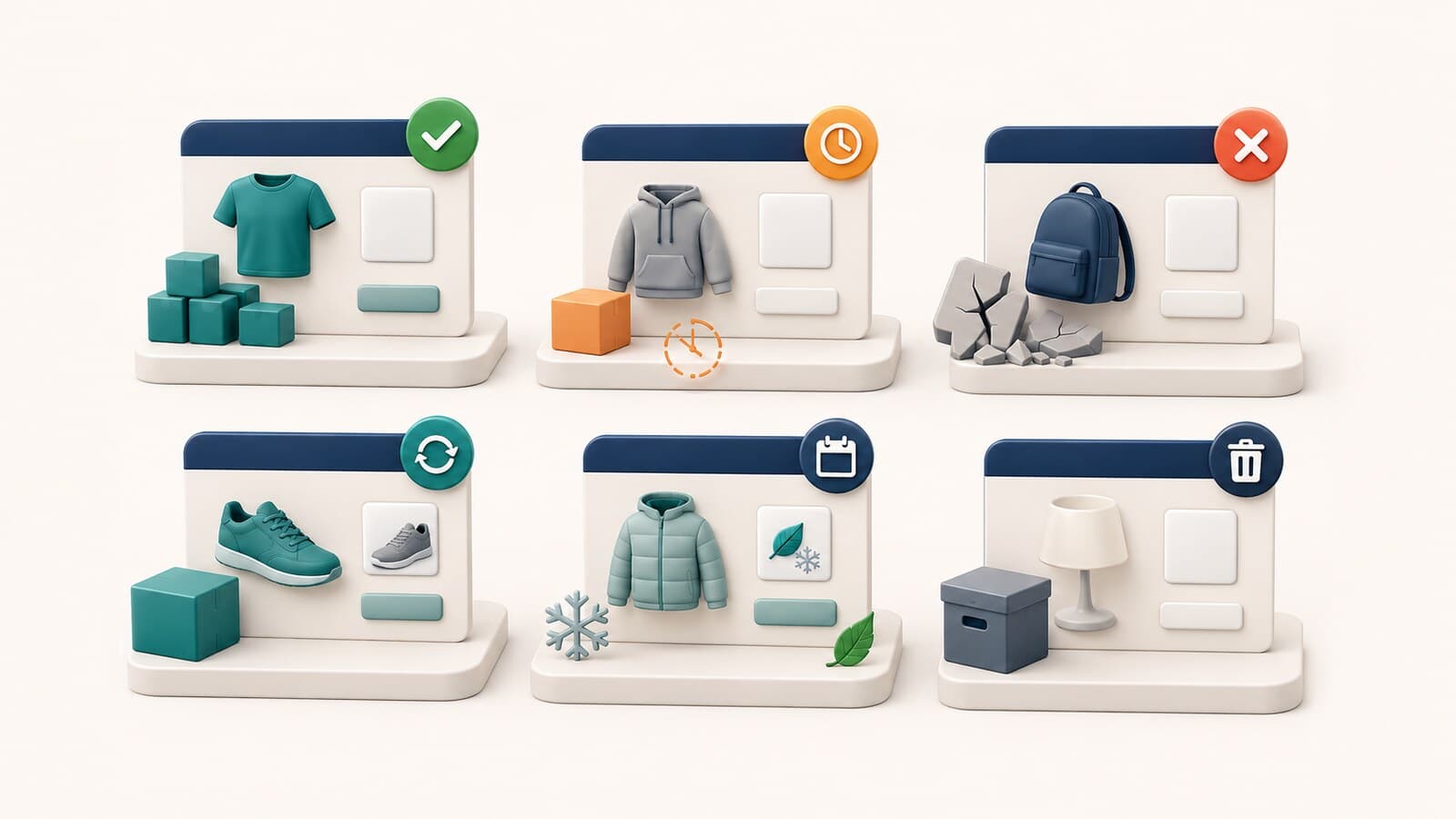
The product is expected to return, but orders are not currently accepted.
The usual decision is to keep the URL active. The page should state that the product is unavailable, offer a restock notification, and present closely related available alternatives.
The product is not available for immediate shipment, but the store accepts orders and has a realistic shipping estimate.
This is not the same as an ordinary out-of-stock state. Customers should understand when the product is expected to ship and which conditions apply.
The product is sold during a recurring period. The URL may retain value between seasons, particularly when demand is stable and the product or product line returns each year.
The old model has been replaced by a new model that performs the same task and is the genuine successor.
A 301 redirect may be appropriate, but only when the replacement is sufficiently equivalent.
There is no single page that answers the same task. The correct action depends on the residual value of the old URL.
The page never had real value, the product was never an active offer, or the URL is a technical duplicate. In this case, 404 or 410 is normally cleaner than an arbitrary redirect.

Before choosing an action, assess the URL itself.
Check whether the page receives visits and which searches generate them. Demand for an exact model, code, or SKU often shows that the URL still solves a specific task.
Links from reviews, forums, publishers, or partners may carry value that should not be discarded without a reason.
A page linked from guides, comparisons, or categories requires a coordinated cleanup decision.
Strong historical sales may indicate continuing demand for:
It is not enough for another product to belong to the same category. It should solve the same primary task and be a logical next destination.
A realistic restock date matters. Do not display "coming back soon" when the team has no confirmed information.
When unavailability is temporary, the URL should normally remain active with a 200 response.
The page should display:
Do not automatically hide the price when it helps customers compare the model and supports consistency across product-data systems.
Do not display an active purchase button when the product cannot actually be ordered.
Google Merchant Center requires availability to remain consistent across the landing page, structured data, checkout, and the product data source. During temporary unavailability, the product data should use out_of_stock, and the landing page should show the same state clearly.
Official reference: Merchant Center availability specification
These three states should not be used interchangeably.
The product already exists and is being sold, but it will ship later. The store accepts the order and should show the expected shipping date.
The product has not yet been officially released. The store accepts an advance order for a future release date.
The product belongs to a recurring seasonal catalog. The URL may remain active between seasons when:
Do not use backorder when the store does not accept orders. Do not use preorder for an existing product that is merely awaiting restock.
First determine whether an exact replacement exists.
The old model can redirect to the new model when:
The page may remain temporarily or permanently as a useful archive containing:
This is appropriate only when the page continues to solve a real task.
The URL can be removed with 404 or 410 after internal links, sitemap entries, and campaign destinations have been cleaned up.

A 301 redirect means that the old page has a permanent and sufficiently equivalent new location.
Use it when:
Before redirecting, compare:
When the differences are too large, the redirect can confuse customers and act as an irrelevant destination.
Official reference: Redirects and Google Search
Both statuses communicate that the URL no longer provides its previous content.
This is appropriate when the page does not exist and there is no exact replacement.
This is appropriate when removal is intentional and permanent. In practice, choosing between 404 and 410 is less important than returning a real, consistent unsuccessful response rather than disguising the page as 200.
Removal is appropriate when:
Official reference: HTTP and network errors in Google Search
A mass redirect to the homepage is convenient for administration but rarely useful to the customer.
The customer expected a specific product. The homepage does not explain:
A category redirect is better only when the category is a natural and sufficiently precise destination. Even then, a direct successor product is often more appropriate.
Do not redirect only to avoid a 404. A correct 404 is better than a misleading destination.
A strong unavailable-product page is not a dead end.
It should contain:
Do not automatically recommend the most popular products. Alternatives should be selected according to genuine equivalence.
The product status should match across all layers:
Google Merchant Center supports separate values for in_stock, out_of_stock, preorder, and backorder. For permanently discontinued products, the product should be removed from the product data source instead of using out_of_stock indefinitely as a substitute for a lifecycle decision.
Official references:
The technical consistency of structured data and Merchant Center is a separate task from deciding whether the URL should remain, redirect, or be removed. The two decisions must still be coordinated. See the separate guide to Product Schema and Merchant Center for the product-data layer.
The lifecycle decision does not end with the product page.
Review:
The product may remain in the category, but its state should be clear and it should not dominate available offers.
Remove the product from primary navigation and the sitemap unless the page deliberately remains as a useful indexable archive.
Update every controlled internal link to point directly to the new destination instead of relying permanently on a redirect chain.
The problem often appears because no one owns the entire process.
The merchandising team knows that the product was discontinued. The SEO team sees its traffic. The development team controls status codes. The product-data team manages feeds. Without a shared workflow, these decisions become inconsistent.
Minimum monitoring should identify:
For every unavailable or discontinued product, record:

200 for a documented reason?301?404 or 410 used when no suitable destination exists?An out-of-stock product is not only an inventory status. It is a decision about URL lifecycle, customer experience, and preservation of accumulated value.
A temporarily unavailable product should usually remain active and useful. A permanently discontinued model should redirect only to a genuine successor. When no suitable destination or residual value exists, an accurate 404 or 410 is better than an arbitrary redirect.
The most sustainable approach is to classify, evaluate, and manage every product according to its actual state. This protects useful SEO signals, reduces technical debt, and helps customers continue toward a real purchase.
For comprehensive management of e-commerce architecture, product pages, lifecycle rules, and technical risk, see our e-commerce SEO service. When lifecycle behavior is being designed for a new catalog, it should be included in e-commerce website design rather than added after launch.