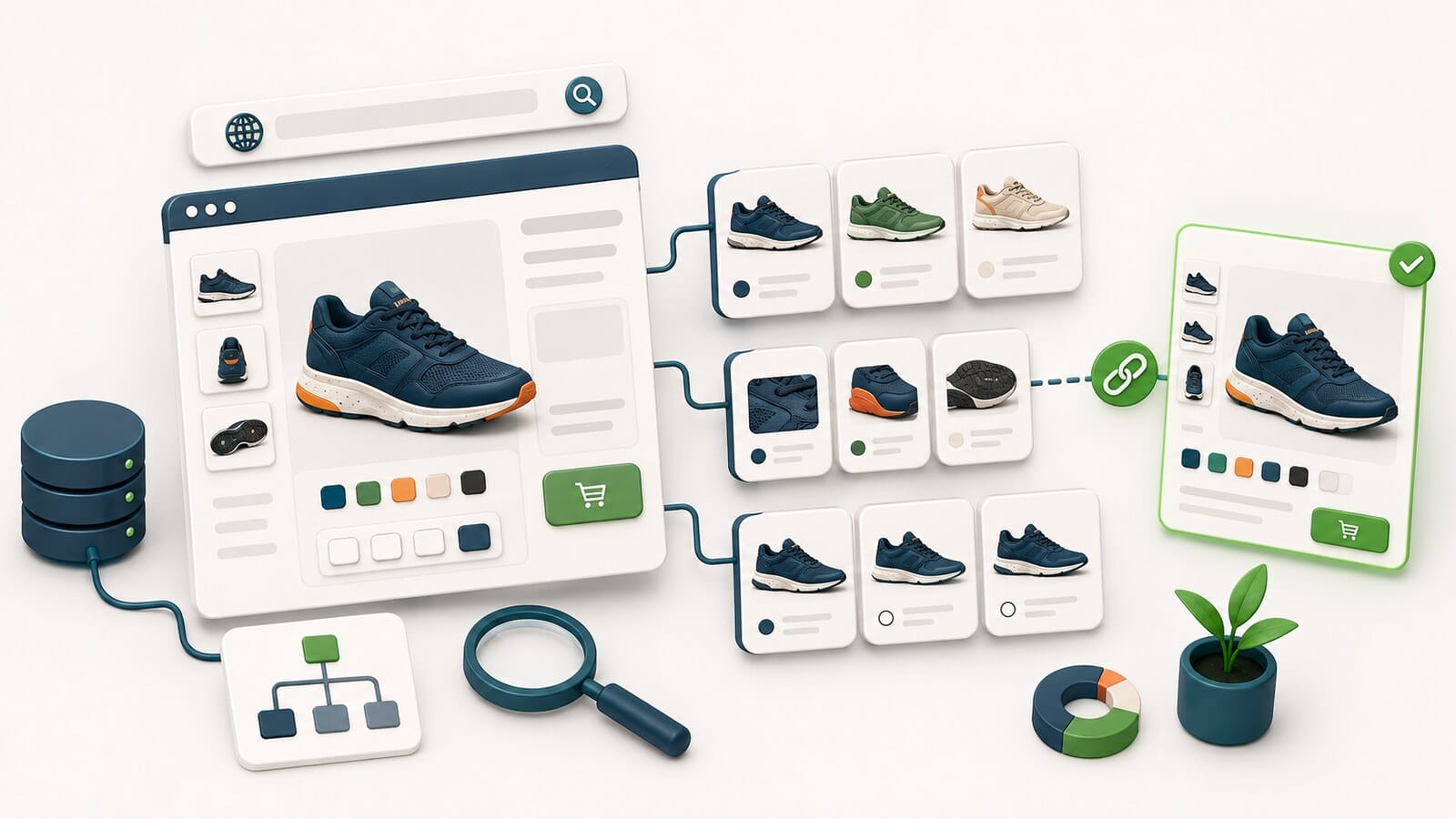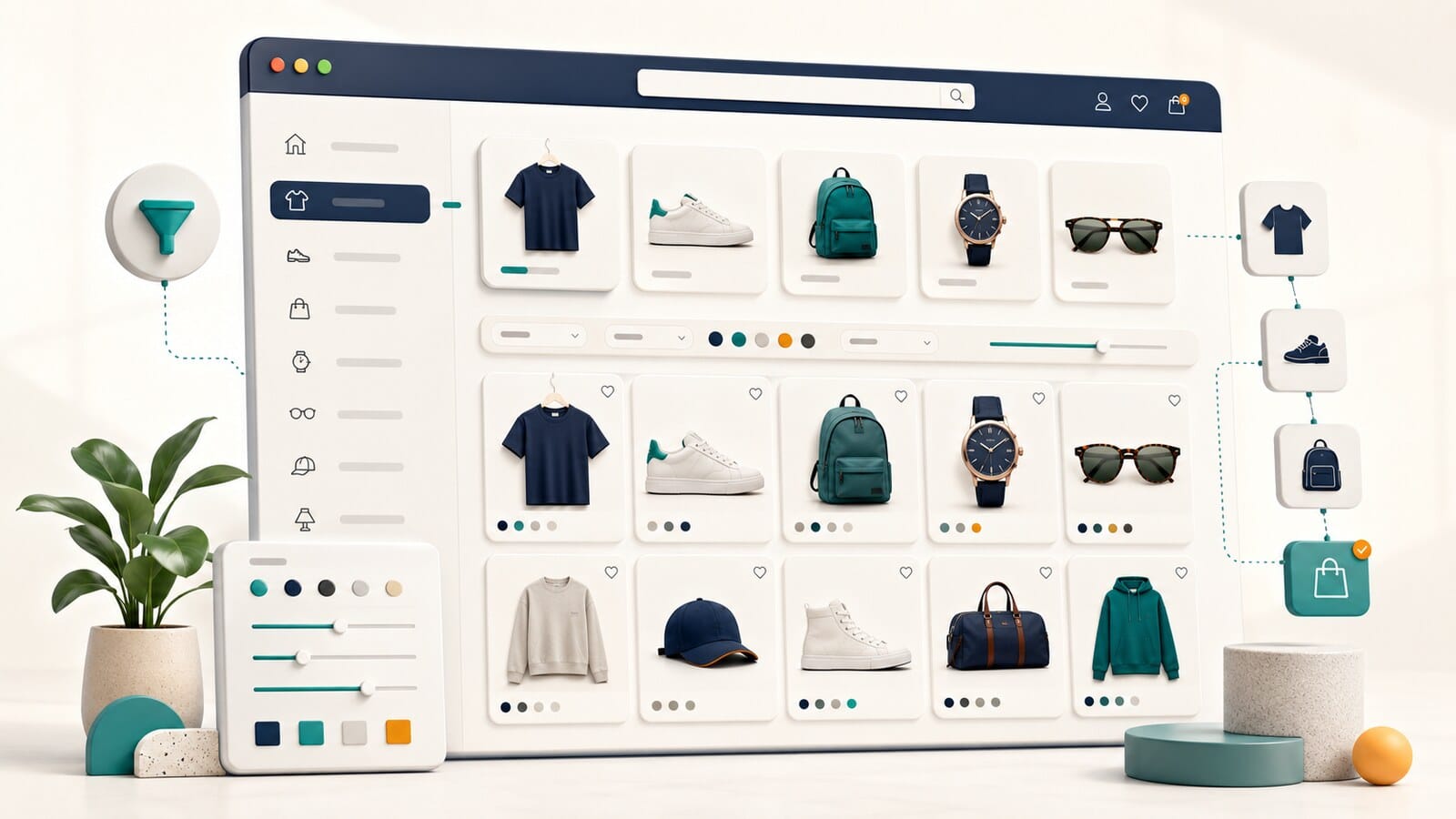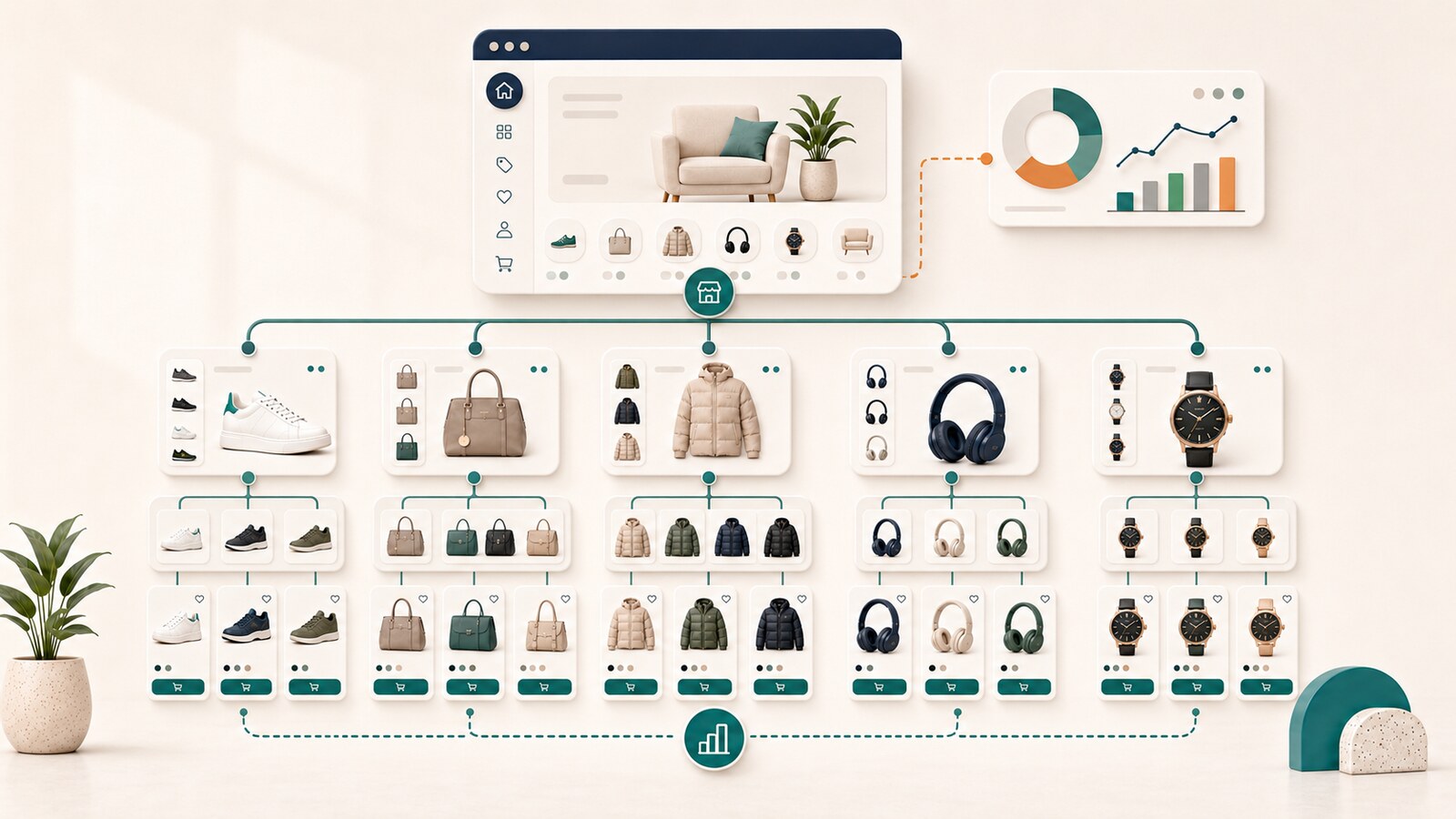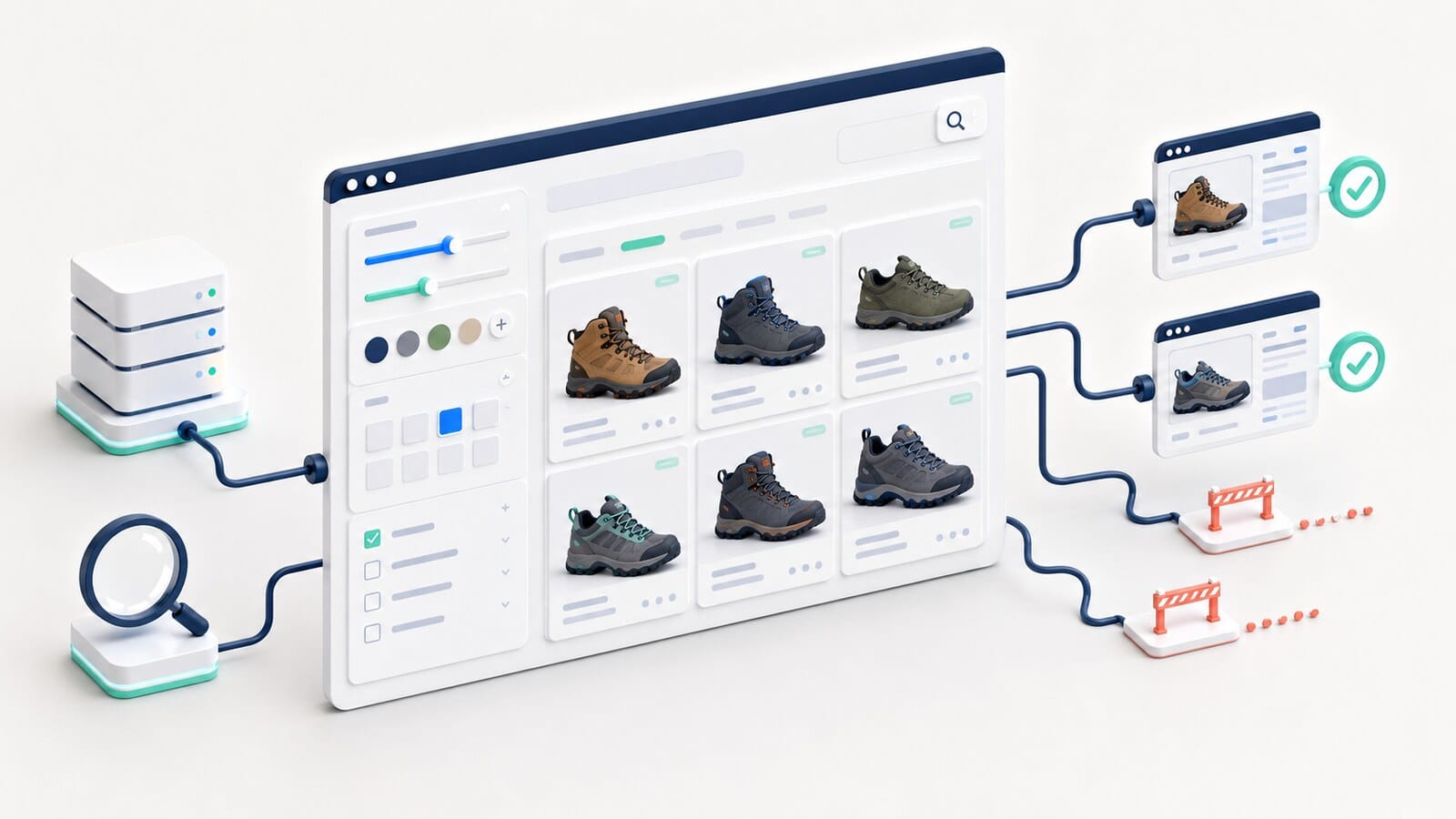
Filters are one of the most useful features in an online store. They help customers reduce hundreds or thousands of products to a smaller set that matches specific requirements such as size, color, brand, material, price, power, or compatibility.
The same functionality can also create one of the largest technical SEO problems on an e-commerce website. The reason is simple: every filter combination may generate a separate URL. With dozens of filters and many possible values, the number of URL combinations can grow much faster than the number of genuinely useful pages.
The problem is not that filters exist. The problem is that many stores have no prior decision about which filtered states are only part of the user interface and which are real pages that Google should crawl and potentially index.
This guide explains how to build a clear faceted-navigation policy so customers retain convenient filtering without the store creating endless URL spaces, duplicate pages, and fragmented SEO signals.
Faceted navigation is a system for filtering and narrowing a product list through product attributes. Depending on the store, those attributes may include:
When a customer selects one or more values, the store displays only the products that match those conditions.
This can be implemented in several ways:
?brand=x&color=black;#;From an SEO perspective, these implementations are not equivalent. Each one changes how crawlers discover, crawl, and interpret filtered results.
One filter is rarely a problem on its own. Risk appears when filters are combined.
Consider a category with:
The theoretical combinations already number in the thousands before sorting, pagination, and other parameters are added.
Most of those combinations have no independent search value. Some display almost the same products. Others contain one product, no products, or the same filters in a different parameter order.
When Google discovers these URLs, the result may include:
Google specifically warns that parameter-based faceted navigation can create practically infinite URL spaces, leading to overcrawling and slower discovery of useful content.
Before deciding on robots rules, canonical signals, or noindex directives, distinguish these three page types.
A category is the permanent owner of a product group. It exists as part of the store structure and should have a clear role, stable navigation, and a sufficient product selection.
Example: "Women's hiking boots."
A filter is a temporary way for a customer to narrow results. It does not automatically become a separate SEO page.
Example: "Women's black hiking boots, size 8, under $200."
This is a deliberately approved combination with its own stable user task, sufficient assortment, and independent value.
Example: "Waterproof women's hiking boots," when the group has stable inventory, search demand, and enough useful content.
The core rule is:
A filter is a UX feature until there is evidence that it deserves to become an independent landing page.
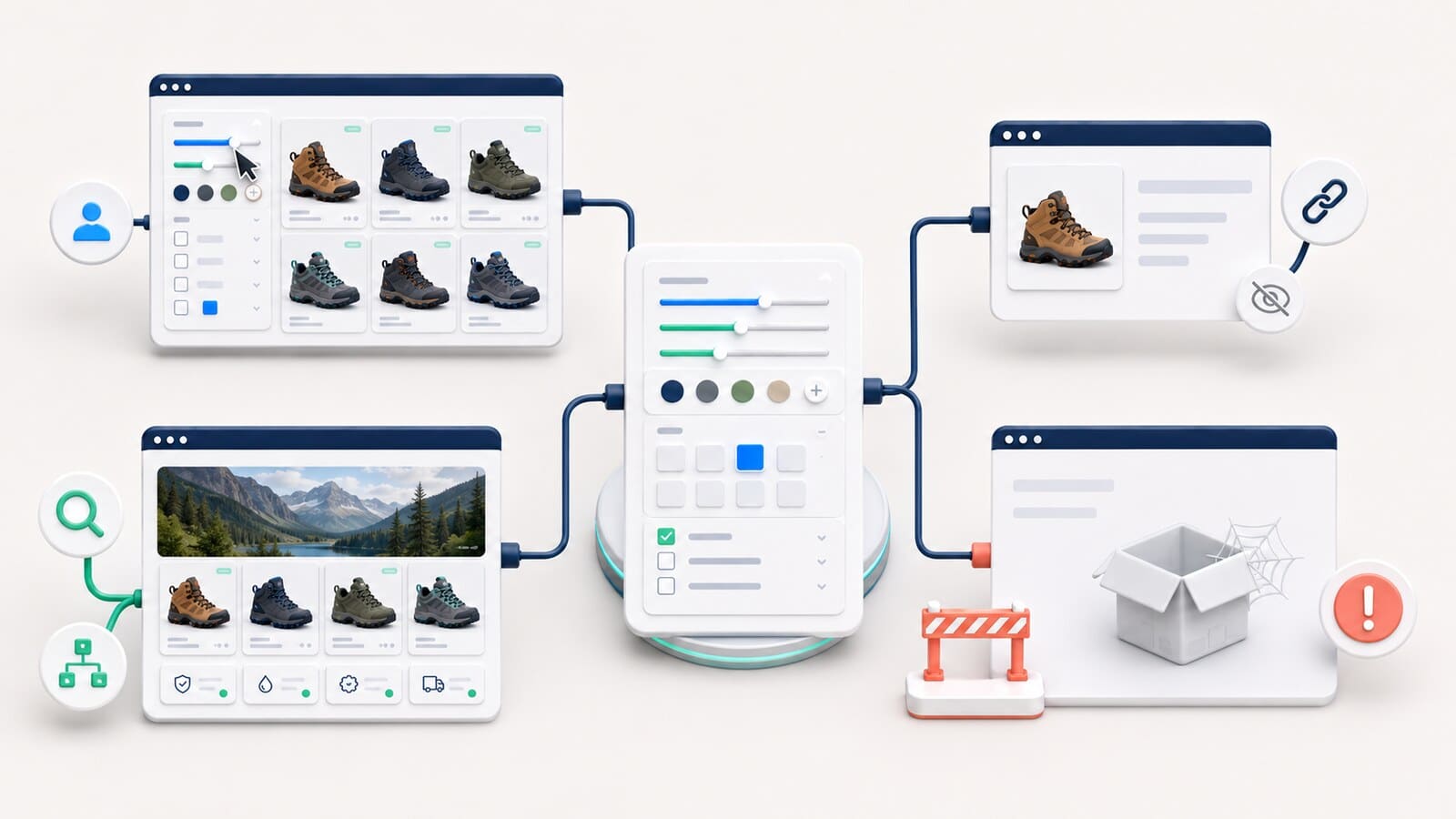
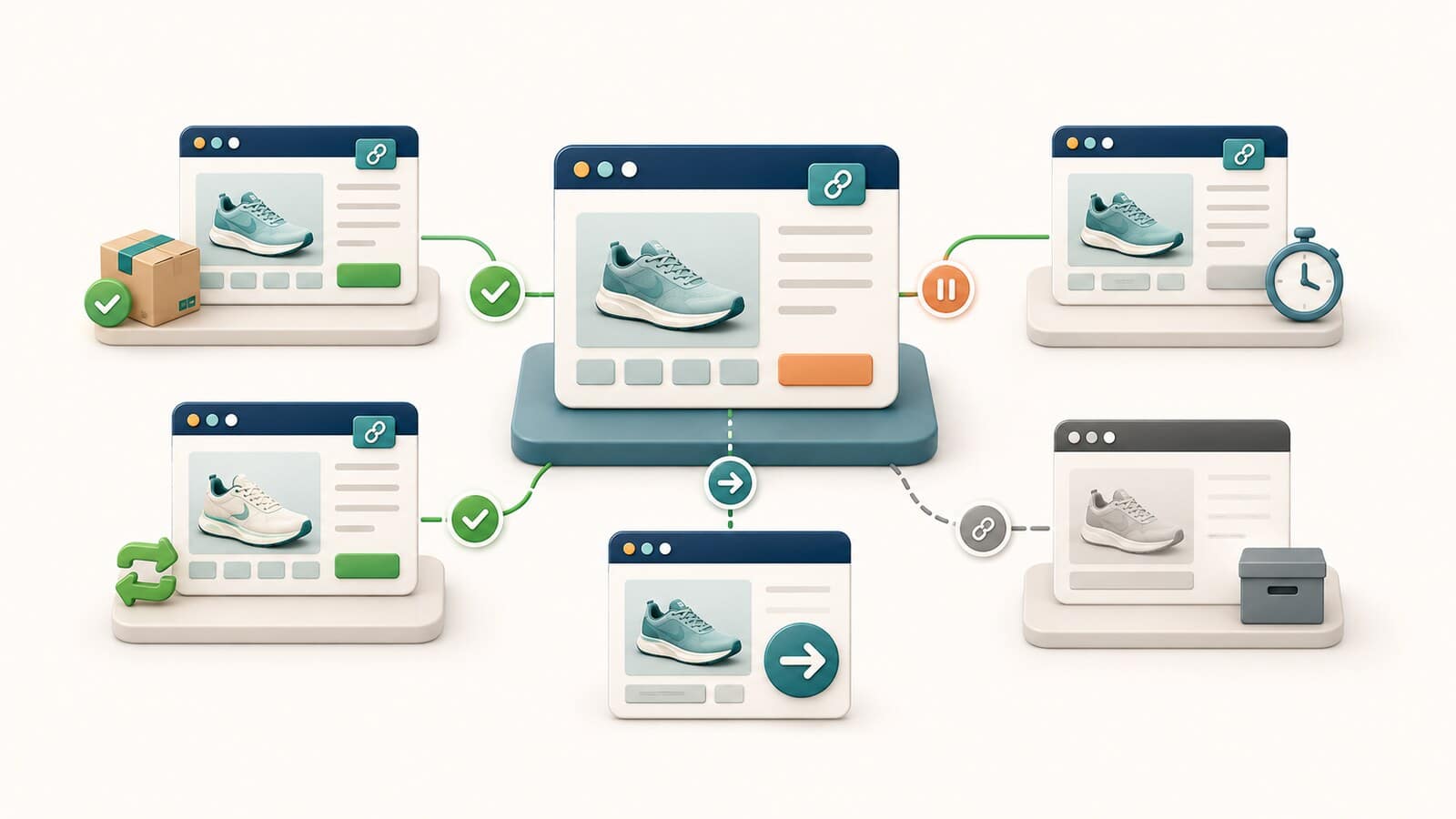
Every type of filter combination should be assigned to one of four states.
The filter changes the product list for the customer but does not create a crawlable, indexable URL.
This is usually the correct choice for:
The URL exists and may be required for functionality, analytics, sharing, or state restoration, but it should not compete as an independent search landing page.
A consistent technical policy is still required. Adding noindex is not enough when crawlers can discover and crawl millions of combinations.
Only a small, preapproved subset of combinations should enter this state.
Each approved page should have:
A URL containing impossible, duplicated, or empty conditions should not be presented as a normal page.
When a combination has no valid content, Google recommends returning an appropriate 404 response instead of serving a normal 200 page with no useful results.
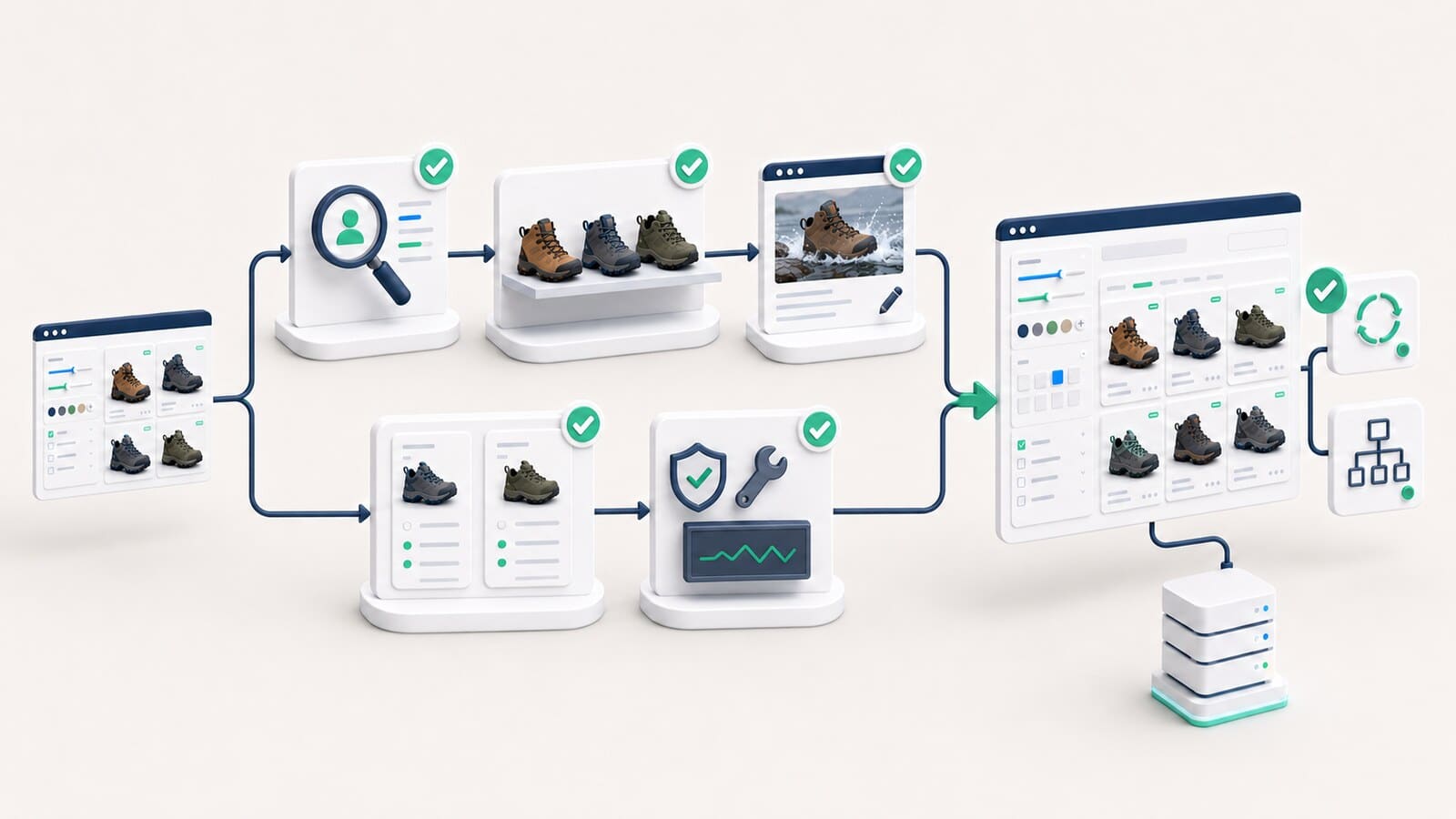
Before turning a combination into an SEO landing page, apply the following test.
The combination should describe a real task, not merely an arbitrary set of attributes.
"Laptops with 16 GB of RAM" may represent a meaningful task. "Gray laptops with 16 GB of RAM priced between $1,299 and $1,349" usually does not.
A page with one product, or one that is frequently empty, rarely justifies its own owner URL.
Review:
An indexable landing page should support its own:
When the only difference is a parameter in the URL, the page probably does not deserve indexation.
A new filtered landing page should not duplicate the task of an existing category.
When "Men's running shoes" already exists as a category, a filter with the same task should not create a second owner.
Do not approve an indexable combination unless the store can maintain:
The following types rarely deserve indexable pages without strong evidence:
This does not mean those filters are unimportant. They may be essential for UX, but UX value does not automatically justify an indexable URL.
When filters create URL parameters, the format should be deterministic.
Use the standard & separator between parameters.
The same combination should not exist as all of the following:
?brand=x&color=black;?color=black&brand=x;?brand=x&color=black&brand=x.The system should normalize parameter order and remove duplicate values.
Avoid presenting the same filtered state through several structures at the same time, such as:
One filtered state should have one valid URL format.
Moving filters from a query string into a URL path does not automatically solve the problem.
/shoes/black/leather/size-8/ can be just as problematic as a parameter URL when every combination is crawlable and the attribute order is not fixed.
Canonical is not a universal repair button for faceted navigation.
This can make sense when the filtered URL:
An approved indexable landing page should have a self-canonical. Otherwise, the website sends conflicting signals: the page is treated as an owner, but its canonical points elsewhere.
A crawler generally needs to discover and crawl a URL before it can process its canonical signal. Canonical may reduce some duplication over time, but it is not the strongest tool for preventing an infinite URL space from being crawled.
When filtered URLs are not needed in Search at all, preventing their discovery and crawling is usually more effective than relying only on canonical or nofollow.
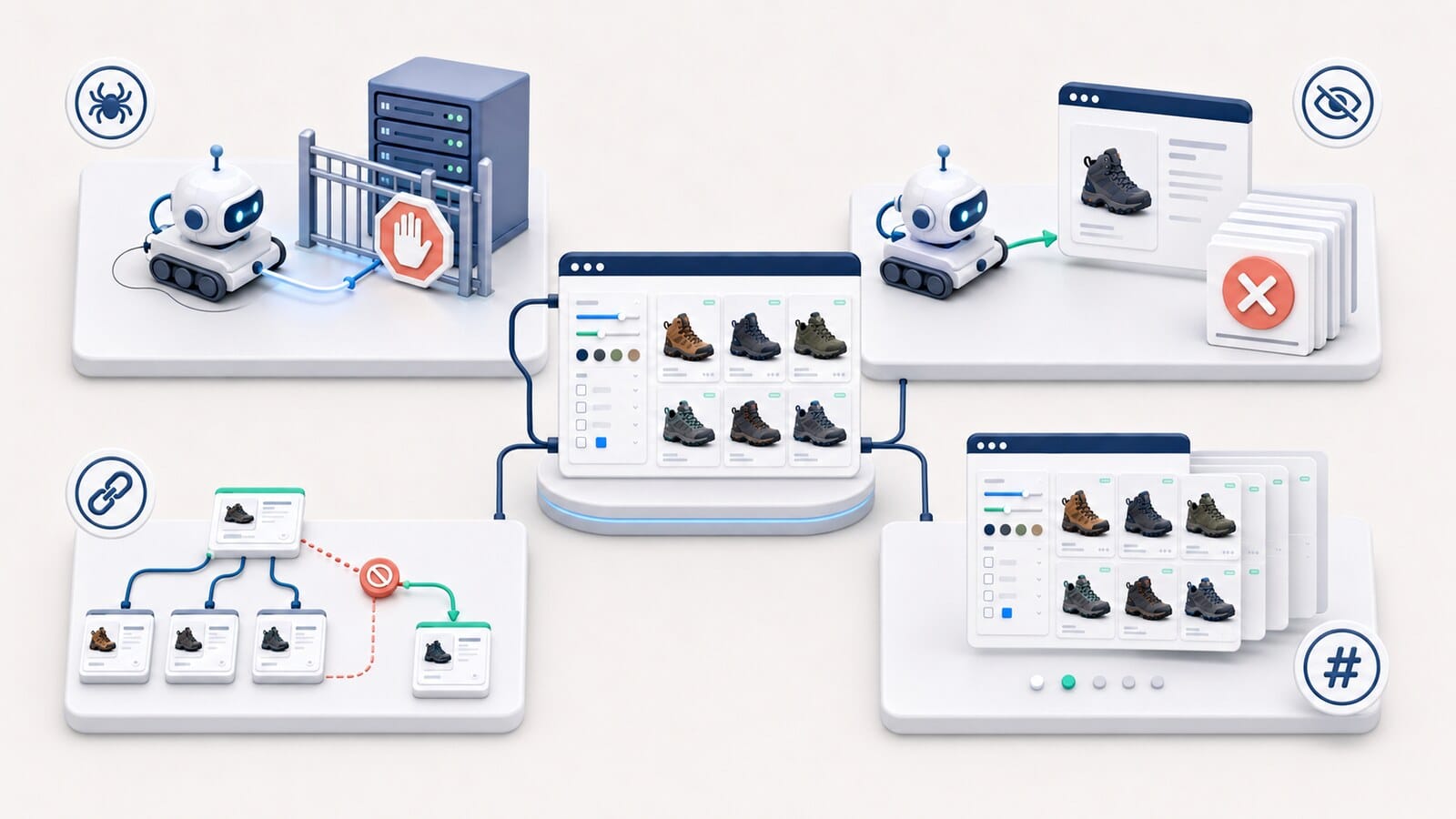
These mechanisms solve different problems and should not be treated as interchangeable.
Robots.txt can prevent crawling of URL patterns that should not be visited.
The advantage is reduced crawl activity. The limitation is that a crawler cannot read page-level directives on a blocked URL.
Before blocking a pattern, confirm exactly which URLs it affects so important categories or approved landing pages are not blocked accidentally.
noindex asks search engines not to include a page in the index, but the URL must remain crawlable for the directive to be processed.
With a very large number of filtered URLs, this may leave the overcrawling problem unchanged.
Nofollow may reduce discovery through selected internal links, but it must be applied consistently to every relevant link. Do not use it as the only control.
Google generally does not use URL fragments to crawl and index separate page states. This can work for UX-only filters when the architecture and JavaScript implementation support it.
Do not use fragments for content that should become a separate indexable landing page.
Faceted navigation should validate states rather than returning an empty template with HTTP 200.
When a combination returns no products and does not represent a meaningful page, return 404 for that URL rather than redirecting to a generic error page or the parent category.
A URL such as ?color=black&color=black should not create another crawlable page.
Normalize it to the valid URL or return 404, according to the approved architecture.
When attributes cannot exist together, the interface should not offer that combination. When the URL is entered directly, the system should return an appropriate unsuccessful response.
An empty page returning 200 OK, with a generic message and almost no useful content, is a poor result for customers and may be interpreted as a soft 404.
Faceted navigation often combines with other URL parameters.
Sorting usually changes only the order of products, not the task or product set. It should not create a new indexable landing page.
Pagination should follow its own consistent policy and should not combine without limits with every possible filter value.
Selecting several brands, colors, or sizes can increase combinations exponentially. Multi-select states should almost always remain UX-only or be strictly restricted.
Filters should not combine with session IDs, tracking parameters, and view preferences in a way that creates still more versions of the same content.
Approved indexable landing pages should be discoverable through normal links.
Link only to preapproved facet pages from relevant locations such as:
Do not turn every filter value into a sitewide crawlable link.
The sitemap should contain only canonical, indexable landing pages, not every operational filtered URL.
A landing page should not receive importance merely because it is technically reachable through a filter. It should have contextual links and a clear place in the information architecture.
For each category, document:
Assign them to:
Do not begin with the assumption that everything is crawlable and must later be blocked. A more sustainable approach is to maintain a small whitelist of indexable combinations with demonstrated value.
Document:
For every state, specify:
Do not assume the frontend setting is enough. Verify:
Look for:
Monitor:
Check:
200 pages;Indexable facet pages should also be monitored as product assets. When they remain without a sufficient product selection for a sustained period, their owner role should be reviewed.
200 OK;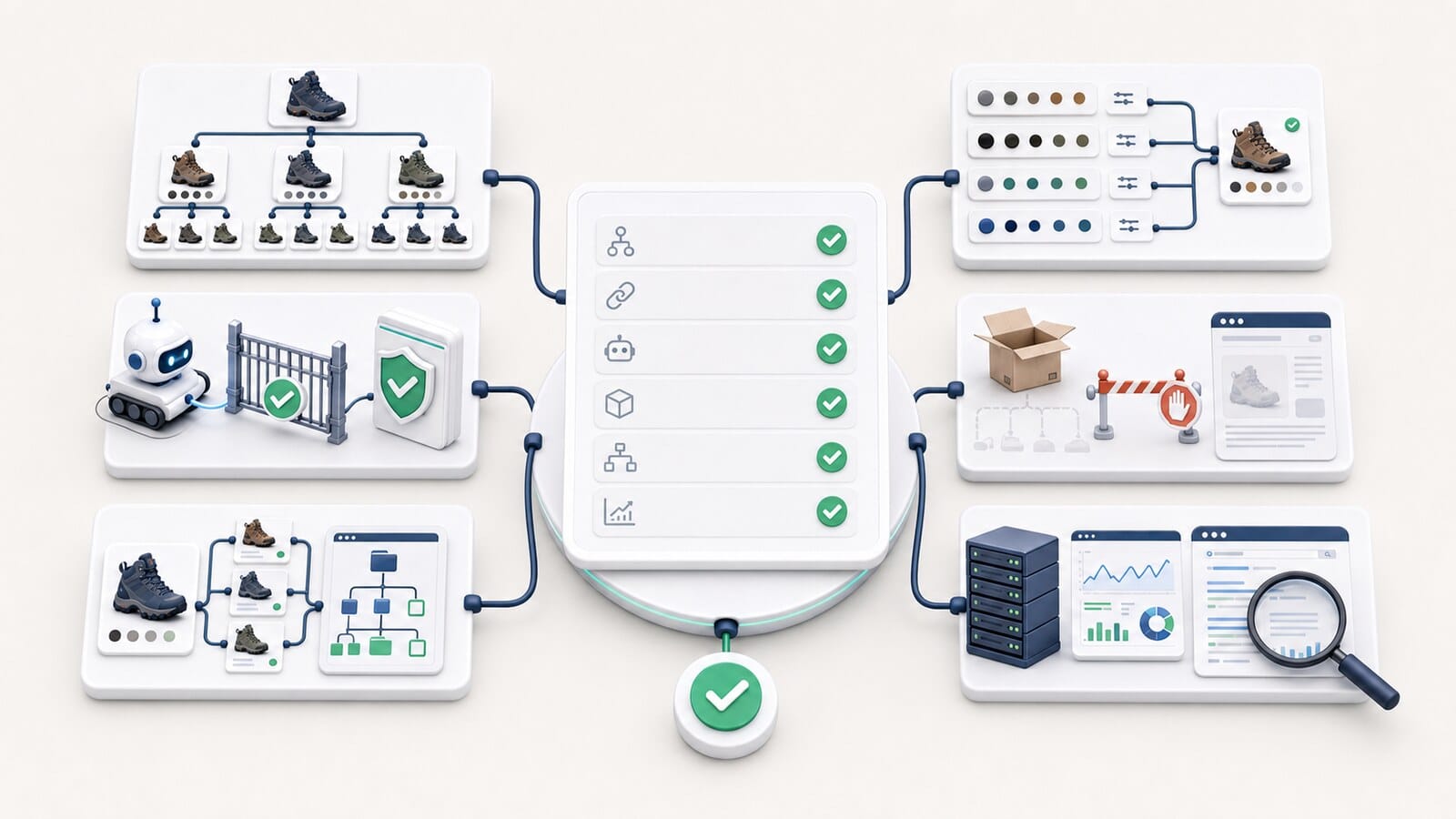
200 pages.404.A strong faceted-navigation strategy does not begin with canonical or robots.txt. It begins by deciding what role every combination should have.
Most filters should remain UX tools. A smaller group may require operational URLs. An even smaller, deliberately selected group may deserve indexable landing pages.
When these states are defined in advance, the store preserves convenient filtering without creating an infinite URL space, duplicate owners, or unnecessary demand on crawlers and servers.
For comprehensive work on product architecture, technical controls, and sustainable organic growth, see our e-commerce SEO service. When the filtering and URL model is being designed for a new store, it should be included in e-commerce website design from the beginning.