Choosing an ecommerce platform often begins with the wrong question: which system is the cheapest or most popular? The more important question is which platform can support the way the business actually sells, delivers, accounts for, and develops its products.
One solution may enable a quick launch but restrict an important integration a year later. Another may offer almost unlimited flexibility but require technical resources the business does not have. A third may appear expensive initially but be justified by complex B2B logic, multiple markets, or specific processes.
There is therefore no single platform that is right for every online store. What matters is a sound selection process in which critical requirements, costs, and limitations are known before development begins. If those requirements are not yet defined, start with the guide to preparing to launch an online store.
This guide compares WooCommerce, hosted SaaS platforms, and custom development according to the business model, catalog, integrations, control over data, and total costs over time. The goal is not a universal ranking, but a decision that can be justified by the actual needs of the project.
A platform is not simply an administration panel where products are added. It determines how key parts of the commercial process work:
An unsuitable choice rarely becomes obvious during the first few weeks. The problem usually appears when the business needs a second price list, a warehouse connection, a new shipping method, a customized checkout, or expansion into a new market.
The required feature may not be supported, may need an expensive application, may be available only on a higher plan, or may force the business to change its entire process. The platform should therefore be evaluated not only against the current catalog, but also against the most likely changes over the next two or three years.
A comparison becomes useful only after the business has described what the store actually needs to do. A generic feature list is not enough.
Clarify whether you sell to consumers, businesses, or both. Subscriptions, wholesale, marketplace models, and made-to-order products each have different requirements.
Also define:
The number of products is only the beginning. Two stores with 500 products each may have completely different levels of complexity.
Check:
List the specific providers rather than using a general requirement such as "courier integration" or "online payment." Define which data must be sent, how often it must be synchronized, and which system is the source of truth.
Critical connections may include:
Clarify who will manage the store after launch. A hosted platform may reduce some technical tasks. WooCommerce provides more control but requires responsibility for hosting, updates, and compatibility. Custom development requires an even clearer owner for ongoing technical maintenance.
Evaluate not only the initial budget but the costs for at least three years. Include development, subscriptions, hosting, extensions, maintenance, transaction fees, integrations, and internal staff time.
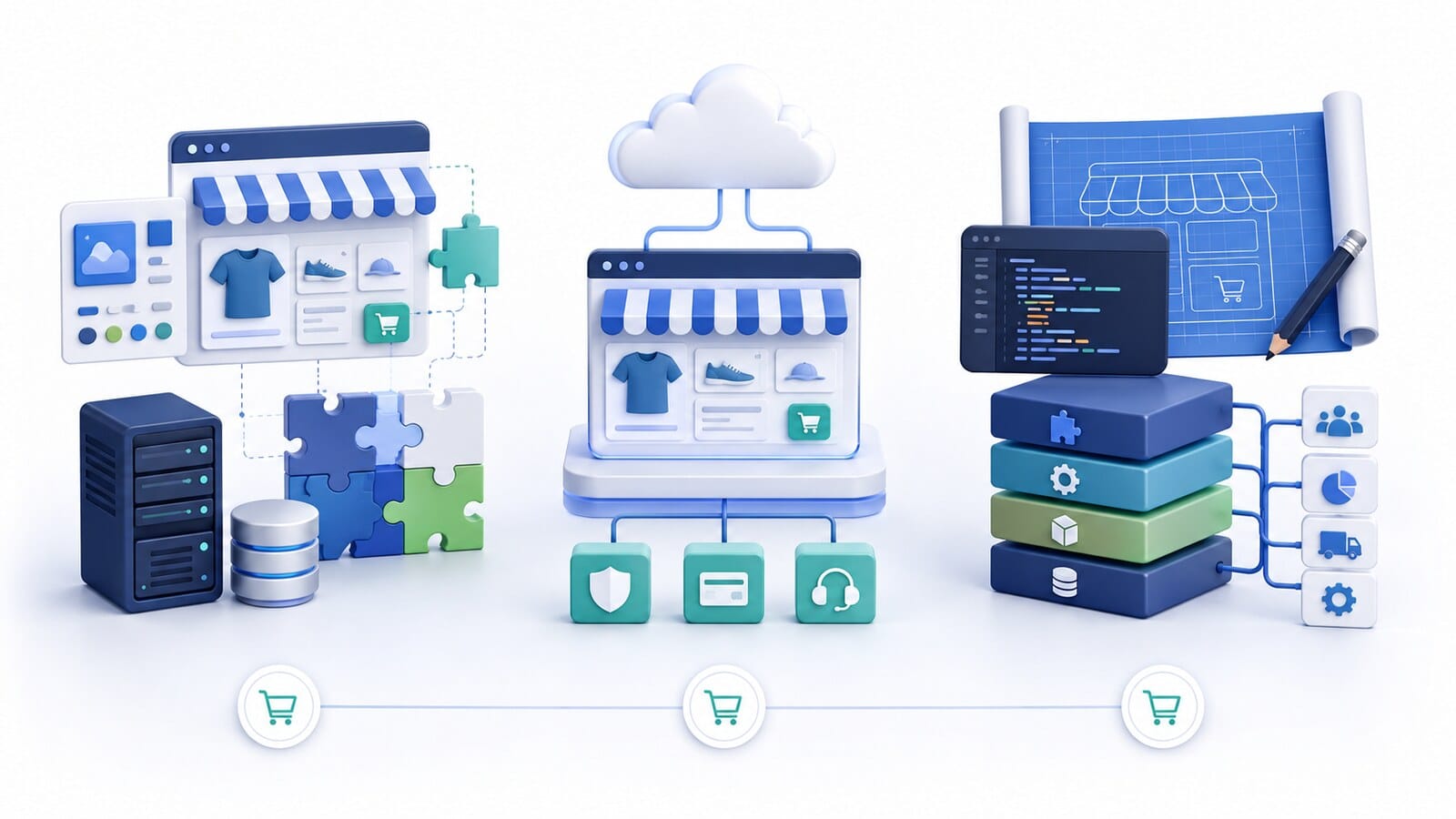
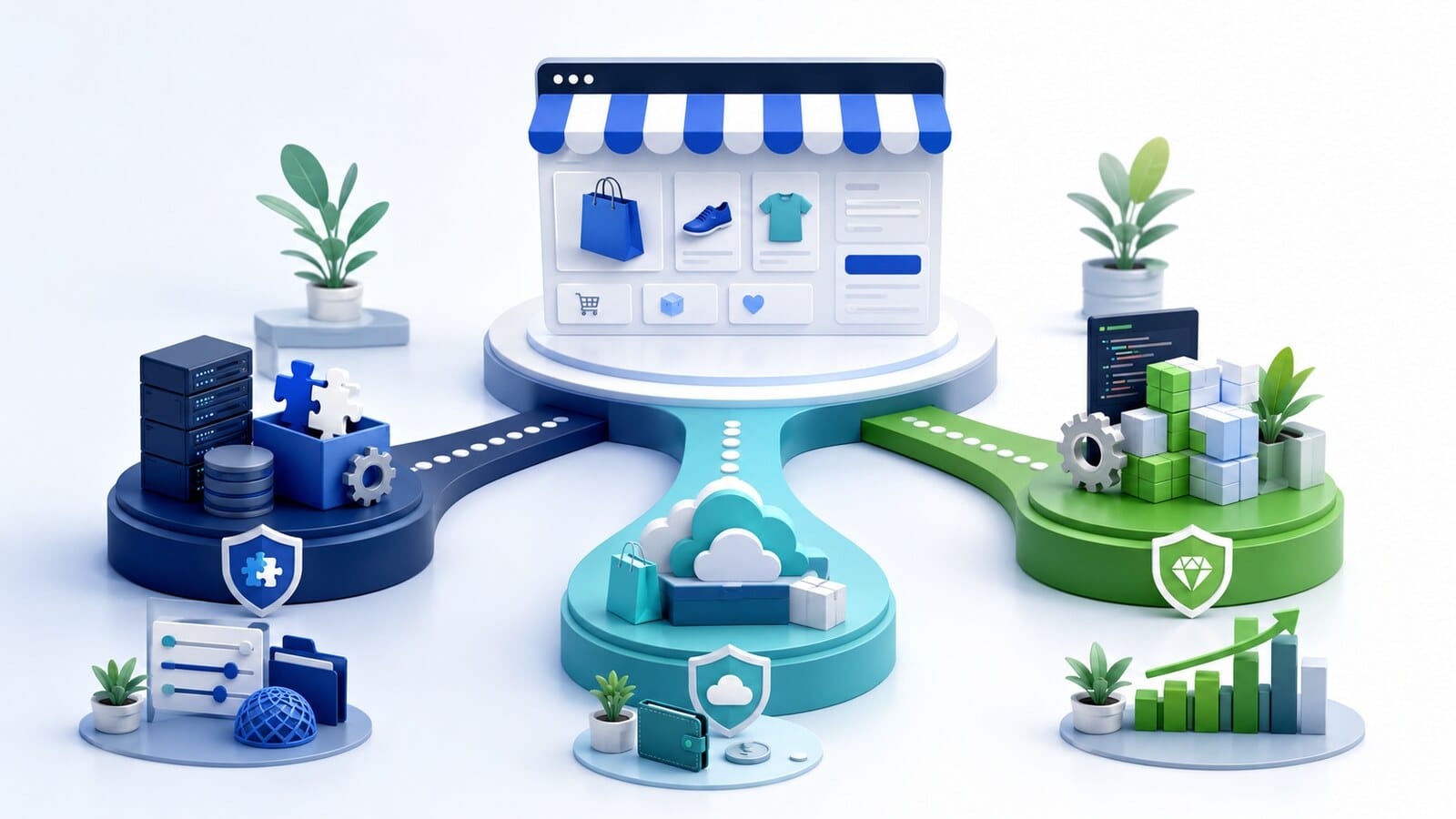
For most projects, the available solutions can be considered in three main groups.
WooCommerce is an ecommerce platform built on WordPress. Its core is open source, with no mandatory subscription for the main software itself. However, the store still has real costs for hosting, development, maintenance, payment services, and potentially paid extensions.
Its main advantage is a high degree of control over the store, data, hosting, design, and business logic. When no suitable ready-made integration exists, a custom connection can be developed through the available application programming interfaces.
This model provides freedom but places more technical responsibility on the owner and their contractor.
Under the SaaS model, the platform, hosting, and part of the maintenance are provided as a service in return for a recurring subscription. Shopify is a recognizable example, but the same model is used by many different providers.
This type of solution usually offers a faster basic launch, maintained infrastructure, and a ready set of standard features. Limitations, user accounts, advanced B2B capabilities, checkout customization, and fees may depend on the selected plan, applications, and payment method.
The business operates within the provider's rules and capabilities. This is not necessarily a disadvantage when the standard model meets the requirements and the limitations are understood in advance.
This category is appropriate when the project has processes that cannot reasonably be covered by an existing system and a limited number of extensions.
Examples include:
Flexibility is high, but so are the time required for analysis, the initial investment, the testing burden, and the need for ongoing technical maintenance.
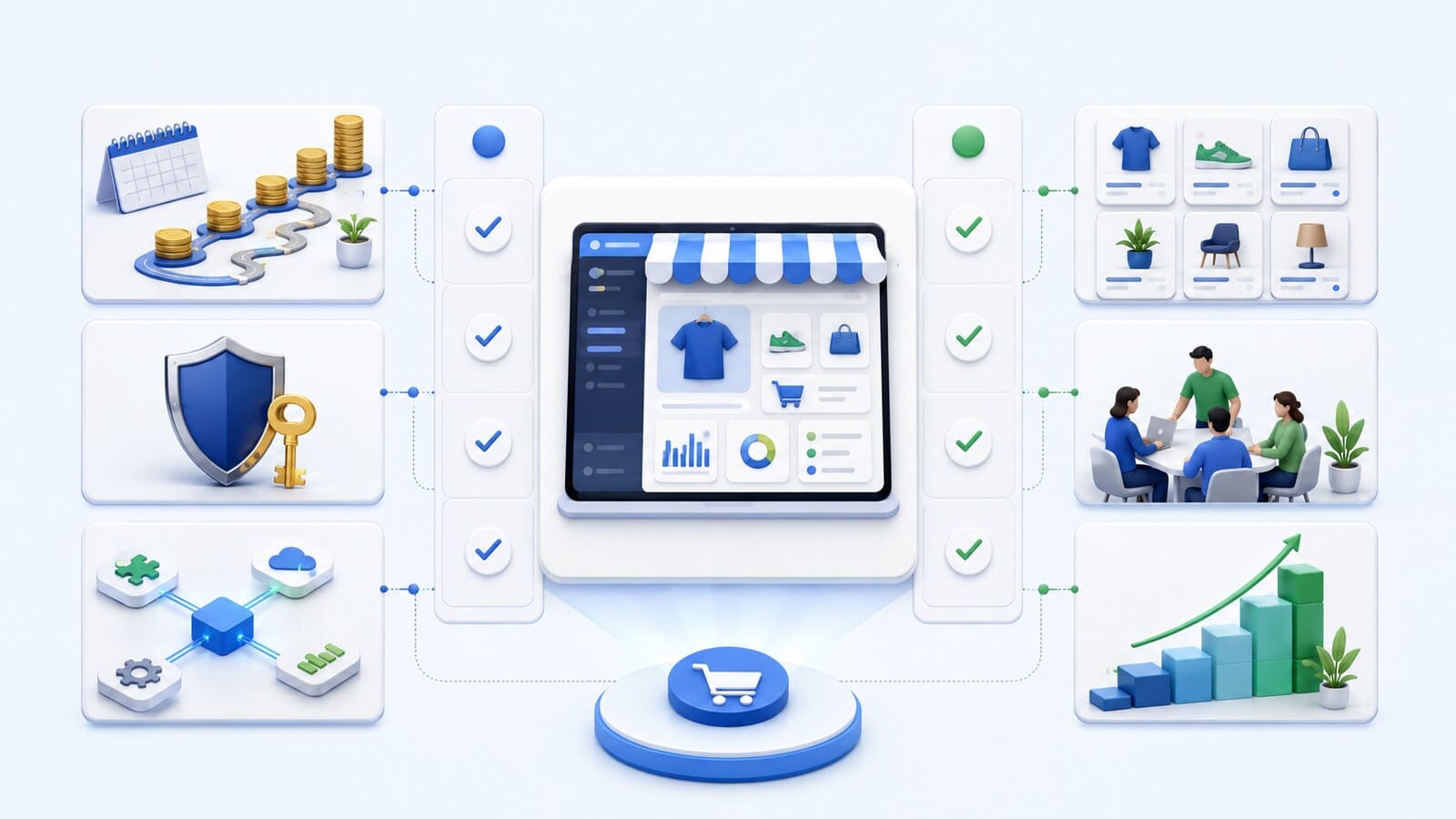
Do not compare platforms only by counting the features shown on their marketing pages. The important question is whether a specific feature works in the way your business requires.
| Criterion | What to check | Risk if overlooked |
|---|---|---|
| Business model | B2C, B2B, subscriptions, marketplace, made-to-order sales | Redesign of the core process |
| Catalog | Variations, attributes, bundles, prices, inventory, and volume | Difficult management and poor performance |
| Checkout | Fields, steps, discounts, payments, taxes, and shipping | An impossible or inconvenient process |
| Integrations | Ready connection, API, synchronization frequency, and data owner | Manual work and errors |
| Control | Code, data, hosting, administrator access, and technical partner | Dependency without a clear exit |
| Costs | Initial price, subscriptions, extensions, fees, maintenance, and development | A cheap launch but expensive operation |
| Team | Who updates, tests, maintains, and responds to incidents | A store without a real technical owner |
| Development | New markets, B2B, more products, automation, and migration | The platform reaches its limits too early |
Separate requirements into three levels:
A platform that does not meet a critical requirement should not remain on the shortlist simply because it is inexpensive or offers attractive templates.
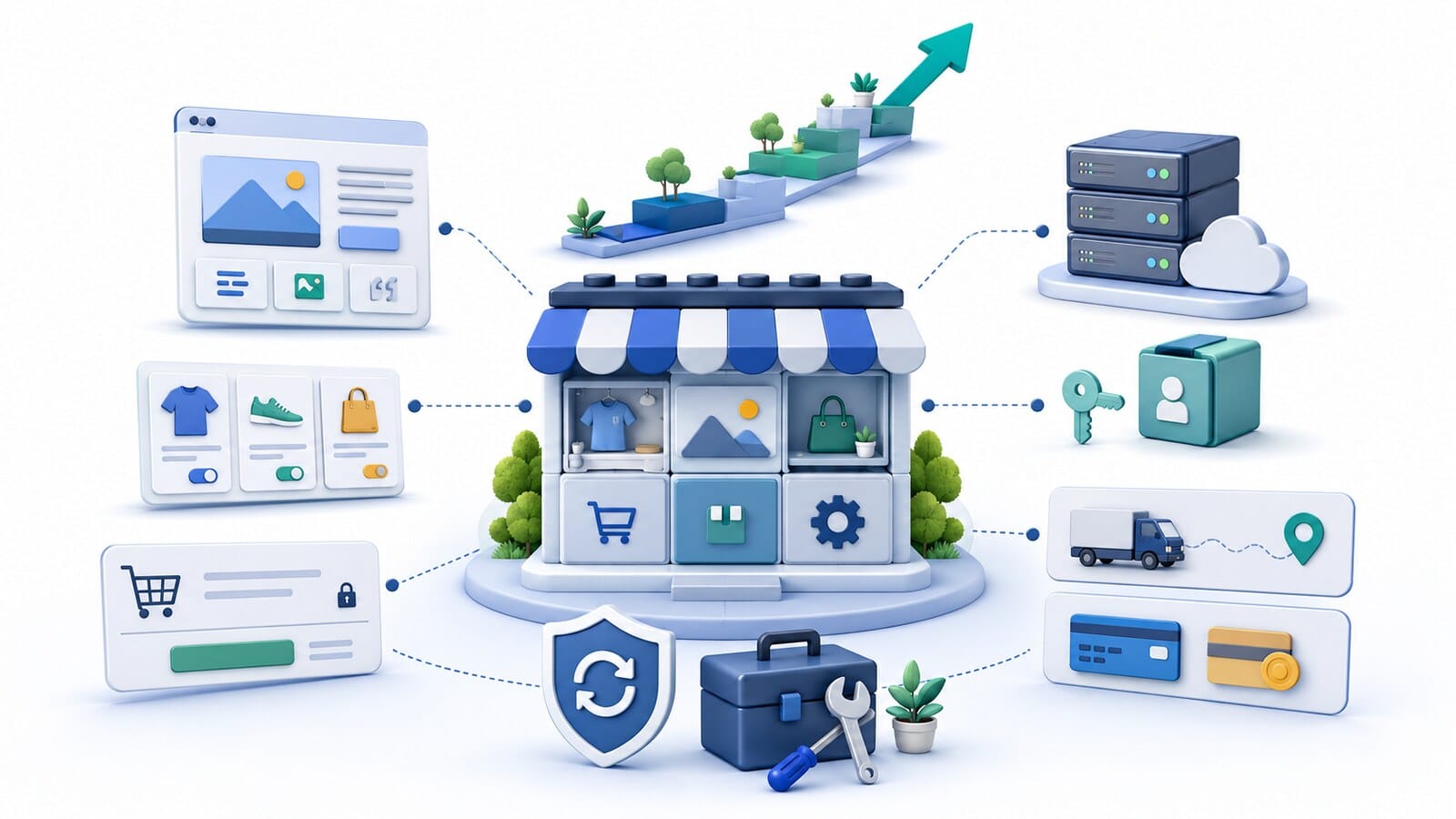
WooCommerce is a strong option for many small and medium-sized online stores when the business wants control, flexibility, and the ability to develop gradually.
It is particularly suitable when:
WooCommerce's official overview emphasizes its open-source model, control over the store and data, choice of hosting, and support for custom integrations.
These advantages do not mean that WooCommerce works well without planning. It requires suitable hosting, careful extension selection, testing, updates, backups, and competent technical maintenance.
WooCommerce should not be recommended automatically. A marketplace model, highly complex B2B logic, demanding synchronization, or specific enterprise requirements may be served more reliably by another architecture.
The word "ownership" must translate into specific rights, access credentials, and capabilities. It is not enough for a contract to state that the store belongs to you.
Before choosing, check:
With WooCommerce, the files, database, and hosting can remain under the business's control when accounts and contracts are organized correctly. Open-source software also makes it possible to change technical partners. In practice, this control may be compromised if the domain, hosting, or paid licenses are registered solely in the contractor's name.
A hosted platform may provide data export tools, but this does not mean the entire store can be moved in a single file. For example, Shopify's official documentation allows products to be exported as CSV, but images, applications, the theme, checkout process, and specific integrations require a separate migration assessment.
Do not assume automatically that SaaS means complete dependency or that open source guarantees freedom. Verify the actual exit and handover plan.
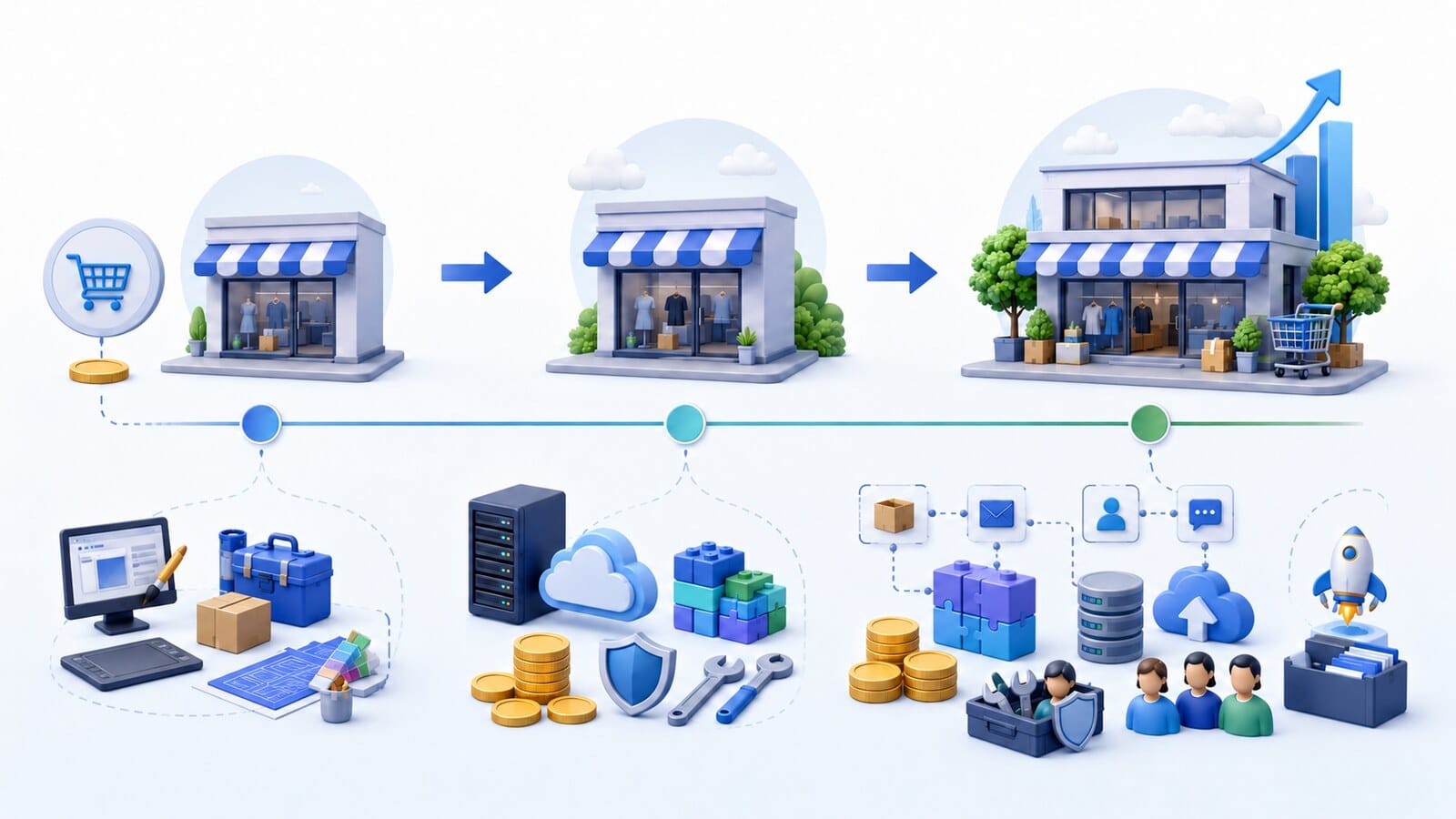
The initial quote is only one part of the cost. It is more useful to calculate the total cost of ownership and development for at least three years.
Include:
| Cost | WooCommerce | Hosted SaaS | Custom development / enterprise |
|---|---|---|---|
| Initial build | Setup, design, development, and integrations | Setup, theme, applications, and possible development | Analysis, architecture, development, and testing |
| Platform and infrastructure | Hosting and possible paid extensions | Subscription plan and additional services | Infrastructure, licenses, and technical services |
| Payments | Payment provider fees | Provider fees and possible additional platform charges | Contracted providers and custom integrations |
| Maintenance | Updates, security, testing, and incident response | Part of the infrastructure is included, but applications and changes remain a cost | Permanent technical team and broader testing |
| Development | New extensions, custom code, and additional resources | Higher plan, applications, or development within the system | New modules and architectural changes |
| Migration | Preparation and transfer of data, features, and URLs | Export, conversion, and rebuilding of non-transferable components | Depends on the documentation, architecture, and contract |
WooCommerce's guide to total costs notes that costs depend on complexity, markets, product count, internal capacity, integrations, and the need for ongoing maintenance. This is a valid principle for any platform.
For a SaaS solution, check the current pricing page for the country and currency in which the service will be used. Shopify's official pricing page, for example, shows that features, staff accounts, B2B capabilities, and some fees vary by plan. Terms can change, so do not build a three-year budget from an outdated comparison article.
WooCommerce is not automatically cheaper. A poorly developed store with many incompatible extensions can be expensive to maintain. SaaS is not automatically more expensive. For a standard catalog and process, the included infrastructure may reduce the technical burden and provide a more predictable start.
The statement "an integration exists" is not sufficient evidence. A connection may send orders but fail to synchronize prices, stock, customers, invoices, or statuses.
For every critical system, clarify:
WooCommerce has a large extension ecosystem and supports custom API connections. This is an advantage when a project has specific processes. At the same time, each additional extension increases the need to verify quality, compatibility, security, and maintenance.
Ready-made applications can significantly accelerate work on SaaS platforms. However, you must confirm that they support the specific plan, country, courier, payment provider, and required fields. Presence in an application marketplace does not prove that the integration covers the entire process.
With enterprise or custom development, connections can be designed around the business, but the organization accepts higher costs for analysis, development, monitoring, and changes when external systems are updated.
A hosted platform may be a reasonable choice when the business has a relatively standard model and values speed to launch more than complete technical control.
This approach is suitable when:
For testing a new market, launching a small standard catalog, or supporting a team without technical resources, SaaS may reduce the time to the first sale. This advantage is real only if critical business processes are not forced to change merely to fit the platform.
Check the limitations before signing a contract. A feature available only on a higher plan can change the entire calculation. The same applies to staff accounts, B2B catalogs, checkout customization, external payment methods, and paid applications.
A more expensive architecture is justified when it solves proven complexity, not simply because the business expects to grow.
Signals that warrant a separate enterprise assessment include:
Adobe Commerce, for example, presents features for B2B company profiles, roles, specific catalogs and prices, purchase approvals, and multiple brands and markets. This illustrates the type of complexity enterprise solutions are designed to address. It does not prove that every large company needs this particular platform.
A large product count alone is not a sufficient reason. A store with many products and a simple process may operate on a more standard architecture. A small catalog with configurable products, contract pricing, and a complex production connection may require a more substantial solution.
Before commissioning custom development, verify whether the core problem can be solved reliably with an existing platform and limited customization. Proprietary software creates value only when the unique logic matters to the business and the organization can fund its maintenance.
A low launch cost may be offset by subscriptions, applications, transaction fees, manual operations, and future migration.
When the decision begins with "we want Shopify," "we want WooCommerce," or "we want a custom system," requirements are often adjusted to justify a technology that has already been selected.
The presence of a feature does not show whether it works with your rules, data, country, and providers.
A courier, bank, or ERP logo on a marketing page does not prove that the connection is complete and maintained. The exact data and scenarios must be verified.
Every model has technical responsibilities. With WooCommerce, they are more visible. With SaaS, part of the work is included, but applications, content, and customizations still need an owner. With custom development, the absence of a permanent team is a serious risk.
Migration is considered too late. When making the initial choice, you should already know which data can be exported, who owns the code, and how another contractor could take over the work.
In an open system, freedom can easily turn into an accumulation of plugins. Every extension should have a clear role, owner, license, and update plan.
Expected growth is not a technical requirement. Before choosing custom development, identify a specific process that existing solutions cannot reasonably support.
The matrix does not choose the platform for you. It makes the reasons for the decision visible and comparable.
If a platform does not meet a critical requirement and there is no reliable way to develop it, remove it from consideration. Do not compensate for the gap with a high score for attractive templates or a low monthly price.
Rate the importance of each criterion from 1 to 5, where 5 means critical to the business. Then rate each platform on the same scale and multiply the two values.
| Criterion | Example weight | WooCommerce | Hosted SaaS | Enterprise / custom development |
|---|---|---|---|---|
| Fast basic launch | Project-specific | Medium | High | Low |
| Control over data and hosting | Project-specific | High | Within the service | High with the right contract |
| Customized catalog and checkout | Project-specific | High | Depends on the plan and applications | Very high |
| Low technical burden for the team | Project-specific | Medium to low | High | Low |
| Specialized integrations | Project-specific | High after technical verification | Depends on the platform | Very high with sufficient budget |
| Predictable initial budget | Project-specific | Medium | High for a standard scope | Low to medium |
| Complex B2B or marketplace logic | Project-specific | Depends on complexity | Depends on enterprise capabilities | High |
The values in the table are a guide, not a completed assessment. Each score should be supported by documentation, technical verification, and a quotation.
Create three scenarios:
For the most important integration, request technical documentation, a demonstration, or a limited test. This costs less than replacing the platform after launch.
Document access credentials, ownership, backups, data exports, licenses, and the conditions for changing contractors.
After these steps, the highest score is not necessarily the right choice. The decision must also pass a review for critical risks that a general numerical score may conceal.
A well-prepared discussion begins with the business, not with a preferred technology. Prepare:
Ask the contractor to explain not only what they recommend, but also why the other options were rejected. A sound recommendation should identify limitations, dependencies, ongoing costs, and responsibility for maintenance.
Not sure whether WooCommerce is suitable for your project? SeoWebDesign can review the catalog, processes, and required integrations before recommending a platform. See our ecommerce website development service and send us the core project requirements.