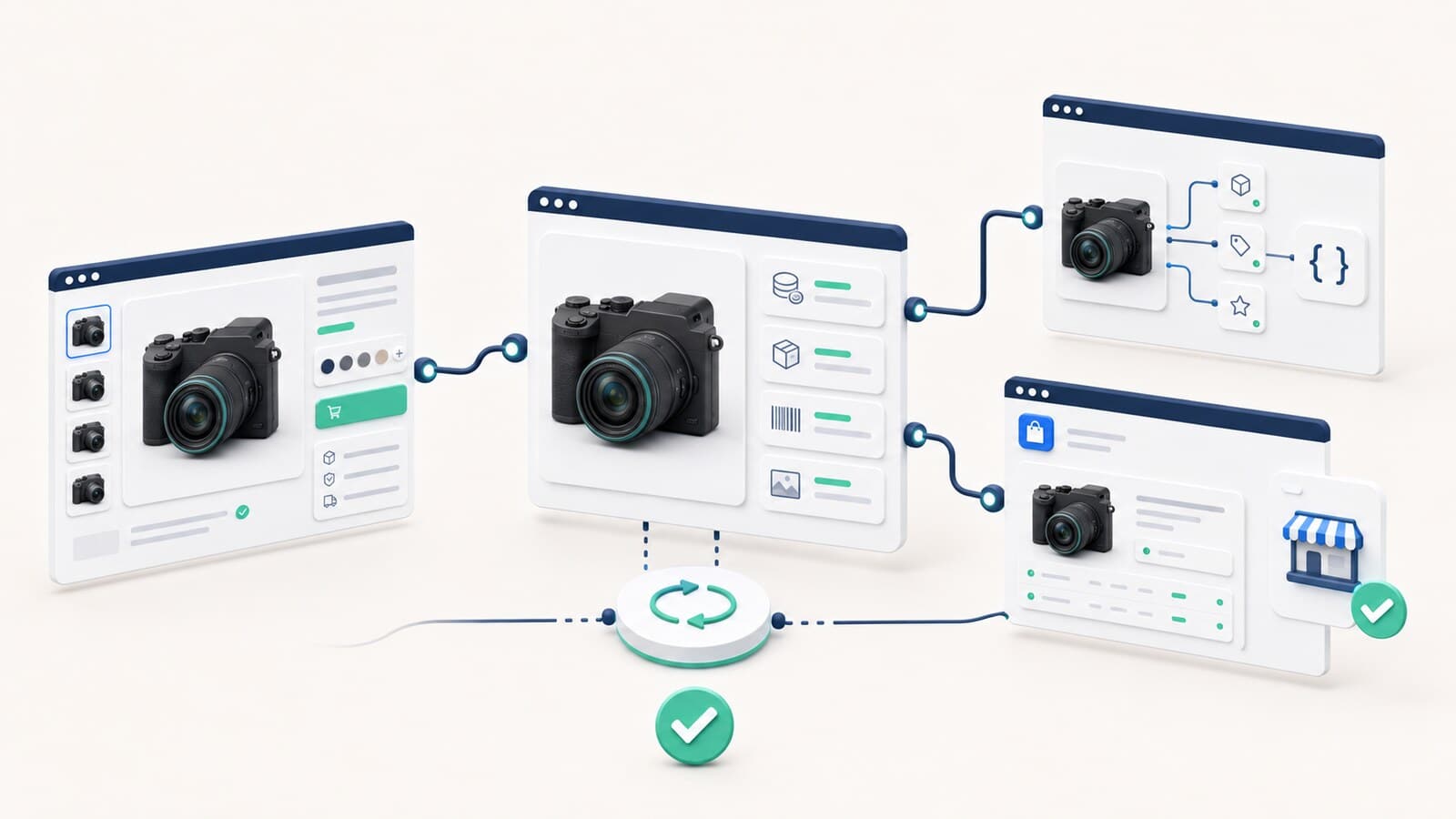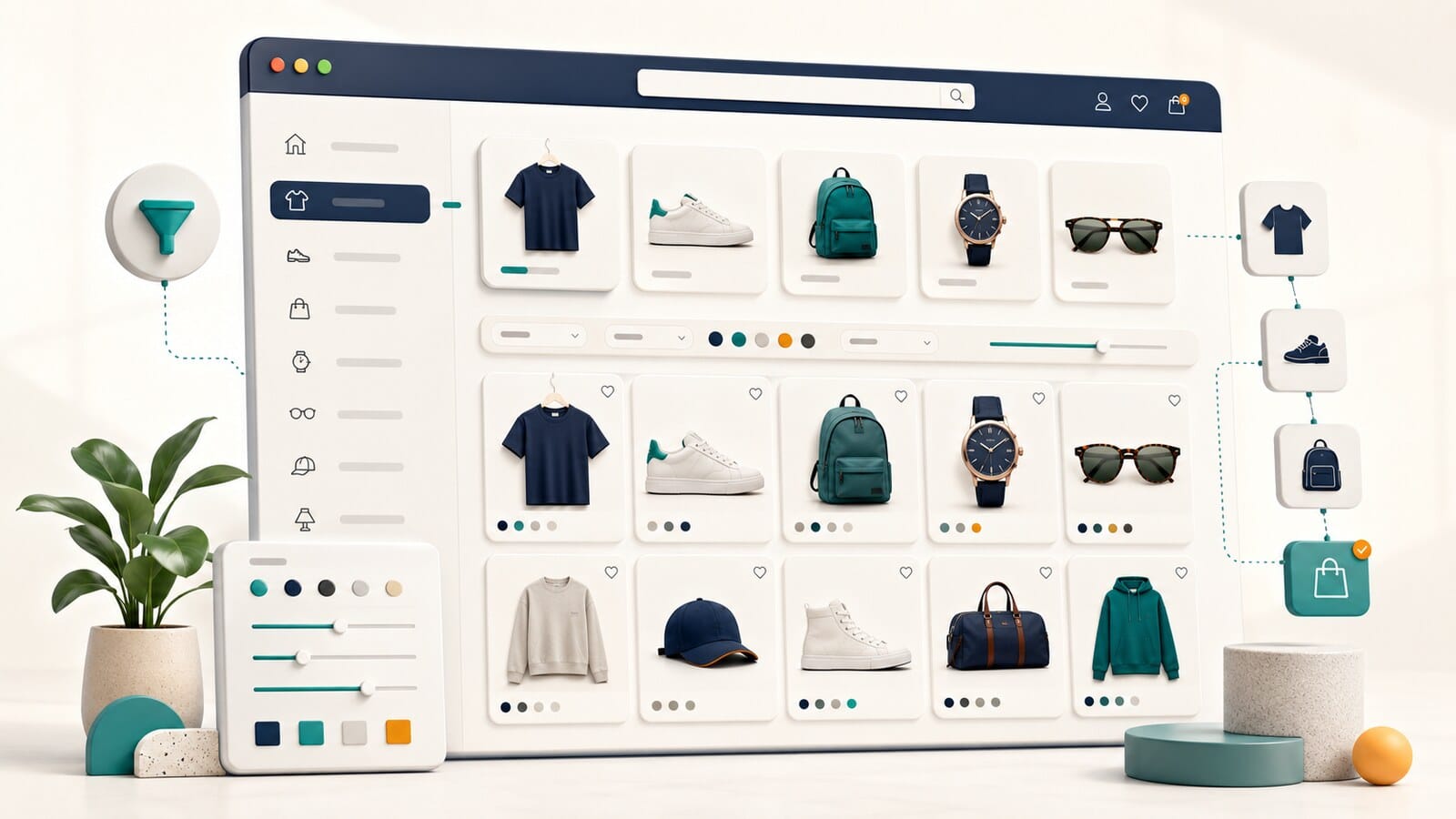
A category page is often one of the most important pages in an online store. It brings together the products a customer compares and usually sits between a broad search and a specific purchase.
Many stores still treat the category as a technical listing. The heading contains a keyword, a product grid appears below it, and a long SEO text is added at the bottom. If the products do not support a clear user task, if two categories show almost the same assortment, or if the filters do not help customers choose, text alone will not solve the problem.
A strong SEO category is not merely a page that should rank. It is a useful decision point that connects customer intent with the right product set, clear subcategories, relevant filters, and enough information for the next step.
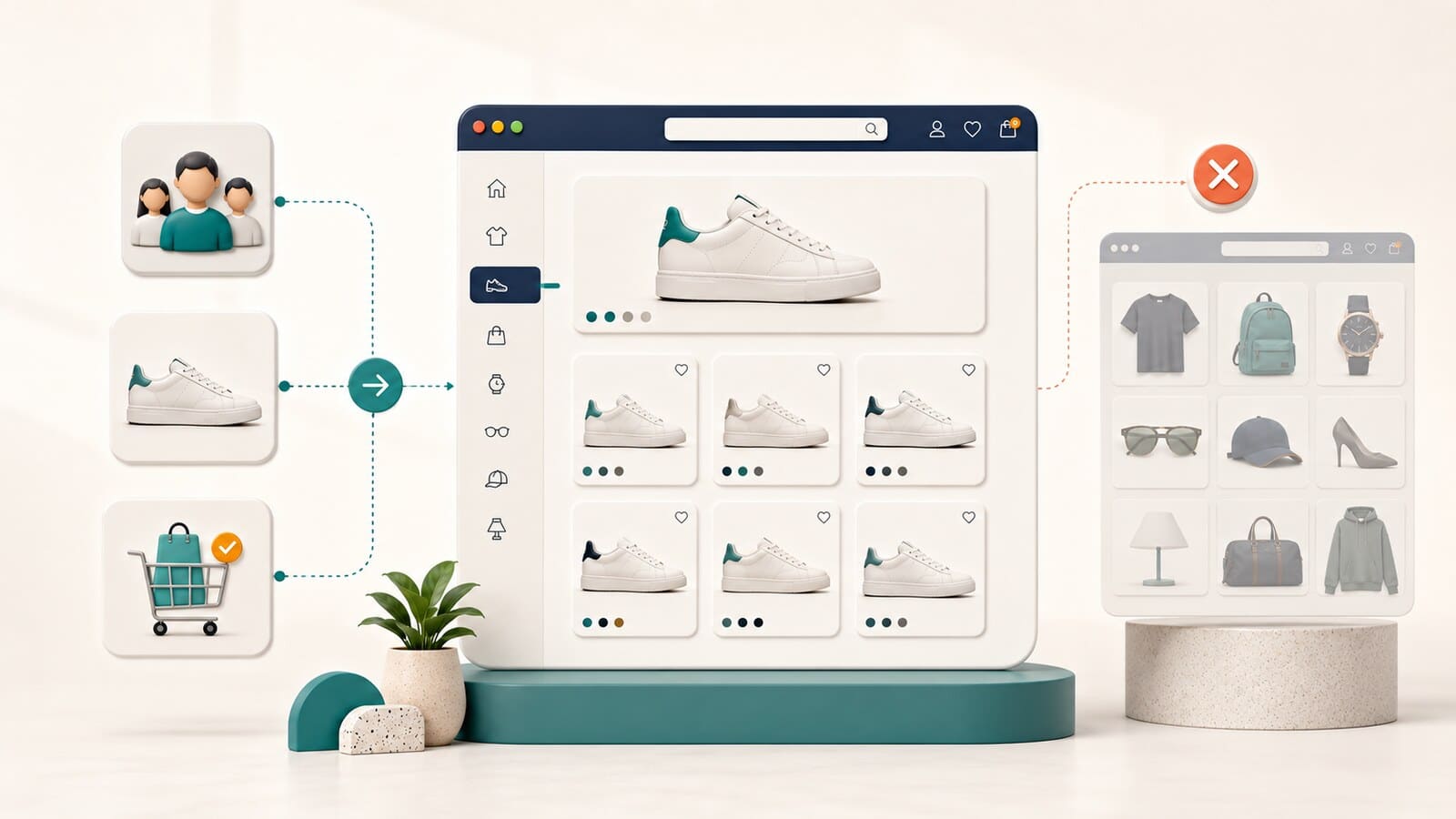
Every category should have one clearly distinguishable task. It should help a specific audience choose a defined product group for a particular need.
A practical way to test this is with one sentence:
This page helps [audience] choose [product group] for [specific task or need].
For example:
When two categories produce almost the same sentence, the boundary between them is probably unclear. This can confuse customers, divide internal-link signals, and create competition between pages with similar roles.
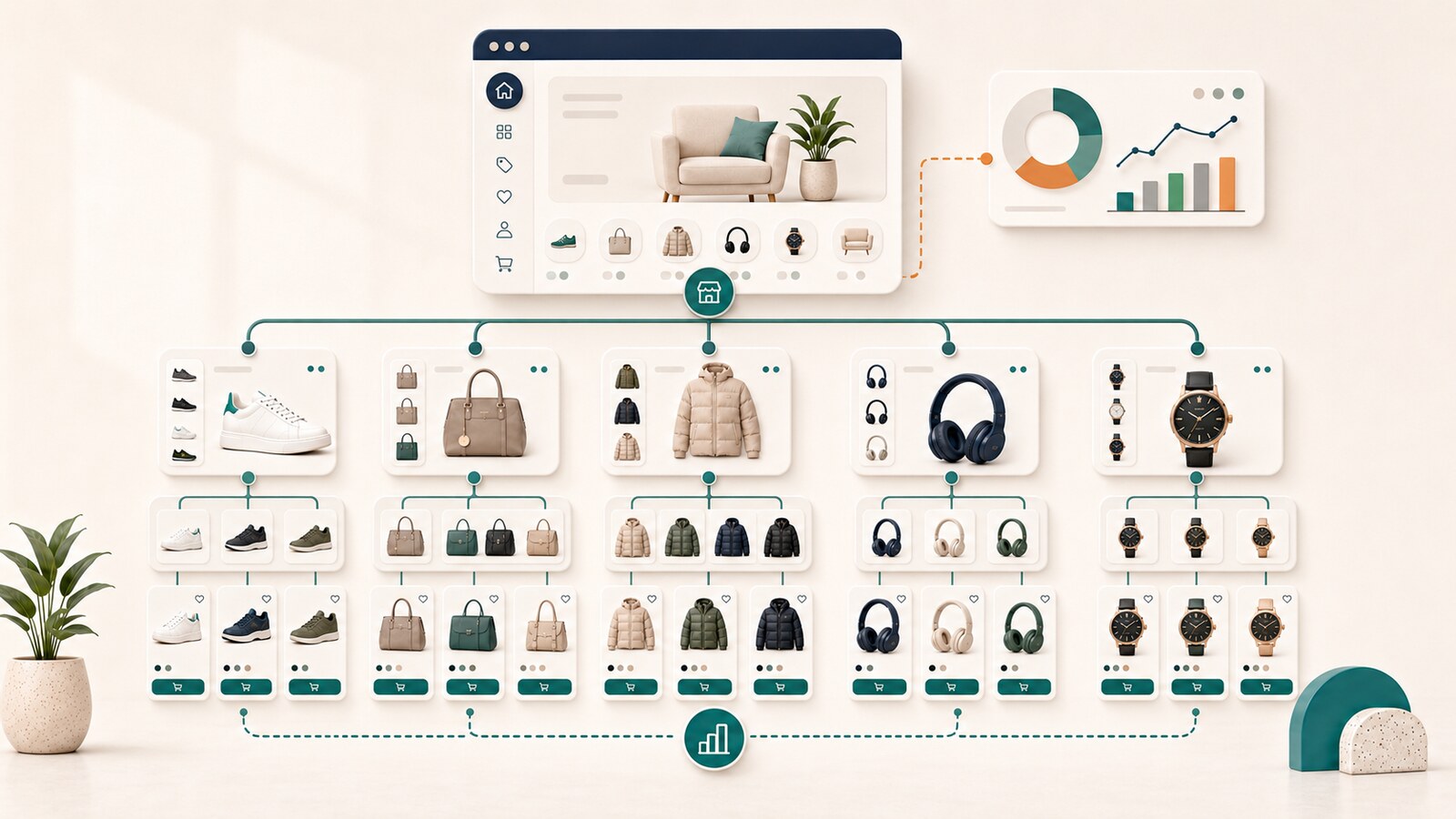
The structure of an online store determines whether a category should exist, where it belongs, and how it connects to the rest of the catalog.
Category-page SEO begins after that decision. It addresses questions such as:
If the category itself is unnecessary or duplicates another owner, improving the title, H1, and copy will not fix the core problem. The broader structural decision belongs to the guide on e-commerce site structure for SEO.
Keywords help reveal how people describe a need, but they should not be the sole basis for creating a category.
A useful category combines three elements:
When a page exists only because a separate phrase appears in keyword research, while the products and task overlap another category, the result is often a thin or repetitive page.
A more reliable sequence is:

A category page cannot be more useful than the products it displays. Before adding content, verify that the assortment supports the task.
Answer six questions:
When several answers are negative, the first priority is to correct the assortment or the category owner. Additional copy comes later.
The title, H1, and short introduction should describe the page clearly instead of repeating one phrase in every possible variation.
The SEO title should identify the main product group and, when necessary, an important differentiator. It should not collect brands, attributes, and synonyms only to include more keywords.
An effective title usually:
Google can create a title link from several page signals. A correctly completed field does not guarantee exact display, but consistent title, H1, and visible content reduce ambiguity.
The H1 should confirm the primary subject of the page. It does not have to copy the SEO title word for word, but both should describe the same owner.
A short introduction above the product grid should orient the customer without pushing the products too far down the page.
It can explain:
A few useful sentences are often enough. There is no universal minimum or maximum word count.
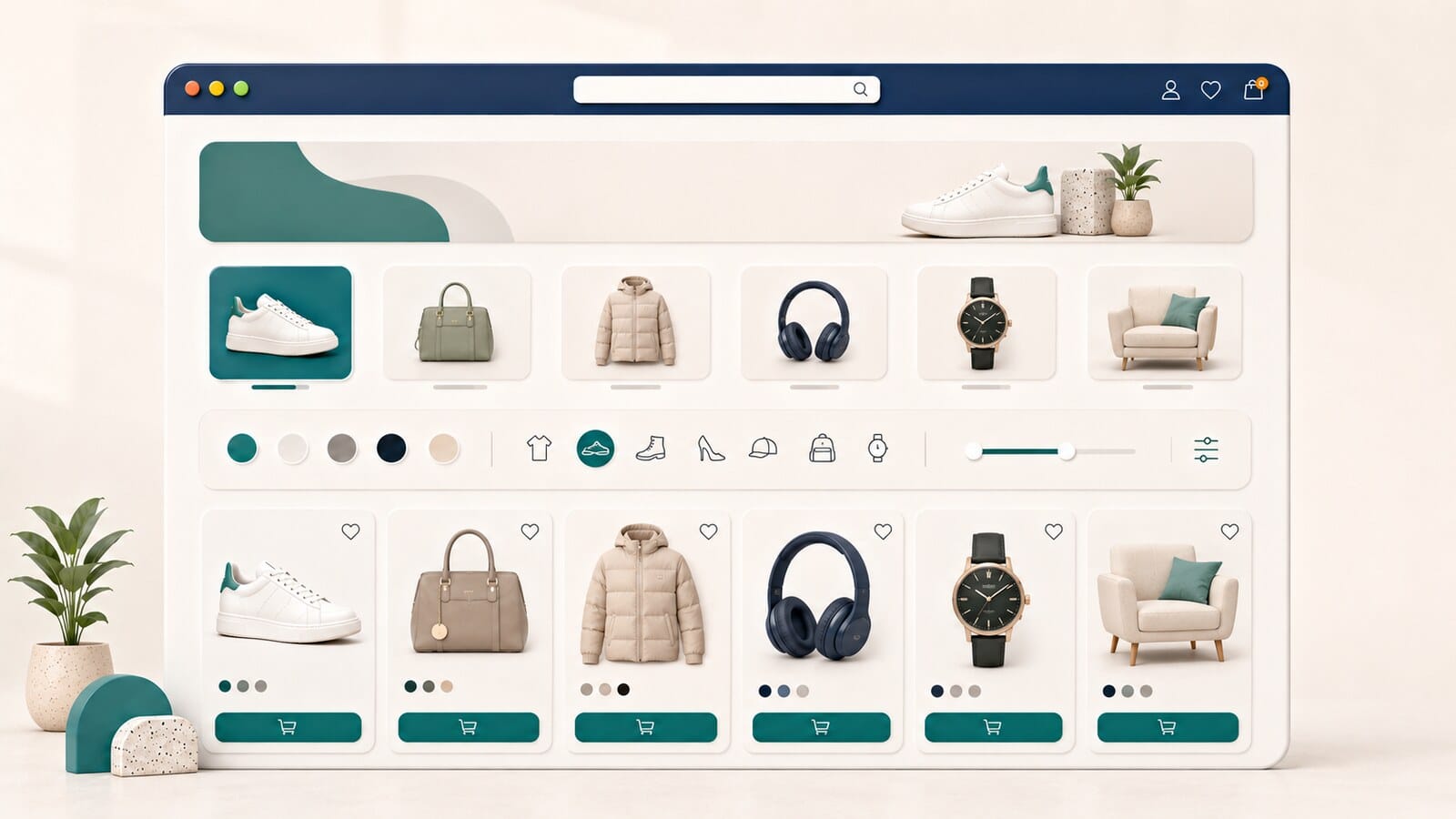
Content above the grid should help the customer begin the selection process. It should not turn the category into a long article before any products are visible.
Useful elements may include:
Not every category needs every element. The layout should reflect the complexity of the decision.
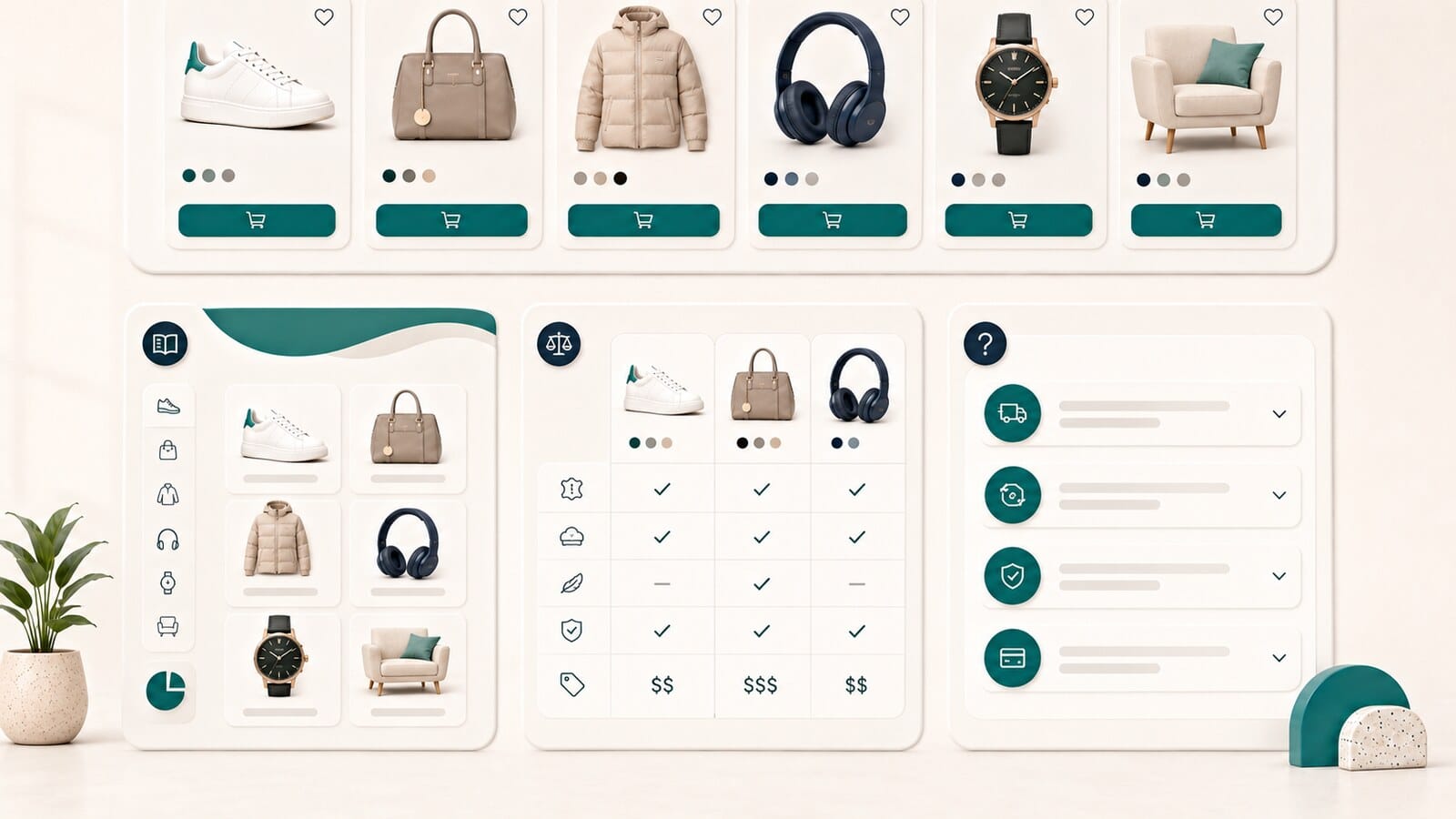
Deeper supporting content is often better placed after the products, once the customer has seen the available selection.
This area can include:
The content should be specific to the category. Generic paragraphs that can be pasted into dozens of pages add little value.
The category page should not try to solve every task by itself. Some support can be distributed through subcategories and related resources.
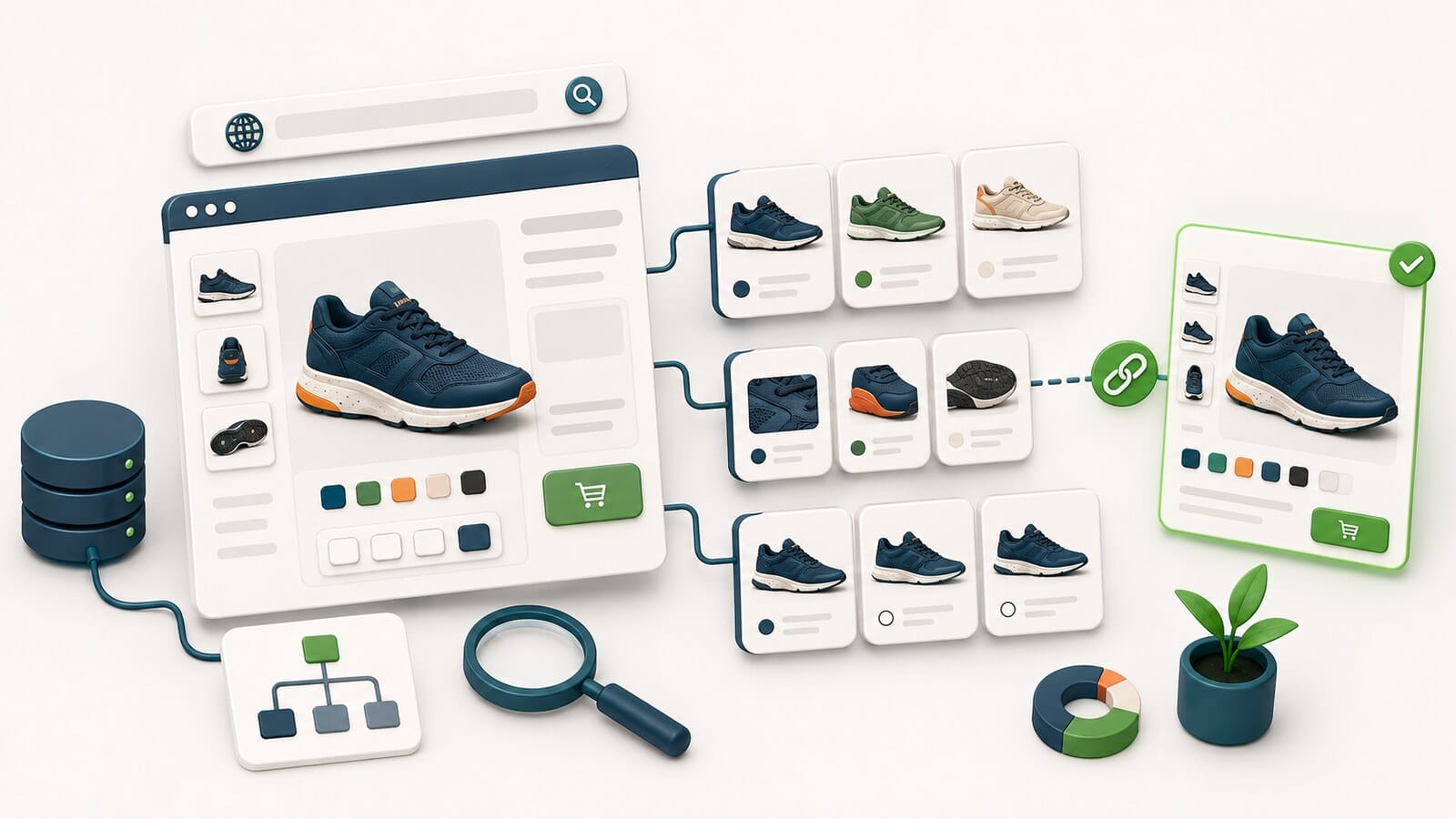
Show subcategories when they represent durable and understandable ways to choose. Do not hide them only inside a filter when customers use them as a primary browse path.
A guide is useful when the decision needs more explanation than the category page can provide without becoming overloaded. The category can include a short summary and a clear link to the full guide.
An FAQ is useful only when it answers recurring customer questions. Do not add questions merely to increase word count or repeat keywords.
Links to related categories are valuable when they help customers choose another product type or use case. They should not create circular linking between pages with no clear relationship.
A category with good copy but the wrong products remains a weak page.
Review:
Merchandising decisions affect usefulness even when they are not traditionally labeled as SEO.
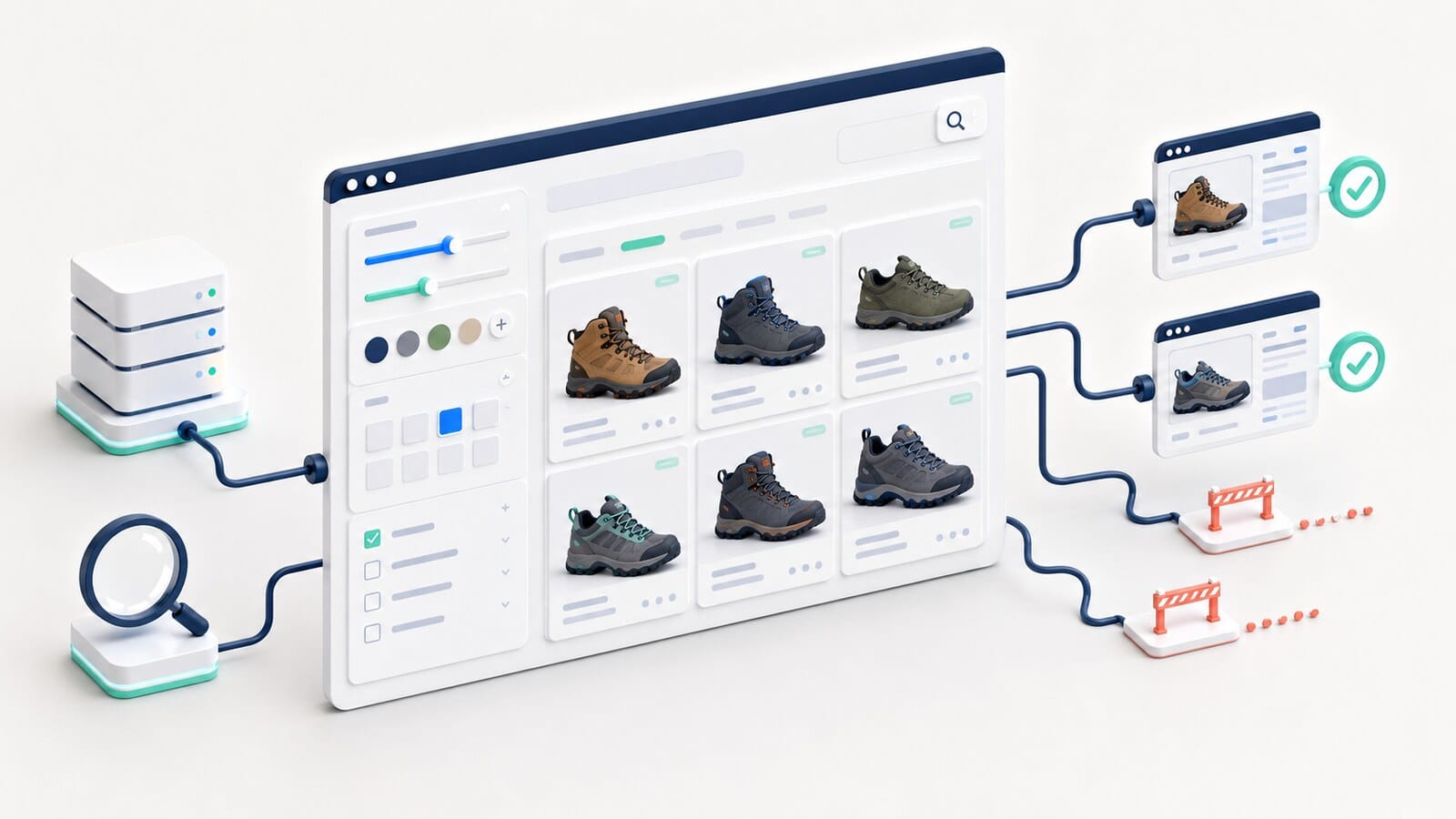
Sorting and filters should reduce the effort required to choose. They are not only technical controls.
Useful filters normally represent criteria customers actually use, such as:
Poorly designed filters can create more confusion than help. Warning signs include:
The decision about which filter combinations should have crawlable or indexable URLs belongs to the separate faceted-navigation strategy. The focus here is the usefulness of the category page itself.
A broad category can serve a general search but often requires clear subcategories, filters, and buying support.
A narrow category can be highly useful when it owns a distinct task and offers enough choice. The issue is not small size by itself, but the absence of independent value.
There is no universal minimum product count. The category should provide meaningful choice and have a clear role.
Seasonal categories need a planned lifecycle before they are created.
Decide:
A low-stock category does not always need to be removed immediately. First assess whether the task remains useful, whether stock will return soon, and whether relevant alternatives are available.
A page with one available item and dozens of unavailable products often fails to deliver its promise. The assortment, navigation, and product lifecycle then require review, not only the text.
Two categories may use different names while serving the same task.
Compare:
Possible actions include:
Do not begin by rewriting the copy while ownership remains unclear.
On a large store, fully optimizing every category by hand is not practical. Separate template-level elements from category-specific work.
These may include:
These include:
Correct template defects that affect many categories first. Then invest in individual work on the most important owner pages.
A category should receive links from logical places in the structure:
The category itself can link to:
Internal links should help customers continue the task, not become a mechanically added keyword list.
Do not evaluate a category only by its position for one phrase.
Useful indicators include:
No single metric proves success. Higher traffic with weaker product fit may create little business value.
Not every category requires the same level of attention.
| Priority | Situation | Reason |
|---|---|---|
| Critical | A high-revenue category displays the wrong assortment or serves the wrong intent | Directly affects choice, visibility, and revenue |
| High | Two important categories compete for the same task | Divides signals and confuses customers |
| High | A primary category has no subcategories, useful filters, or browse support | Customers cannot narrow the choice efficiently |
| Medium | A category has impressions but weak CTR or low product engagement | The page has potential, but its promise or usability is weak |
| Medium | A template defect affects many categories | One correction can have broad impact |
| Low | A small cosmetic copy change with no demonstrated effect | Limited business value |
Prioritize through a combination of revenue, traffic, intent mismatch, assortment problems, and defect scope.
Before considering a category optimized, confirm that:
One or two categories can be reviewed manually by an internal team. In a store with hundreds of categories, however, problems often repeat through templates, product data, navigation, and internal links.
Our e-commerce SEO service is appropriate when the full category set must be analyzed, priorities need to be established, and improvements must be implemented and measured as ongoing work.
When categories and templates are being planned as part of a new store or complete rebuild, see our e-commerce website design service.
There is no universal word count. The category should contain enough information to orient customers and support the decision without pushing products too far down or repeating generic phrases.
A short introduction and important browse options are often useful above the product grid. Deeper buying criteria, explanations, and FAQ content can appear below the products. The decision depends on the customer's task.
Yes, when the product set, title, H1, internal links, and overall usefulness are strong. This does not mean content is unnecessary, only that there is no mandatory formula.
There is no universal minimum. The page should offer meaningful choice and have a separate role from other categories.
No. Most filters only narrow the selection. Decisions about which combinations deserve crawlable or indexable URLs belong to the faceted-navigation strategy.
Assess whether the task remains useful, whether stock will return soon, and whether relevant alternatives can be offered. Do not remove or preserve the page automatically without a lifecycle decision.
Compare owner statements, product overlap, queries, titles, internal anchors, and ranking-URL behavior. If both serve the same task, they should be differentiated or merged.