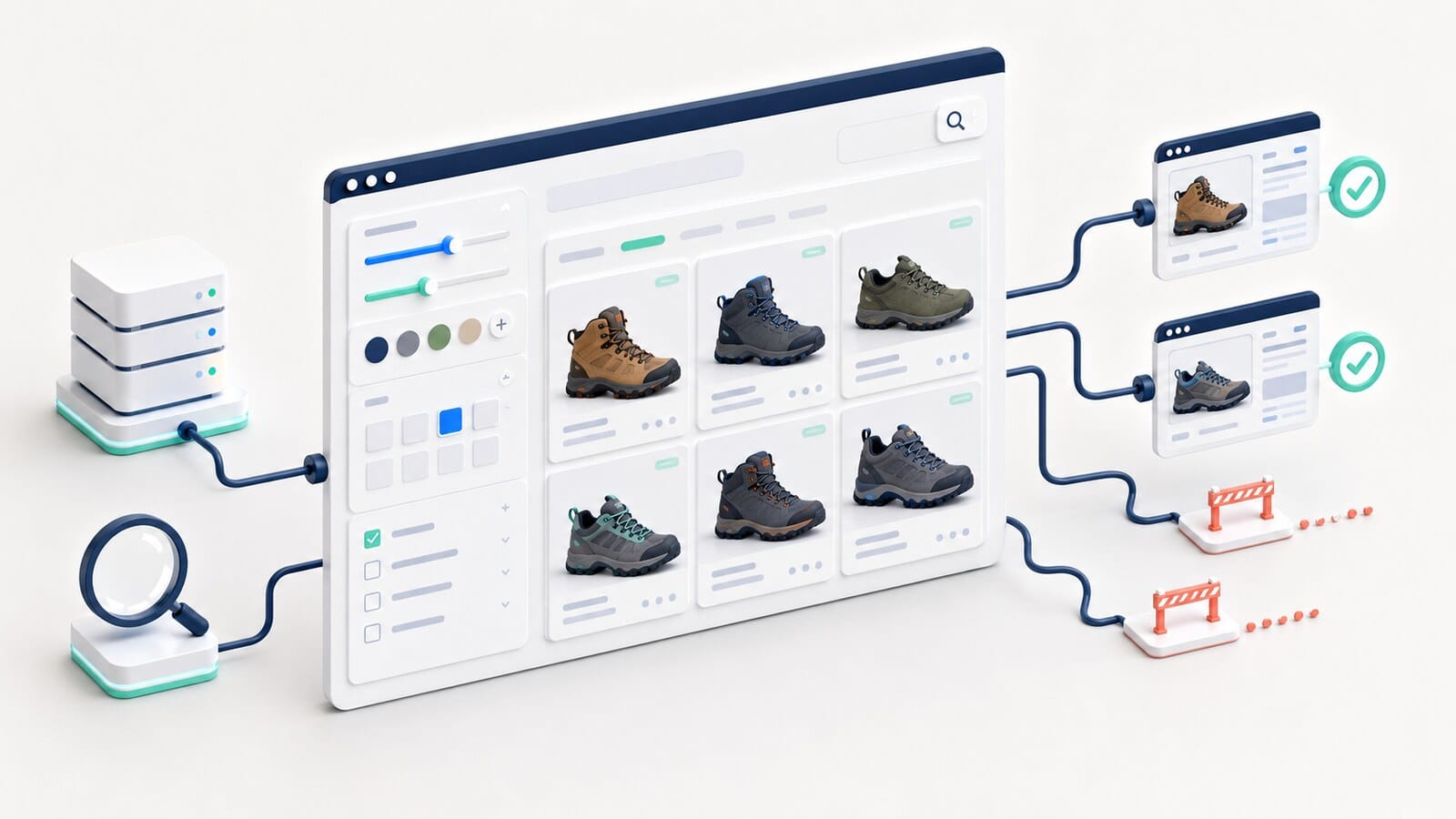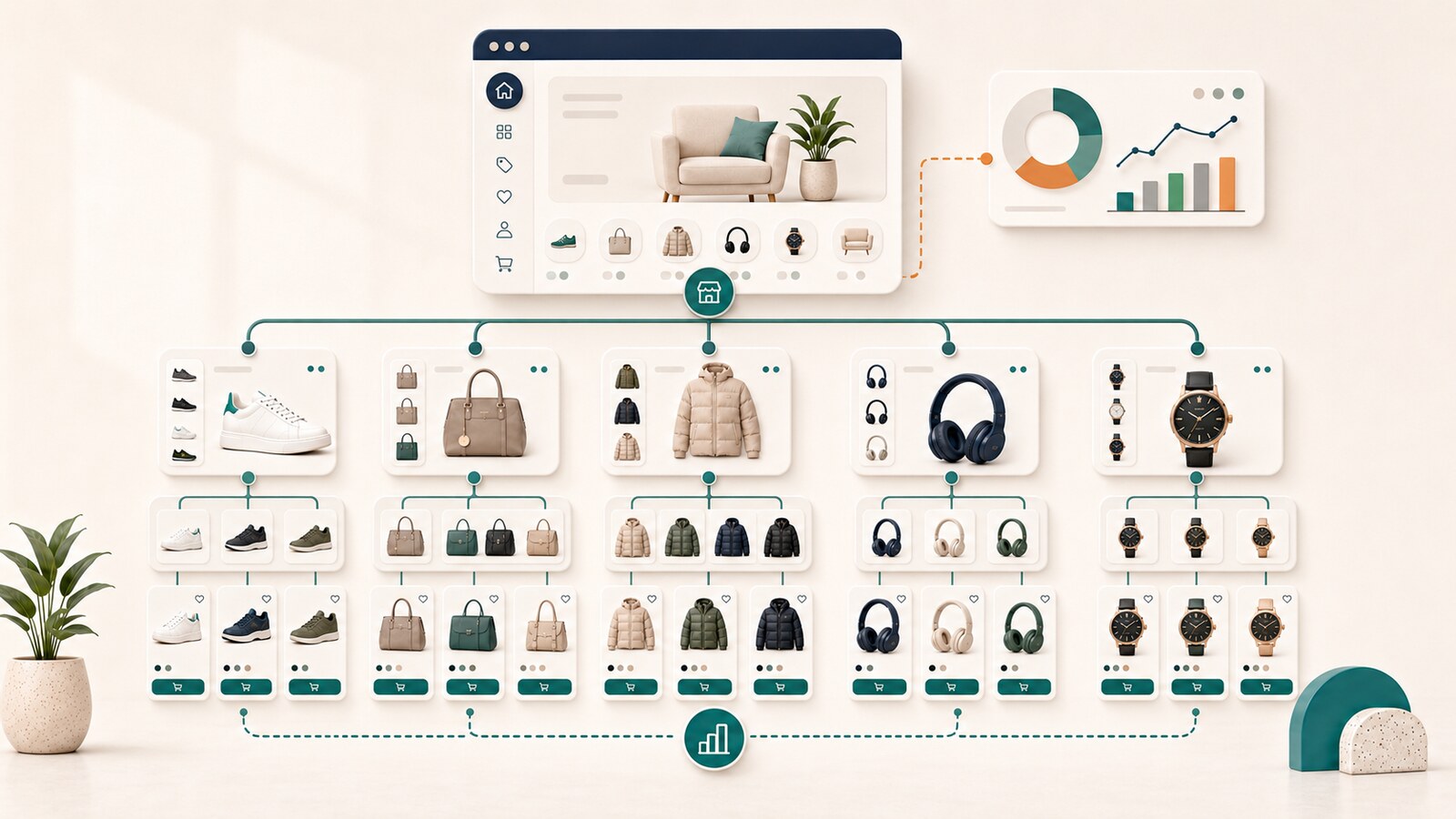
A product may have the correct price on its landing page, outdated availability in Merchant Center, and a different identifier in structured data. To a customer, this looks like a confusing offer. To Google, it is a conflict between several sources of product information.
The problem is rarely solved by only adding Product Schema or resubmitting the feed. The store needs one reliable source of product data and a clear process through which the page, structured data, and Merchant Center update consistently.
This guide explains how to organize that system, what to verify, and how to prioritize errors without mixing product-page content with the technical product-data layer.
These terms are often used interchangeably, but they serve different roles.
Product structured data is a machine-readable description added to a specific product page. It may include information about:
Google recommends merchant-listing markup for pages where a customer can purchase one specific product or variations of the same product. A category page containing many different products is not equivalent to a specific product offer.
Merchant Center is the system through which a merchant provides and manages product data for different Google surfaces, advertising opportunities, and free shopping listings.
Problems may include:
A feed is a structured data source that sends products to Merchant Center. It may be a file, API integration, automated source, or combination of methods.
The feed should not become a second independent database that operates separately from the website. The more disconnected and manually maintained sources exist, the greater the risk that one product will have different values in different systems.
The most important architectural decision is not which plugin generates Schema. It is where every value originates and who owns it.
For each critical attribute, you should be able to answer:
For example, price may come from an ERP or WooCommerce, appear visibly on the page, populate JSON-LD, and be sent to Merchant Center. When the feed also contains a separately maintained manual price field, a mismatch becomes possible.

A practical map may look like this:
| Attribute | Primary source | Page | Structured data | Merchant Center | Owner |
|---|---|---|---|---|---|
| Price | Product catalog | Visible offer | Offer.price | price | E-commerce manager |
| Availability | Inventory system | Status and purchase button | Offer.availability | availability | Operations |
| SKU | Product catalog | Visible when useful | sku | id or separate field | Product manager |
| GTIN | Manufacturer data | Specifications | gtin | gtin | Catalog team |
| Image | Media library | Gallery | image | image_link | Content team |
| Shipping | Shipping rules | Offer block | Shipping details | Settings or product attribute | Operations |
| Returns | Policy system | Visible policy | Return policy | Merchant Center settings | Management |
The table is not documentation for its own sake. It shows where inconsistencies can originate and who should correct them.
An offer is consistent when customers and systems see the same product, variation, and commercial terms.
The primary elements are:

Choose one real product and compare these four layers at the same time:
Compare these fields:
If the page displays a sale price while structured data or the feed contains the old regular price, the system is inconsistent. If the URL opens a blue variation while the image and SKU describe a black variation, the issue is even more serious because the product identity itself changes.
Price is one of the most sensitive attributes. It should be:
Common causes of mismatch include:
During diagnosis, first determine whether the error exists in the primary source, in the page transformation, or in the feed transformation. Do not correct only the final export while the source remains incorrect.
Availability must describe what the customer can actually purchase.
It is not enough for a product page to display "in stock" when:
out_of_stock;Different states should be distinguished:
The long-term URL decision for a discontinued product belongs to the separate owner for out-of-stock and discontinued products. The focus here is ensuring that data accurately describes the current state.

Identifiers help the same product be recognized consistently across systems.
The brand should be the actual product brand, not the store name, unless the store is genuinely the manufacturer or brand owner.
Use a GTIN only when it has been validly assigned by the manufacturer. Do not invent values to fill the field.
The MPN is the manufacturer's part number. It may be important when no GTIN exists or when product identity requires the manufacturer number.
The SKU is the merchant's internal identifier. It should remain stable and correspond to the correct product or variation.
For products with variations, the data must distinguish:
The decision about whether variations use one URL or separate URLs belongs to the product variations and SEO owner. The product-data layer must execute that decision consistently.
A critical defect occurs when one URL sends:
The primary image should represent the same product and variation sold on the landing page.
Check whether:
In April 2026, Google announced a future increase in the minimum Merchant Center image resolution to 500 × 500 pixels, with warnings during 2026 and enforcement from January 31, 2027. This does not mean 500 × 500 pixels is an ideal creative standard. The practical lesson is not to build a catalog around small images that are difficult to replace.
Shipping and return information may exist across several layers:
These layers should agree.
A problem exists when the page promises free delivery while Merchant Center receives a paid shipping charge, or when handling and delivery times do not match real operations.
In 2026, Google added new product-level shipping capabilities, including handling cutoff time and minimum order value. They should represent real business rules rather than create promises the store cannot fulfill.
Structured data helps Google understand the information on the landing page. The feed provides organized product data to Merchant Center.
They should not be treated as competing methods. In a well-organized store, they use the same source data and provide opportunities to verify each other.
When a conflict appears, investigate causes such as:
Valid markup means a page may be eligible for selected search presentations. It does not require Google to display them.
Do not evaluate success only by whether one query produces a rich result. Track:
This is a critical issue because it affects the offer itself. Check the source of truth, cache, variation selection, and feed refresh.
Check the URL, title, image, SKU, GTIN, item group, and selected state. This is an identity problem, not merely a missing field.
Do not replace a missing GTIN with an invented value. Verify manufacturer data and the rules for the specific product category.
Check accessibility, quality, product correspondence, and whether the image URL has changed or is blocked.
Verify whether the information is configured at the correct account or product level and whether it agrees with the website.
Recommended fields can improve completeness, but they should not displace critical issues involving product identity, price, and availability.
| Priority | Problem | Reason |
|---|---|---|
| Critical | Incorrect price, currency, or availability | The customer sees a different offer |
| Critical | Incorrect product or variation | Product identity is broken |
| High | Invalid identifiers or destination disapproval | The product may be restricted |
| High | Broken or mismatched image | The presentation is misleading |
| Medium | Missing shipping or return details | The offer is incomplete |
| Low | Recommended field with no direct impact | Optimize after critical issues |
Document where every critical field originates and who owns it.
Test at least:
When an error originates in the product catalog or ERP, the correction should begin there.
Use:
Price, availability, and promotions change frequently. They require automated or periodic monitoring rather than a one-time review.
Useful indicators include:
Do not confuse correlation with causation. More valid fields do not automatically guarantee more sales. The objective is for Google and customers to receive an accurate, complete, and consistent offer.

Professional work is justified when:
As part of comprehensive e-commerce SEO, product data should be evaluated together with store structure, category pages, product pages, and technical maintenance. When a new store is being developed, this foundation should be included in e-commerce website design rather than added after the catalog already contains thousands of inconsistent records.
No. Product Schema is structured data on the product page. Merchant Center is a platform for providing and managing product data. They should use consistent information, but they serve different functions.
The specific method depends on the Merchant Center setup and the size of the store. A large and dynamic catalog needs a reliable automated source that updates consistently.
No. Valid markup provides eligibility, but Google decides whether and how to display a richer presentation.
What matters most is that the visible page, structured data, and Merchant Center describe the same offer. The decision should not be framed as one method versus the other.
Correct price, availability, and product identity first. Then address identifiers, policy or destination disapprovals, images, and missing supplementary data.
Merchant-listing guidance is intended for pages representing one specific product or variations of the same product, not broad categories containing different products.
Product Schema and Merchant Center are not separate SEO checkboxes. They are parts of one product-data system.
A sustainable approach begins with one source of truth, clear ownership of attributes, and consistency between the page, structured data, feed, and actual purchase process. When those layers describe the same product, variation, and offer, diagnosis becomes faster, the risk of disapprovals is lower, and customers receive more reliable information.