Logo
SEO & Pricing

Internal Linking for SEO: How to Build a Clear and Useful Link Structure

Editorial illustration for Internal Linking for SEO: How to Build a Clear and Useful Link Structure
Published on: 25/07/2026
Modified: 20/07/2026

Internal linking is the system of links between pages on the same website. It helps users reach the next logical piece of information and helps search engines discover URLs and understand the relationships between them.

The problem is not solved by mechanically adding several links to every article. A useful system should answer five questions:

  1. Which page provides the link?
  2. Which URL does it point to?
  3. Why is that destination useful in this specific context?
  4. Which anchor text sets the correct expectation?
  5. What next step does the user receive?

When these questions have no clear answer, internal links can become an arbitrary network of anchors that helps neither the user nor the website.

What internal linking is

A link is internal when its source page and target page belong to the same website.

Examples include:

  • an On-page SEO guide linking to an SEO optimization service;
  • a service page linking to a detailed guide;
  • a product category linking to a relevant product;
  • one article linking to another article that explains a separate subproblem;
  • breadcrumb navigation connecting the current page to higher levels.

Internal linking works simultaneously as:

  • navigation for users;
  • a path for discovery and crawling;
  • context for the relationship between two pages;
  • a signal of which page matters within a specific topic;
  • a way to connect commercial and informational content;
  • a mechanism for reducing orphan pages;
  • part of URL maintenance when pages are changed, merged, or redirected.

What Google officially confirms

Google states that it uses links as a relevance signal and to discover new pages for crawling.

Its official recommendations include:

  • use a crawlable <a> element with an href attribute;
  • make sure the target resolves to a real web address;
  • use descriptive, reasonably concise, and relevant anchor text;
  • provide context through the words before and after the link;
  • give every important page a link from at least one other page on the website;
  • link important pages from other relevant pages;
  • point internal links to the canonical URL rather than a duplicate version;
  • do not pursue a magical ideal number of links on a page.

This does not mean that every internal link automatically improves rankings. The effect depends on the target page, context, page quality, crawlability, indexability, competition, and many other signals.

Internal linking, On-page SEO, and website structure

These subjects are connected, but they solve different tasks.

AreaPrimary questionTypical scope
On-page SEOHow is the individual page optimized?Content, title, H1, headings, images, and individual links
Internal linkingHow are pages connected as a link graph?Sources, targets, anchors, orphan pages, click paths, and maintenance
Website structureWhere do page types sit within the overall hierarchy?Levels, navigation, categories, hubs, and placement

Our existing On-page SEO guide discusses the internal link as one element of an individual page. This guide examines the whole website as a network of source and target URLs.

Internal and external links are not the same

Internal links connect pages within one website. Backlinks come from other websites.

The distinction matters:

  • the website owner controls internal links;
  • backlinks depend on external editors, websites, and platforms;
  • internal anchors can be planned according to page ownership;
  • external anchors often cannot be controlled;
  • internal linking is part of information architecture and navigation;
  • link building is an Off-page SEO activity.

Internal linking does not replace strong external signals. It also cannot make a weak or irrelevant page useful merely by sending it more internal links.

Main types of internal links

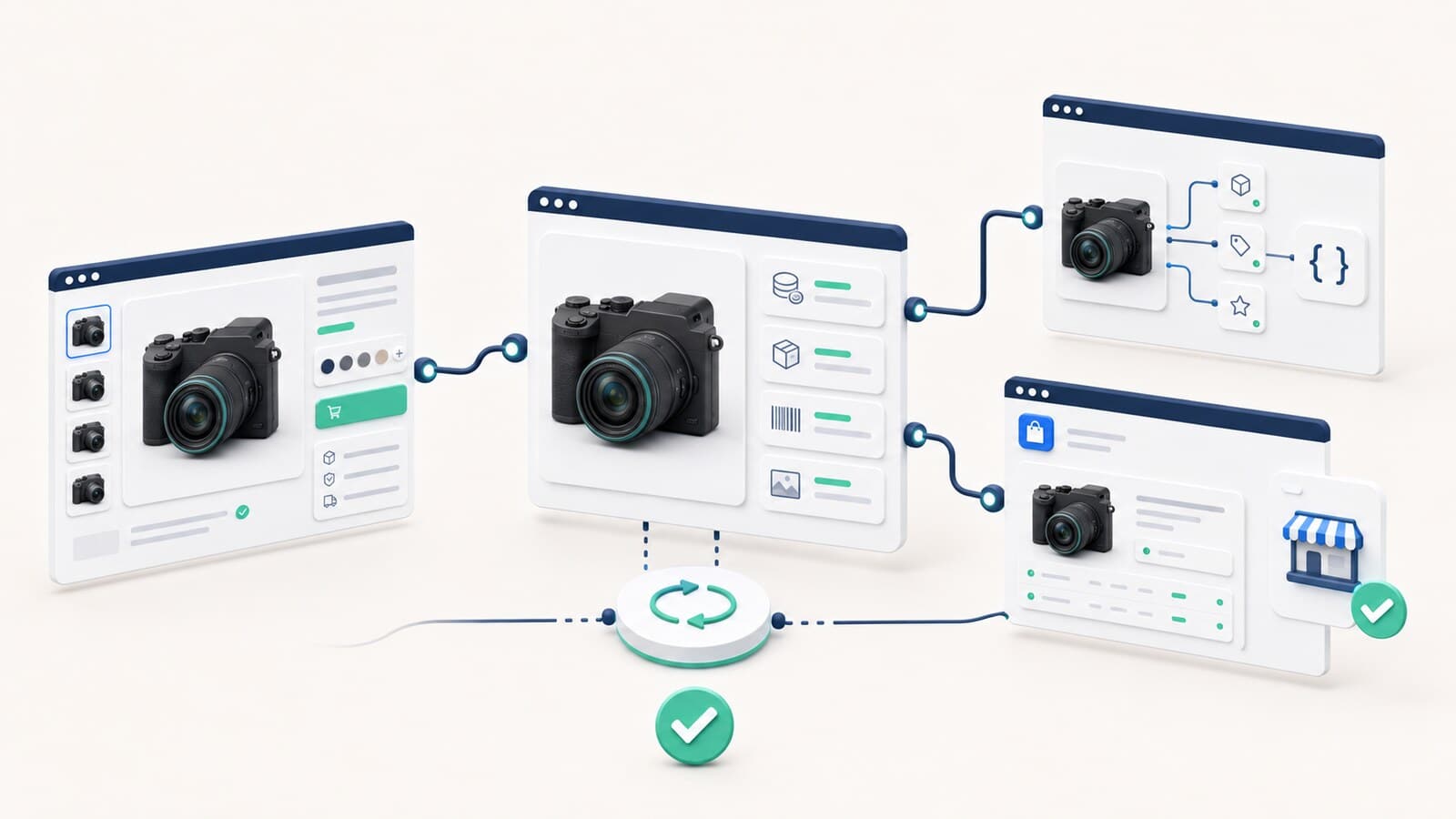
Visual guide to main types of internal links

Contextual links

Contextual links appear within the main content and continue a specific idea.

Example:

After the technical diagnosis, the corrections can be implemented as part of ongoing SEO optimization.

Contextual links are usually most useful when:

  • the target page answers the next logical question;
  • the anchor text describes the destination;
  • the surrounding sentence explains why the link is present;
  • the link does not interrupt the meaning of the paragraph;
  • the source and target do not duplicate the same task.

Primary navigation

The main menu provides consistent access to important sections and commercial pages.

It should not replace contextual linking. A page being present in the menu does not mean that a reader will understand when or why it is useful within a specific article.

Breadcrumb links

Breadcrumbs show the path to higher levels and help users return to a parent section.

They serve a different purpose from contextual links. A breadcrumb shows a structural relationship, while a link in the text shows an editorial relationship.

Related-content links

Related posts, recommended products, and related services can help when the selection logic is relevant.

An automated block that displays random or merely recent content is not necessarily useful. The targets should genuinely continue the reader's task.

Footer links

Footer navigation normally contains persistent service, legal, contact, and utility links.

It should not become a huge list of every SEO target. Excessive site-wide linking can blur the purpose of the navigation and make the page harder to use.

Image links

When an image is a link, Google may use its alt attribute as anchor text. A linked image should therefore have descriptive alt text that matches both the destination and the image itself.

How to make links crawlable

The most reliable format is a standard HTML anchor element with an href attribute:

<a href="https://example.com/target-page/">Descriptive anchor</a>

Be cautious with elements that look like links to the user but do not provide a crawlable destination in the HTML.

Check whether:

  • the page uses <a href>;
  • the target is a valid URL;
  • the link appears in rendered HTML;
  • the target is accessible without authentication;
  • the target returns the correct HTTP status;
  • an unintended nofollow attribute is present;
  • the target is indexable when it should participate in Search;
  • the link points directly to the final URL.

For JavaScript-generated links, use URL Inspection or inspect the rendered HTML to confirm that the anchor and destination are actually present.

Which URL should an internal link point to?

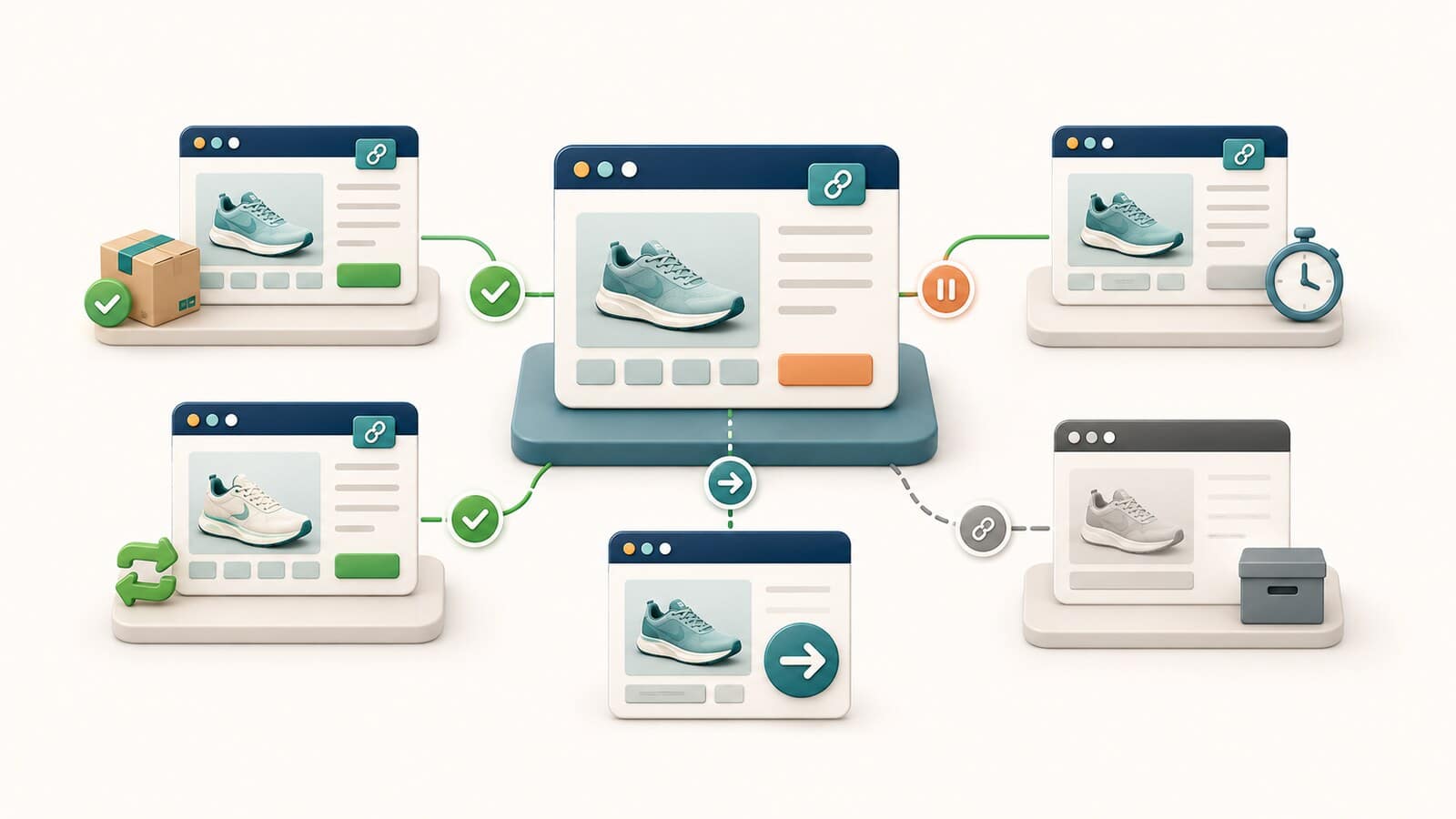
Visual guide to which URL should an internal link point to

An internal link should lead to the most relevant, active, and preferred URL.

A good target is normally:

  • the canonical page;
  • a URL returning HTTP 200;
  • the indexable owner when the page should rank;
  • the closest answer to the specific need;
  • the correct language version;
  • a destination without unnecessary tracking parameters.

Avoid:

  • links to redirecting URLs;
  • links to 404 or soft 404 pages;
  • links to duplicate versions;
  • parameter URLs when a clean canonical destination exists;
  • links to a broad page when a more precise owner exists;
  • links to unpublished or inaccessible drafts;
  • targets that do not fulfill the promise made by the anchor.

Google recommends linking internally to canonical URLs because consistent linking helps identify the preferred version.

How to write good anchor text

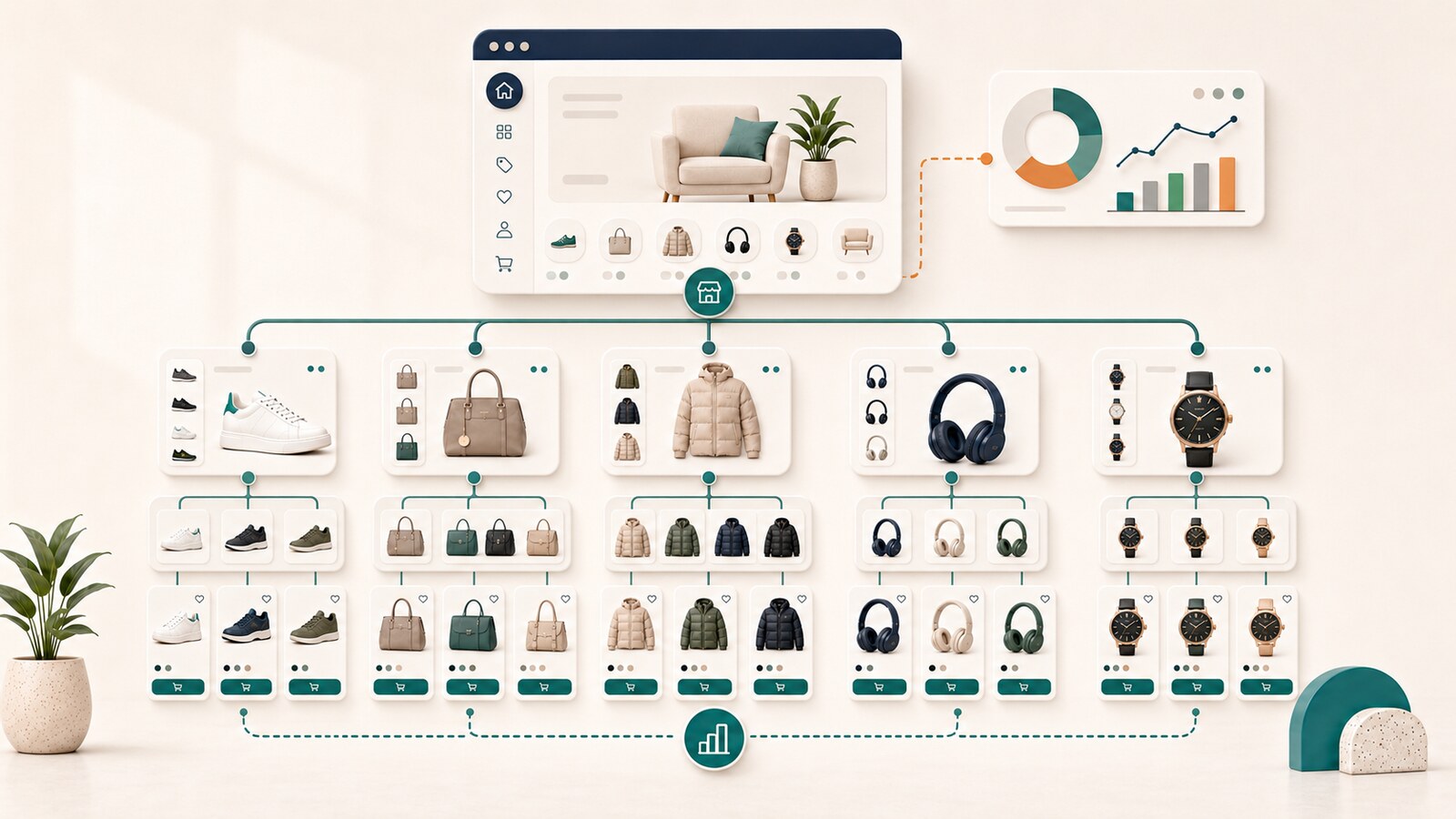
Visual guide to how to write good anchor text

Anchor text is the visible, clickable text of a link.

A good anchor is:

  • descriptive;
  • natural;
  • reasonably concise;
  • relevant to the source context;
  • relevant to the target page;
  • clear enough when read outside the complete sentence;
  • more informative than generic wording such as "here" or "learn more."

Example with a generic anchor:

For more information, click here.

A better version:

Technical and content problems can be identified through an SEO audit.

Does every anchor need to be different?

You do not need to force a unique anchor for every link.

It is natural for the same page to receive similar anchors when those anchors describe the destination accurately. Problems arise when:

  • the same anchor points to different competing URLs;
  • an anchor promises a topic the target does not cover;
  • a keyword phrase is inserted unnaturally;
  • every link is site-wide and has no contextual reason;
  • the anchor is so long that it becomes difficult to read.

Does the text around the link matter?

Yes. Google explicitly recommends paying attention to the words before and after a link.

The surrounding context should explain:

  • how the target continues the subject;
  • what the user will find there;
  • why the destination is appropriate at this point;
  • how it differs from the current page.

What is an orphan page?

Visual guide to what is an orphan page

An orphan page is a URL with no discoverable internal link from another crawlable page on the website.

The page may appear in an XML sitemap or have backlinks, but the absence of an internal link means that it is not part of the normal navigation and content graph.

Orphan pages often arise from:

  • a new page launched without planned incoming links;
  • removal of a category or menu;
  • a migration;
  • a URL change without updates to source pages;
  • a landing page created only for a campaign;
  • an old article that no longer belongs to a topic cluster;
  • an error in automated related-content logic;
  • a product page that cannot be reached through the category structure.

Is every orphan page a problem?

Not always.

Some utility, campaign, or internal-use URLs may intentionally sit outside the main link graph. If a page is expected to rank, attract organic traffic, or lead to a conversion, however, the lack of relevant incoming links is an important signal to investigate.

What is an underlinked page?

An underlinked page has at least one internal link but receives less or less relevant support than its role requires.

Examples:

  • a primary service page receives a link only from the footer;
  • an important topic-owner article is reachable from one old post;
  • a new commercial URL is not connected from related informational pages;
  • a page has many incoming links, but all come from irrelevant archives;
  • its anchors are generic and do not explain the target's task.

The number of links alone is not sufficient. Consider:

  • where they come from;
  • the context in which they appear;
  • the anchor text they use;
  • whether the source page is accessible and important;
  • whether the link is visible and crawlable;
  • whether the user has a reason to follow it.

Click depth without magical numbers

Click depth is an estimate of how many interaction steps are required to reach a target URL from the home page or another starting point.

A lower depth often improves access, but Google does not have a universal rule that every important page must be exactly two or three clicks away.

Evaluate depth according to:

  • page role;
  • user journey;
  • website size;
  • navigation model;
  • frequency of use;
  • commercial importance;
  • content cluster;
  • available contextual paths.

A page four clicks deep is not automatically a problem when the path is logical and the target is specialized. A money page reachable only through five arbitrary archives probably has an architecture problem.

How internal links indicate priority

Links should not be distributed equally across all URLs.

Different page roles need different types of support.

Page rolePrimary link needAppropriate source pages
Money pageCommercial context and trustRelevant guides, navigation, and related services
Topic ownerComplete thematic directionSupporting articles, glossary pages, and service pages
Supporting articleContext toward the owner and next stepOwner page, related articles, and category pages
Reference pageDefinitions and lookup pathsGuides, service content, and glossary entries
Utility pageFunctional accessNavigation or a specific workflow

Priority should not be determined by traffic alone.

Check:

  • business value;
  • user need;
  • ownership role;
  • search intent;
  • conversion function;
  • content quality;
  • freshness;
  • indexability;
  • dependence on other pages.

How to build an internal-linking system step by step

1. Inventory the important URLs

Group pages by role:

  • money pages;
  • informational owners;
  • supporting content;
  • categories;
  • products;
  • references;
  • utility pages;
  • redirects and retired URLs.

Without a page role, there is no reliable way to decide which pages should link to one another.

2. Assign a topic owner to each task

Each important topic should have one primary owner.

Other pages may:

  • mention the subject;
  • provide brief context;
  • link to the owner;
  • cover a separate subproblem.

They should not reproduce the entire task or send identical anchors to competing targets.

3. Define required incoming links

For every important URL, record which existing pages should support it.

For example, an SEO service page may receive links from:

  • an On-page guide;
  • a technical SEO guide;
  • a topical-authority guide;
  • an internal-linking guide;
  • audit-related resources;
  • an agency page when the context is choosing a provider.

4. Define required outgoing links

Every page should provide a logical next step.

An informational resource may link to:

  • a more detailed owner;
  • a prerequisite guide;
  • a related diagnostic page;
  • a commercial service when the reader needs implementation;
  • an official source.

5. Choose the source context

Do not insert the link into an arbitrary paragraph merely so that it exists.

The source context should contain:

  • a problem or question;
  • a brief explanation;
  • a reason for the destination;
  • a natural anchor;
  • a clear benefit.

6. Verify target quality

Before adding a link, confirm that:

  • the URL is final;
  • the status is correct;
  • the canonical is the expected one;
  • the content fulfills the promise;
  • the page is not a duplicate;
  • no more relevant target exists;
  • the language version is correct;
  • the URL contains no tracking parameters.

7. Check the two-way logic

A two-way link is not required for every pair of pages.

It is useful when:

  • the owner links to supporting detail;
  • the supporting page returns context to the owner;
  • a commercial page provides an educational resource;
  • a guide leads to the service as a next step.

Do not create reciprocal links merely for symmetry.

8. Document the decisions

Maintain a table for a repeatable process:

Source URLTarget URLAnchorReasonStatus
On-page guideSEO optimizationSEO optimizationExecution next stepPlanned
Internal-linking guideSEO auditSEO auditDiagnostic next stepImplemented

This limits arbitrary edits and supports future audits.

How to perform an internal-link audit

1. Crawl the website

Use a crawler, a CMS export, or another reliable source to collect:

  • internal inlinks;
  • internal outlinks;
  • status codes;
  • redirect targets;
  • canonical URLs;
  • indexability;
  • click depth;
  • anchor text;
  • source page types.

2. Compare the crawl with the sitemap and inventory

Look for:

  • sitemap URLs with no internal links;
  • internally linked URLs outside the sitemap when they should be canonical owners;
  • retired pages that still receive links;
  • important owners with too few relevant sources;
  • unexpected parameter destinations.

3. Review Search Console

The Links report shows:

  • top internally linked pages;
  • pages that link to a specific target.

This report is useful as Google's known view, but it should not be treated as a complete crawler or a real-time inventory.

4. Review anchor text

Group anchors by target URL.

Look for:

  • generic anchors;
  • inconsistent topic labels;
  • the same primary anchor pointing to competing URLs;
  • anchors that lead to redirecting URLs;
  • excessively long phrases;
  • links without context;
  • linked images with empty alt text.

5. Find orphan and underlinked pages

Compare:

  • the CMS inventory;
  • the XML sitemap;
  • crawl data;
  • analytics landing pages;
  • Search Console pages;
  • known campaign URLs.

A URL that appears in one source but is absent from the crawl graph requires investigation.

6. Review user paths

An SEO crawler cannot fully show whether a link is useful to a person.

Check whether:

  • the link is visible;
  • the anchor is understandable;
  • it appears after suitable context;
  • it leads to the expected page;
  • it helps complete the task;
  • it interrupts the reading experience;
  • the page contains too many competing calls to action.

Practical decision matrix

SituationDecisionReason
An important owner has no incoming linksAdd relevant contextual linksThe page should be part of the normal graph
A source mentions a topic but lacks a detailed answerLink to the ownerThe user receives a useful next step
A link points to a redirectUpdate it to the final URLThis reduces dependence on the redirect path
A link points to a duplicate versionPoint it to the canonical URLSignals become consistent
The anchor says "here"Use a descriptive anchorThe destination becomes clear
One anchor points to two competing URLsClarify ownership and change the targetsThis reduces contradictory signals
A page has many irrelevant linksRemove or replace some of themQuantity does not compensate for a missing reason
A related-content block is randomImprove the selection logicAutomation should follow relevance
A retired URL still receives linksUpdate all source pagesThis avoids chains and outdated paths
A link points to an unpublished draftRemove it until publicationUsers should not reach an inaccessible page

Internal linking for a new publication

Every new page should have a link plan before publication.

A minimum process is:

  1. Define the owner role.
  2. Select required outgoing links.
  3. Find at least one relevant existing source page for an incoming link.
  4. Review anchors and context.
  5. Confirm the final canonical URL.
  6. Add the links after the page is actually published.
  7. Crawl the page or inspect the rendered HTML.
  8. Update the link registry or content brief.

Publishing without incoming links often creates an orphaned or weakly integrated URL.

Internal linking during a migration or URL change

A redirect alone is not enough during a URL migration.

You should:

  1. Define the final target.
  2. Implement a direct permanent redirect.
  3. Update all important internal links.
  4. Update navigation, breadcrumbs, and related-content modules.
  5. Update the sitemap.
  6. Verify the canonical.
  7. Remove redirect chains.
  8. Crawl the website again.

Internal links should point directly to the new URL instead of relying permanently on the redirect.

Internal linking when content is merged

When two pages are merged:

  • select the primary owner;
  • transfer the unique and useful information;
  • redirect the retired URL to the closest equivalent;
  • update all internal links to the owner;
  • remove the old URL from the sitemap;
  • review anchors that may promise the old scope;
  • monitor query and landing-page data.

This is different from a full cannibalization diagnosis. The focus here is maintaining the link graph after the URL decision has already been made.

Should you use nofollow on internal links?

A normal editorial internal link does not need nofollow by default.

Nofollow should not be used as a standard method for sculpting internal signals or repairing poor architecture.

When a page should not be accessible, indexable, or primary, choose the solution that matches the real problem:

  • access control;
  • robots rules;
  • noindex;
  • canonical;
  • redirect;
  • removal;
  • navigation changes.

Do not use nofollow mechanically instead of making a clear URL-ownership decision.

How many internal links should a page have?

There is no universal correct number.

Google explicitly states that there is no magical ideal number of links on a page.

The appropriate number depends on:

  • the length and complexity of the content;
  • the number of logical next steps;
  • page type;
  • navigation requirements;
  • user intent;
  • cluster role;
  • available relevant resources.

A short service page may need only a few links. A complete reference guide may naturally contain more.

The practical test is:

Does every link have an independent reason, and does it help the user understand or do something next?

Common mistakes

Linking to every service page from every article

This turns informational content into a catalog and weakens contextual relevance.

Using the same exact anchor everywhere

Natural repetition is not a problem, but a mechanical template often sounds unnatural and ignores the source context.

Using different targets for the same task

When anchors point to competing URLs, the website creates its own unclear ownership signals.

Relying only on navigation links

Important pages may be accessible from the menu while remaining absent from relevant editorial contexts.

Linking to redirects

A redirect is a useful safety mechanism, but the internal graph should use the final destination.

Adding too many automated related links

Automation without relevance can create noise, repetition, and unsuitable next steps.

Opening every internal link in a new tab

This is rarely necessary and may disrupt expected navigation. The behavior should follow user experience, not an SEO myth.

Using a raw URL as anchor text without a reason

A naked URL may be suitable in a reference or citation context, but descriptive text is normally easier to understand.

Failing to maintain the link graph

New publications receive links while old pages are not updated. Over time, the graph begins to reflect publishing history rather than the current architecture.

How to measure the result

Do not evaluate internal linking through rankings alone.

Track:

  • orphan pages;
  • underlinked owners;
  • internal links to redirects and errors;
  • click depth;
  • anchor consistency;
  • crawl frequency as an observation, not a guarantee;
  • target-page indexability;
  • Search Console Links data;
  • landing-page visibility;
  • user navigation toward the next step;
  • conversions after an informational entry;
  • changes in the selected landing URL for important query groups.

A change in the link graph cannot always be isolated from content updates, technical fixes, and external signals. Record the date and exact scope of every significant edit.

How often should you audit internal links?

There is no universal schedule.

Appropriate moments include:

  • after a significant publishing wave;
  • after a migration;
  • after a redesign;
  • after merging or deleting content;
  • after changing navigation;
  • when a landing page changes without a clear reason;
  • when orphan URLs are discovered;
  • after adding many products or categories;
  • as part of ongoing SEO maintenance.

A small, stable website may need less frequent reviews. A large e-commerce website with constant changes requires more frequent monitoring.

Practical checklist

Before considering the internal-linking system complete, check:

  1. Does every important page have at least one relevant, crawlable incoming link?
  2. Does each source link to the most relevant owner?
  3. Are anchors descriptive and natural?
  4. Does the surrounding context explain the destination?
  5. Does the same primary anchor point to competing URLs?
  6. Do links point directly to final canonical URLs?
  7. Are there links to redirects, 404s, or soft 404s?
  8. Are any important pages orphaned or underlinked?
  9. Are click paths logical for users?
  10. Do navigation and contextual links complement each other?
  11. Do new publications have planned incoming and outgoing links?
  12. Have retired URLs been removed from the internal graph?
  13. Do related-content modules show genuinely related pages?
  14. Do linked images have appropriate alt text?
  15. Are internal URLs free of tracking parameters?
  16. Have Search Console Links data and crawl data been compared?
  17. Are page owners and maintenance responsibilities documented?

Frequently asked questions

What is internal linking?

Internal linking is the system of links between pages on one website. It supports navigation, discovery, contextual relationships, and the integration of important pages into the broader site graph.

Are internal links a ranking factor?

Google uses links as signals for discovery and relevance, but there is no guarantee that adding a specific number of links will improve rankings. Links should be useful, crawlable, and contextually relevant.

How many internal links should an article have?

There is no universal number. Add links when the destination helps the user continue the task or understand the subject more fully.

Should every important URL have an incoming link?

Google recommends that every page you care about have a link from at least one other page on the website. Important owners may reasonably have more than one relevant path when those paths are useful.

What is an orphan page?

It is a page with no discoverable internal links from other crawlable pages. It may appear in the sitemap or have external links, but it is not part of the normal internal graph.

Do I need exact-match anchor text?

No exact-match formula is required. The anchor should describe the target naturally and accurately. Forced keyword stuffing in anchors is not a useful goal.

Should I link to the same page several times from one URL?

Only when each link has a separate user reason. Repeating the same target in nearby paragraphs rarely adds value.

Are links to redirects harmful?

They usually work, but internal links should be updated to the final destination. This reduces chains, maintenance, and reliance on old URLs.

Is Search Console sufficient for an internal-link audit?

No. The Links report is useful, but it should be combined with a crawler, CMS inventory, sitemap, status-code data, canonical data, and a manual review of user paths.

When professional analysis is needed

On a small website with only a few pages, corrections may be made manually. On a large website, internal linking requires simultaneous evaluation of:

  • page roles;
  • ownership;
  • the crawl graph;
  • redirects;
  • canonical targets;
  • anchors;
  • orphan pages;
  • click depth;
  • conversion paths;
  • content lifecycle;
  • the maintenance process.

When ongoing execution, editing of existing pages, and maintenance of the link graph are required, this work belongs within our SEO optimization service.

When the first task is to identify orphan pages, broken links, redirects, conflicting targets, and architecture problems, an SEO audit is the appropriate starting point.

Sources

Official Google documentation

Sources reviewed on July 15, 2026.

Гласувай
crosschevron-down