Logo
SEO & Pricing

SEO Cannibalization: How to Find Competing Pages and Choose the Right Fix

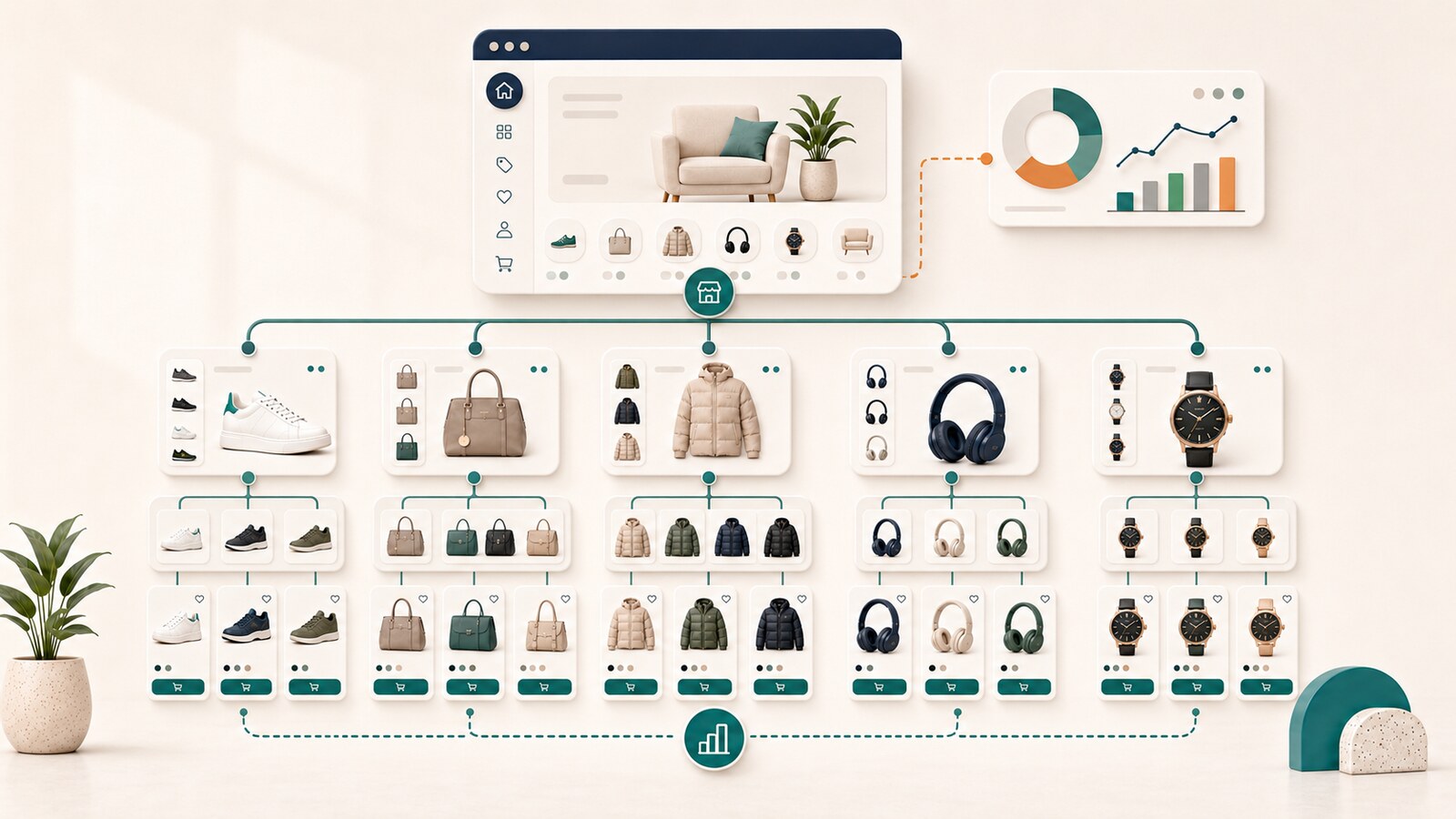
Editorial illustration for SEO Cannibalization: How to Find Competing Pages and Choose the Right Fix
Published on: 22/07/2026
Modified: 20/07/2026

SEO cannibalization occurs when two or more URLs on the same website try to perform the same task, or strongly overlapping tasks, making it harder for Google, users, or the business to recognize which page is the primary one.

The problem is not simply that two pages contain the same keyword. A website can naturally have several URLs that appear for related searches. The real risk begins when the pages have nearly identical search intent, a similar page type, competing internal signals, and no clearly defined role.

The most important question is not:

Do two URLs rank for the same keyword?

It is:

Do these URLs perform separate tasks, and does the website clearly show which one is the primary answer for each task?

This guide provides a practical process for distinguishing real cannibalization from normal overlap and choosing between keeping, reworking, merging, canonicalization, noindex, and a permanent redirect.

What SEO cannibalization means

Cannibalization is a problem of topic ownership and user-task ownership.

It can occur when:

  • two service pages offer nearly the same solution;
  • two articles answer the same question;
  • an old and a new version of a guide remain active at the same time;
  • a category, tag archive, and article target the same informational search;
  • several local pages have nearly identical content and an unclear local purpose;
  • internal links use the same anchor text for different pages;
  • a new URL is created without defining what it owns and what it must not own.

In these situations, Google may show a different URL depending on the query, timing, device, or other signals. The change alone does not prove there is a problem, but it is a reason to check whether the pages have sufficiently clear boundaries.

Is cannibalization a Google penalty?

It should not be described as a separate automatic "cannibalization penalty."

Google's official documentation addresses related technical situations through:

  • canonicalization;
  • duplicate or very similar URLs;
  • internal linking;
  • redirects;
  • Google's selection of a canonical URL;
  • the quality and usefulness of individual pages.

"SEO cannibalization" is a practical industry term for unclear distribution of responsibility between URLs. The negative effect does not come from using the same word. It comes from specific problems such as:

  • the wrong page appearing for an important query;
  • internal and external signals being divided between similar URLs;
  • users landing on a weaker or less suitable answer;
  • content being maintained in several places and becoming inconsistent;
  • the website having no clear primary URL for the topic.

Do not make structural changes simply because an SEO tool shows two pages for one keyword. First prove that the overlap is real.

What is not necessarily SEO cannibalization

Two URLs appear for a broad query

Broad searches can have mixed intent. A search for "SEO," for example, may show a homepage, service page, glossary, or guide. This is not automatically a problem when each URL serves a different task.

A service page and an informational article cover related topics

An SEO audit page can appear for commercial searches, while an article about diagnosing cannibalization can appear for informational and diagnostic searches. The topics are related, but the roles are different.

Google shows two results from the same domain

Two results can help the user when they complement each other. The problem begins when the URLs exchange the same role or lead to nearly identical content.

A branded query shows several official pages

For a brand search, it is normal to see the homepage, contact page, services, or profiles. This does not mean that the pages are competing incorrectly.

Temporary URL switching after a change

After an edit, redirect, internal-link update, or recrawl, Google may temporarily change the URL it displays. The assessment should cover a meaningful period and account for the changes that were made.

Cannibalization and duplicate content are not the same

The two situations can overlap, but they are not identical.

Duplicate content means that identical or nearly identical content is available through more than one URL. Common causes include parameters, print versions, sorting options, technical copies, or different paths to the same product.

SEO cannibalization can exist even when the text is different. It is enough for the pages to perform the same task and compete to be the primary result for the same users.

Example:

  • /seo-services/ describes ongoing monthly SEO execution;
  • /seo-optimization/ also describes ongoing monthly SEO execution for the same audience, process, and request-for-proposal action.

The copy may be different, but the commercial intent is nearly identical. This is ownership overlap, not necessarily technical duplicate content.

Conversely, two parameterized URLs may display exactly the same product. That is a canonicalization problem, but not necessarily a separate content-strategy conflict.

Why cannibalization happens

Publishing without checking existing pages

A new article is created for every new keyword variation without checking whether an existing URL already owns the task.

Treating the keyword as equal to search intent

Two phrases can look different but require the same type of result. Conversely, one keyword can have informational, commercial, and navigational intent.

The detailed process for identifying the task is covered in our search intent guide.

Failing to manage old content

A website publishes a new version of a guide but leaves the old one active, indexable, and internally linked. Over time, both URLs begin receiving similar signals.

Dividing services according to internal company logic

A business may consider two services different, while users and the search results see them as the same solution. Internal organizational structure alone is not a sufficient reason for separate landing pages.

Giving archives, tags, and categories too much SEO responsibility

An archive page may begin appearing for a topic that should belong to a dedicated guide. This does not always require noindex, but it does require a review of the content, internal links, and the archive's role.

Internal anchors send conflicting signals

When different pages receive links with nearly identical anchor text, the website itself suggests that more than one URL is the primary page for the topic.

Migrations and redesigns leave old URLs active

The new page is published, but the old address is not redirected, internal links are not updated, or the sitemap continues to include both versions.

Signals that require investigation

Visual guide to signals that require investigation

None of the following signals proves cannibalization on its own. The problem becomes more likely when several appear together.

Google changes the URL for the same query group

Page A appears one month, then Page B, and later Page A again, without a clear change in the user's task.

The wrong page receives impressions

For example, an informational article appears for a query that indicates readiness to hire a provider, while the service page remains less visible.

Two URLs have nearly identical titles, H1s, and main sections

Similar elements do not prove cannibalization on their own, but they suggest that the boundary between the pages may be weak.

The old page loses visibility after a new page is published, without overall growth

The new URL does not add coverage. It only divides the visibility that already existed.

Internal links are distributed without a clear logic

One part of the website points to Page A for the topic, while another points to Page B using similar anchors.

The pages exchange query groups

A service page starts appearing for definition-focused searches, while a general article appears for pricing and hiring queries.

Google selects an unexpected canonical

For similar pages, URL Inspection may show a Google-selected canonical that differs from the declared one. This is a technical signal that should be assessed separately from intent overlap.

How to find cannibalization step by step

Visual guide to how to find cannibalization step by step

1. Define the task, not only the keyword

Write down what the user wants to achieve:

  • learn;
  • compare;
  • choose a provider;
  • buy;
  • solve a technical problem;
  • reach a specific page.

Then identify which URL should be the primary answer.

2. Review the current search results

Check which page types dominate the important queries in the correct market and language.

Review whether:

  • service pages or informational resources dominate;
  • the search has mixed intent;
  • results are broad or specialized;
  • there is local, product, or news context;
  • your URLs can genuinely perform the task.

3. Analyze Google Search Console data

In the Performance report:

  1. select an appropriate date range;
  2. filter by a query or a group of related queries;
  3. open the Pages dimension;
  4. compare clicks, impressions, CTR, and position by URL;
  5. repeat the review for each page and its query groups;
  6. compare periods before and after important changes.

Google explains that the Performance report can group data by Queries and Pages. This helps reveal which URLs receive visibility for a topic, but the data must be interpreted carefully because the aggregation methods differ.

4. Check whether the URLs have the same type and purpose

Compare:

  • page type;
  • H1 and primary promise;
  • audience;
  • user stage;
  • primary action;
  • H2 and H3 topics;
  • product, service, or problem owned by the page;
  • conversion path.

When two pages have the same type, address the same audience, and lead to the same action, the risk is higher.

5. Compare their real usefulness

Check whether each page adds independent value.

Different wording is not enough. The pages must solve different tasks or clearly justified parts of a larger task.

6. Review internal links and anchor text

Determine:

  • how many internal links each URL receives;
  • which important pages provide them;
  • which anchors they use;
  • whether the intended owner is orphaned or weakly connected;
  • whether the sitemap, breadcrumbs, and navigation point to the correct version;
  • whether old links still point to a URL that should be retired.

7. Check canonical and indexability signals

For similar or duplicated URLs, review:

  • user-declared canonical;
  • Google-selected canonical in URL Inspection;
  • robots directives;
  • HTTP status;
  • sitemap inclusion;
  • redirect behavior;
  • hreflang for language versions.

Google states that canonical is a signal for duplicate or very similar pages, not a universal substitute for clear information architecture.

8. Compare the business role

Even when two pages receive traffic, one may lead users toward the wrong next step.

Check:

  • which page generates inquiries or sales;
  • which page supports research;
  • which is the more suitable landing page;
  • whether either URL has important external links;
  • which version is maintained and updated;
  • which URL structure is more sustainable.

Practical diagnostic matrix

The following matrix is an internal practical model, not an official Google test.

CheckLow riskHigh risk
Search intentDifferentIdentical or nearly identical
Page typeDifferent and logicalThe same
Primary promiseComplementaryNearly identical
Conversion actionDifferent according to the taskThe same
Content coverageClearly dividedStrongly overlapping
Internal anchorsDistinguish the rolesIdentical anchors point to different URLs
GSC dataStable distributionFrequent URL switching without a clear reason
SERP fitEach URL fits its query groupThe wrong URL appears for the primary task
MaintenanceBoth URLs provide independent valueOne page is outdated or unnecessary

Real cannibalization is likely when high risk appears simultaneously across intent, page type, coverage, and ranking behavior.

Which fix is right?

Visual guide to which fix is right
SituationRecommended fixWhen it is appropriate
Two URLs solve different tasksKeep both and define clear boundariesEach has independent intent, type, and usefulness
Two URLs cover a similar topic, but their boundaries are unclearRework them and rebuild internal linkingBoth are necessary, but their promises and anchors overlap
Two resources solve one task, and one is strongerMerge the content and apply a permanent redirectThere is not enough reason to keep two active URLs
The same document is available through technical variantsCanonical or redirectThe pages are duplicate or very similar variants
A page is useful to users but should not participate in SearchNoindex after a separate reviewFor example, a utility or internal page without an independent search role
An old URL has been permanently replaced301 or 308 redirectThe content has moved and the old address will not return
The overlap is limited to individual wordsNo structural changeIntent, page type, and business role are different

When to keep both pages

Keep both when you can clearly complete this sentence:

Page A is for a user who wants _, while Page B is for a user who wants _.

For example:

  • SEO audit - the user wants diagnosis and a specific deliverable;
  • SEO optimization - the user wants ongoing execution;
  • SEO consulting - the user wants guidance for an in-house team;
  • search intent article - the user wants to choose a page type;
  • cannibalization article - the user wants to diagnose URLs that already compete.

After defining the boundary, update:

  • H1;
  • title and meta description;
  • opening promise;
  • main sections;
  • CTA;
  • internal anchor text;
  • inbound and outbound links.

When to merge pages

Merging is appropriate when:

  • the pages have the same intent;
  • one does not add independent value;
  • they alternate for the same queries;
  • internal links are divided;
  • maintaining two versions creates contradictions;
  • one strong resource can solve the task more completely.

Safe merging process

  1. Select the primary URL based on intent, history, links, conversions, and URL durability.
  2. Move only the unique and useful parts of the secondary page.
  3. Remove repetition and contradictions.
  4. Update the title, H1, and structure of the primary page.
  5. Apply a permanent server-side redirect from the retired URL to the closest equivalent.
  6. Update every internal link to point directly to the primary URL.
  7. Remove the old URL from the sitemap and other structural sources.
  8. Verify the redirect, canonical, and final HTTP status.
  9. Monitor GSC data and indexing after recrawling.

Google states that permanent redirects signal that the target URL should be canonical and should appear in search results instead of the old address.

When canonical is the right fix

Canonical is appropriate when pages are duplicate or very similar and must remain accessible for technical or user reasons.

Examples:

  • parameterized versions;
  • print versions;
  • the same product available through different technical paths;
  • content that must remain accessible at more than one address while one version is preferred for indexing.

Canonical is not a good fix when two independent pages have different content but compete for the same intent. In that situation, decide whether the pages should be differentiated or merged.

Google identifies redirects and rel="canonical" as strong canonicalization signals, while sitemap inclusion is a weaker signal. The signals should be consistent, including internal links to the preferred URL.

When noindex may be appropriate

Noindex is used when a page is needed on the website but has no independent role in organic search.

It should not be applied mechanically as a "cure" for every cannibalization case. First determine:

  • why the page exists;
  • whether it receives traffic and conversions;
  • whether it has external links;
  • whether its content should be moved;
  • whether a more suitable canonical or redirect exists;
  • whether the page should remain accessible to users.

Google does not recommend noindex as a method for selecting a canonical between pages on the same website. For duplicate or very similar URLs, canonicalization is the preferred approach.

Common scenarios

Two articles titled "What Is SEO?" and "SEO Guide"

If both provide a general introduction for beginners, they probably solve the same task. One complete owner is usually stronger than two similar articles.

A service page and an article about how the service works

They can remain separate when the article answers informational questions and the service page supports evaluation and inquiry. They need different openings, structures, and CTAs.

Old yearly versions

Articles such as "SEO in 2024," "SEO in 2025," and "SEO in 2026" may overlap when they repeat the same fundamentals with a changed year. The decision depends on whether each version has historical value. For an evergreen task, maintaining one current URL is often more useful.

A category page and a product page

They can appear for related product searches without cannibalization. The category supports choosing between products, while the product page covers a specific model. A problem can arise when the category is too narrow or the product page is optimized as a general category.

Two local pages

Local pages need a genuine geographic task, different evidence, a defined service area, and useful local information. Replacing only the city name does not create enough independent value.

A new page replaces an old page without a redirect

Both URLs can remain accessible and receive signals. If the change is permanent, redirect the old address and update every internal link.

How to check the result after a fix

Visual guide to how to check the result after a fix

After the change, monitor:

  • which URL receives impressions for the primary query group;
  • whether unwanted URL switching decreases;
  • whether the correct page type appears;
  • whether clicks and internal links consolidate;
  • whether Google selects the expected canonical;
  • whether redirect errors or chains appear;
  • whether important conversions remain stable;
  • whether new competing URLs emerge.

Do not judge the result by one keyword or one day. The required period depends on crawl frequency, traffic, and the scale of the change.

How to prevent cannibalization

Maintain a URL ownership map

Every important topic should have one primary URL and clear boundaries:

  • what it owns;
  • what it may mention;
  • which page receives delegated detail;
  • what it must not cover.

Check existing content before creating a new URL

Before writing a brief or drafting content, review:

  • active landing pages;
  • similar articles;
  • current Search Console queries;
  • search-result intent;
  • internal links;
  • whether the new topic could be a useful section in an existing owner.

Separate pages by task, not keyword variation

Different wording is not enough reason for a new URL. The new page should address a separate problem, audience, format, or action.

Plan internal links in advance

Define which pages will link to the new owner and which natural anchors they will use. Do not use the same primary anchor for several competing URLs.

Manage the content lifecycle

For every substantial update, decide whether the old resource should be:

  • updated;
  • merged;
  • archived;
  • redirected;
  • kept as a separate historical resource.

Monitor URLs, not only rankings

Priority query groups should be monitored together with the landing page Google selects. Visibility for the wrong URL may look successful in an aggregate report but lead to a weaker user and commercial outcome.

Frequently asked questions

Is it harmful for two pages to rank for the same keyword?

Not necessarily. Check whether they have different search intent, page type, and usefulness. A problem exists when they compete for the same task and the website does not show which URL is primary.

Is cannibalization a Google penalty?

It should not be described as a separate automatic penalty. It is an SEO diagnostic term for unclear responsibility between URLs. The actual effect depends on intent overlap, quality, technical signals, and internal linking.

Should I always delete the weaker page?

No. Possible fixes include differentiation, reworking, merging, canonical, noindex, or redirect. The choice depends on why the page exists and whether it has independent value.

Does canonical solve keyword cannibalization?

Only when the URLs are duplicate or very similar versions. Canonical does not replace the decision about which of two different pages should own the same intent.

How can I find competing URLs in Search Console?

Filter the Performance report by an important query or query group and open the Pages dimension. Then compare periods and review which URLs receive clicks and impressions.

What is URL switching?

It is a change in the URL Google displays for the same or a related query group. It may be temporary and normal, but frequent switching between pages with the same intent is an important diagnostic signal.

When is a 301 redirect necessary?

When the old URL has been permanently replaced and will not return. A permanent redirect sends users to the replacement and signals to Google that the target page should be used as canonical.

How long does it take to see the result?

There is no universal timeline. It depends on crawl frequency, website size, URL importance, internal links, and the type of change. Monitor indexing and query/page data instead of assuming a fixed number of days.

When professional analysis is needed

For a small website with two obviously similar articles, the decision may be relatively simple. For a large website or online store, however, the analysis must combine:

  • query and landing-page data;
  • page types and search intent;
  • canonical and indexability;
  • internal links and anchor text;
  • backlinks;
  • redirects;
  • conversions;
  • categories, filters, and parameters;
  • content lifecycle.

As part of an SEO audit, we identify which URLs actually compete, determine the correct owner for each task, and provide a prioritized plan for differentiation, merging, or technical correction.

When the diagnosis also requires ongoing implementation across content, structure, and internal linking, that work falls within our SEO optimization service.

Sources

Official Google documentation

Sources reviewed on July 15, 2026.

5/5 - (1 vote)
crosschevron-down